


When Self Ordering Kiosks Go Outdoors: Design That Actually Works
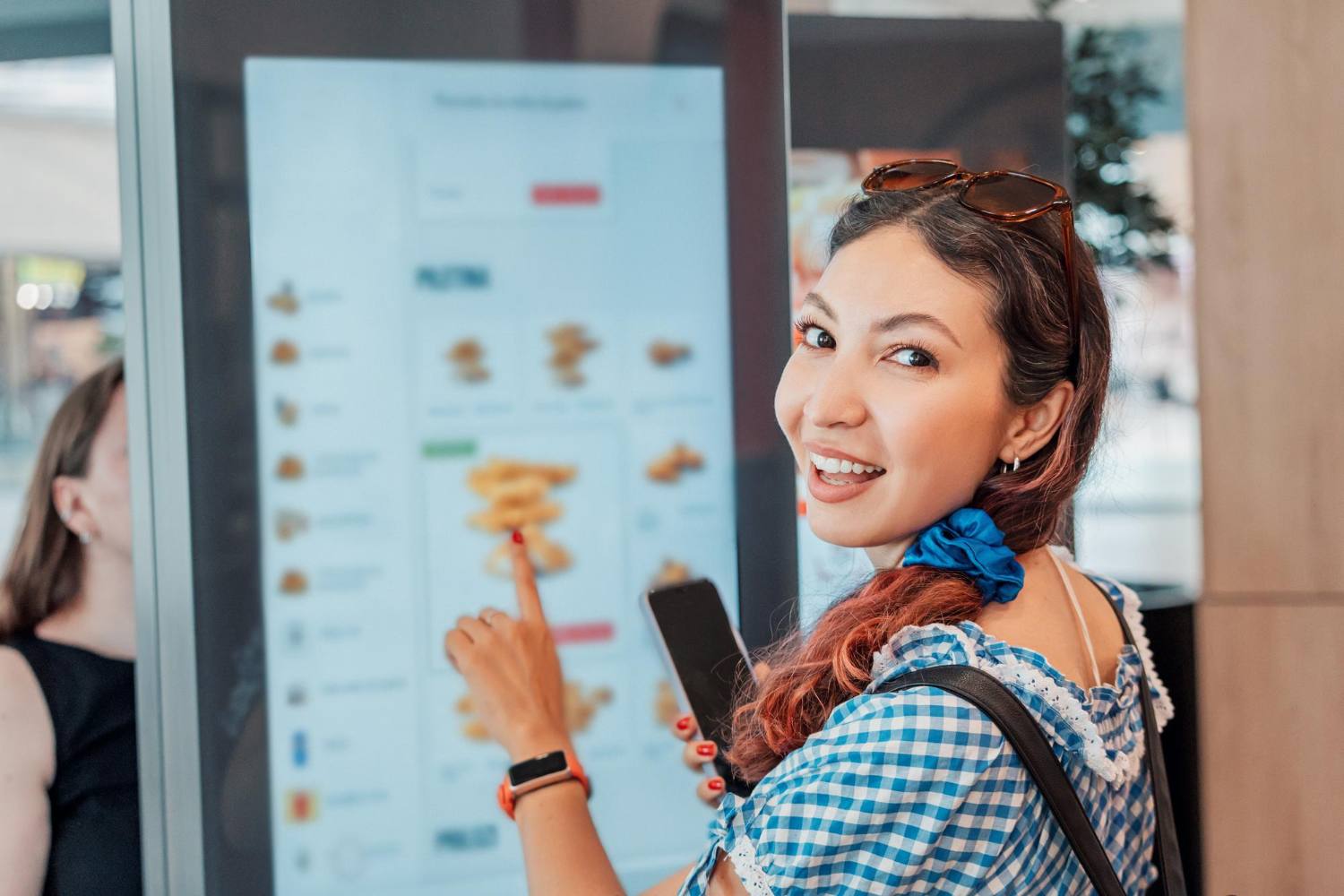
When Self-Ordering Kiosks Step Outside
Outdoor self-ordering is no longer a nice extra. For many operators, it is the only way to keep up with demand when the weather is good and guests want to stay outside. From coffee hatches and food trucks to garden terraces, forecourts and festivals, an outdoor self-service kiosk can turn underused space into a productive sales area.
The catch is that outdoors is unforgiving. Rain, glare, cold mornings, hot afternoons and crowds will quickly expose any weak points in design. This piece focuses on what actually works in real trading conditions: how to design, place and run an outdoor self-service kiosk so it is easy to use, robust enough for the weather and worthwhile for your team. It also touches on how it fits with EPOS, mobile ordering and the rest of your operation.
When operators get it right, outdoor kiosks can support faster throughput, higher average order values and staff who are free to focus on production and hospitality, not just pressing buttons. When you blend kiosks with your main EPOS and mobile ordering, you get one joined-up system instead of separate islands of technology that compete for attention and effort.
Designing for Real Weather, Not Showroom Conditions
Indoor kiosks operate in controlled conditions. Outside, everything changes. The design choices you make have a direct impact on uptime, guest experience and long-term cost of ownership.
Start with weatherproofing in practical terms. Look for enclosures that are properly sealed against dust and water, with ratings suitable for rain and splashes, not just the occasional drip. Effective venting and thermal management prevent screens and payment units from overheating or fogging up, which is a common failure point when the sun hits the glass.
Heat, cold and condensation are constant threats. Effective outdoor kiosk setups often include:
- Sunshades or hoods that block direct light and help keep screens cool
- Internal fans to move air and stop hotspots building up
- Heaters near payment devices and printers for cold mornings and nights
- Careful placement of vents so rain cannot run straight in
Screen visibility is another key factor. A glossy screen that looks good in a showroom can be unreadable in direct sun. For outside use, it pays to consider:
- High-brightness displays that stay clear on bright days
- Anti-glare or anti-reflective glass to reduce reflections
- Angling the screen so it avoids the worst of the midday sun through the year
Outdoor kiosks are also exposed to more physical impact. People lean on them, trolleys knock into them and late-night crowds can be rough on hardware. Impact-resistant housings, secure fixings and tamper-resistant locks are worthwhile investments. They help protect your equipment and keep it trading.
Cleaning is part of daily life too. Choose finishes that are easy to wipe, do not hold fingerprints and can handle regular disinfectant without fading or cracking. Simple flat surfaces with fewer gaps save time for staff and look better to guests.
Making Customer Journeys Work Outside the Four Walls
The moment you move ordering outside, your usual queue patterns change. Indoors you can rely on walls, counters and doors to guide people. Outside, you need to plan more deliberately.
Queue flow should be clear and simple. People should quickly see:
- Where to stand to start an order
- How the line moves, especially in open spaces
- Where to go once they have ordered and paid
If this is unclear, you get bunching, people cutting in and guests walking away. Light but sturdy queue barriers, painted lines or planters can help shape flow without feeling heavy-handed.
Signage matters even more outdoors. Use:
- Clear wording such as Order Here or Self Service
- Lighting so the kiosk is easy to spot at dusk and after dark
- Strong but clean branding so people know it is part of your venue
Accessibility is not just about basic compliance. Outside, you must allow for uneven ground, glare and noise. Aim for:
- Screen heights that work for most guests, including wheelchair users
- Card and contactless readers within easy reach
- Clear audio or visual prompts if the area is noisy
Menu design on an outdoor self-service kiosk should favour speed and margin. Long, complex menus slow everything down and increase decision fatigue. Many operators find it more effective to highlight:
- High-volume items
- Quick-serve options suitable for busy trading
- Time-of-day offers such as morning coffees or cold drinks in warm weather
This not only keeps queues moving but can also nudge guests towards higher-margin products and extras.
The payment and confirmation step also deserves attention. Guests need to feel sure their order went through. Use:
- Clear confirmation screens
- Obvious order numbers or names
- A simple message on where to wait and where to collect
Whether you provide printed receipts or digital ones, the main thing is that guests know what is happening next without needing to ask. That reduces pressure on staff and cuts the risk of duplicate orders or missed tickets.
Power, Connectivity and Security That Hold Up Outside
A high-spec outdoor kiosk that loses power or connection at the first sign of trouble is just an expensive sign. Getting the basics right upfront saves operational disruption and call-out costs.
Power should be planned, not improvised. Think through:
- Safe cable routes that avoid trip hazards and puddles
- Weatherproof sockets and boxes
- Surge protection to guard against power spikes
Consider what happens if power drops for a few minutes. Does the kiosk shut down abruptly, or does it handle a restart without corrupting orders or payment records? A controlled restart process reduces the risk of refunds, disputes and wasted product.
For connectivity, different sites suit different options. In simple terms:
- Wired Ethernet is usually the most stable but needs cabling in place
- Wi-Fi is flexible but can struggle with distance, walls and other networks
- 4G or 5G can work well for remote spots, pop-ups and festivals
However you connect, it helps to have local buffering or offline order queues so you can keep taking orders during short connectivity interruptions. Staff should know how to see which orders were taken during a disruption so no one is missed and no orders are duplicated.
Security outdoors has two parts: physical and digital. Physical measures might include:
- Secure mounting or anchoring so the unit cannot be easily removed
- Good lighting and camera coverage in the area
- Alarmed housings in higher-risk locations
On the digital side, payment and data security are just as important outside as inside. PCI-compliant payment terminals, encrypted links and central management of software updates all reduce risk compared with stand-alone setups that each need manual attention.
Turning Outdoor Kiosks into a Real Operational Asset
An outdoor self-service kiosk should improve how your team works, not just add another job. When it is integrated with your EPOS, payment system and kitchen, it becomes a useful operational tool rather than a separate channel to manage.
Staffing models often shift for the better. Instead of people tied to a till, you can have more team members on production, plating or guest care. The kiosk handles routine order capture; the team focuses on hospitality and quality.
Throughput is where these kiosks are particularly effective during peak times, for example:
- Pre-theatre or commuter rushes
- Stadium half-time waves
- Summer terrace surges when everyone wants drinks at once
If outdoor orders flow straight into the same kitchen screens, stock control and reporting as your indoor tills, you keep one version of the truth. There is no double counting, no separate stock for outside, and no split reporting to reconcile.
To judge whether the kiosk is delivering a return, track:
- Average order value
- Speed from order to collection
- Order accuracy and remakes
- Product mix shifts, such as more add-ons or higher-margin items
Over time, you will also see patterns by season, weather and time of day. This helps you adjust menus, staffing and opening times around real demand rather than guesswork, protecting margin and reducing wasted labour.
Maintenance keeps return on investment healthy over the long run. Simple routines help, such as:
- Daily cleaning of screens, payment devices and shrouds
- Quick visual checks for damage or loose parts
- Weekly deeper inspections of vents, seals and fixings
Remote monitoring, where available, lets you see if a kiosk is offline, low on printer paper or experiencing repeated errors. Fixing small issues early is usually far cheaper than emergency call-outs and lost trading time later.
Choosing Sites and Using Outdoor Kiosks Strategically
Outdoor kiosks work best when they are in the right spot and part of a clear plan. Unplanned placements rarely pay off.
Effective site selection looks at:
- Natural footfall patterns
- Sightlines from entrances, car parks and main routes
- Existing bottlenecks that slow service
Sometimes a single, highly visible kiosk at a main entry point is enough. In other cases, such as stadium concourses or festivals, clusters of two or three kiosks reduce queues and give guests options without long walks. The goal is to keep lines short, predictable and profitable.
Outdoor kiosks can also act as anchors in a mixed ordering setup. For example, you might:
- Have app users order ahead but collect at the same point as kiosk guests
- Use the kiosk area as the clear pick-up zone for all digital orders
- Add simple screens or signage to direct everyone to the same collection shelves
Seasonal flexibility is another advantage. If you plan mounts, power and connectivity with movement in mind, you can:
- Add extra kiosks for summer terraces or holiday trading
- Relocate units for special events or weekend markets
- Remove kiosks from harsh spots during quiet seasons if that suits your model
Health, safety and comfort should not be an afterthought. Small details make a big difference:
- Overhead cover to protect guests and screens from rain and glare
- Non-slip flooring or mats in wet conditions
- Queue barriers that keep people away from roads, cars or delivery routes
- Good lighting for darker evenings so guests feel safe and confident using the kiosk
When outdoor self-service is planned as part of your wider service strategy, it becomes more than just a piece of hardware. It turns underused outside areas into productive, guest-friendly spaces and supports a more efficient, data-driven operation across your whole estate.
Transform Your Outdoor Service Experience Today
Discover how our outdoor self-service kiosk solutions can help you reduce queues, streamline operations and serve more customers around the clock. At Kayana, we work closely with you to design a deployment that fits your space, your brand and your operational goals. If you are ready to explore your options or want tailored advice for your venue, simply contact us and we will help you get started.