
Take tableside orders. Speed up every queue. Upsell on autopilot.
Disconnected tools mean double entry, blind spots, and no honest answer to a simple question: how did today actually go?
EPOS system ties the ecosystem together. Every order, payment and report in one live system, on the counter and in your pocket.
Built to move the numbers that matter.

One source of truth
Every channel feeds one system, so reconciliation stops being a nightly chore.
- Live sales
- One report
- No double entry

Keeps selling offline
Lose the internet and the till keeps working — orders sync the moment you're back.
- Offline mode
- Auto-sync
- No lost sales
Built to scale
Run one site or fifty from the same login, with menus and pricing pushed centrally.
- Multi-site
- Central menu
- Role permissions
Everything's built in, from day one.
24/7 support
Round-the-clock human help, included as standard.
Free updates
New features ship automatically, at no extra cost.
Works offline
Keep selling even if the connection drops.
One dashboard
Run every channel and site from a single login.
Bank-grade security
PCI-DSS compliant and end-to-end encrypted.
Scales with you
From one location to many, no re-platforming.
Open integrations
Connect accounting, delivery and loyalty tools.
Transparent pricing
One clear rate — no hidden fees, ever.
Live in three steps.
Build your menu once
Set it up centrally and it syncs everywhere instantly.
Sell on any channel
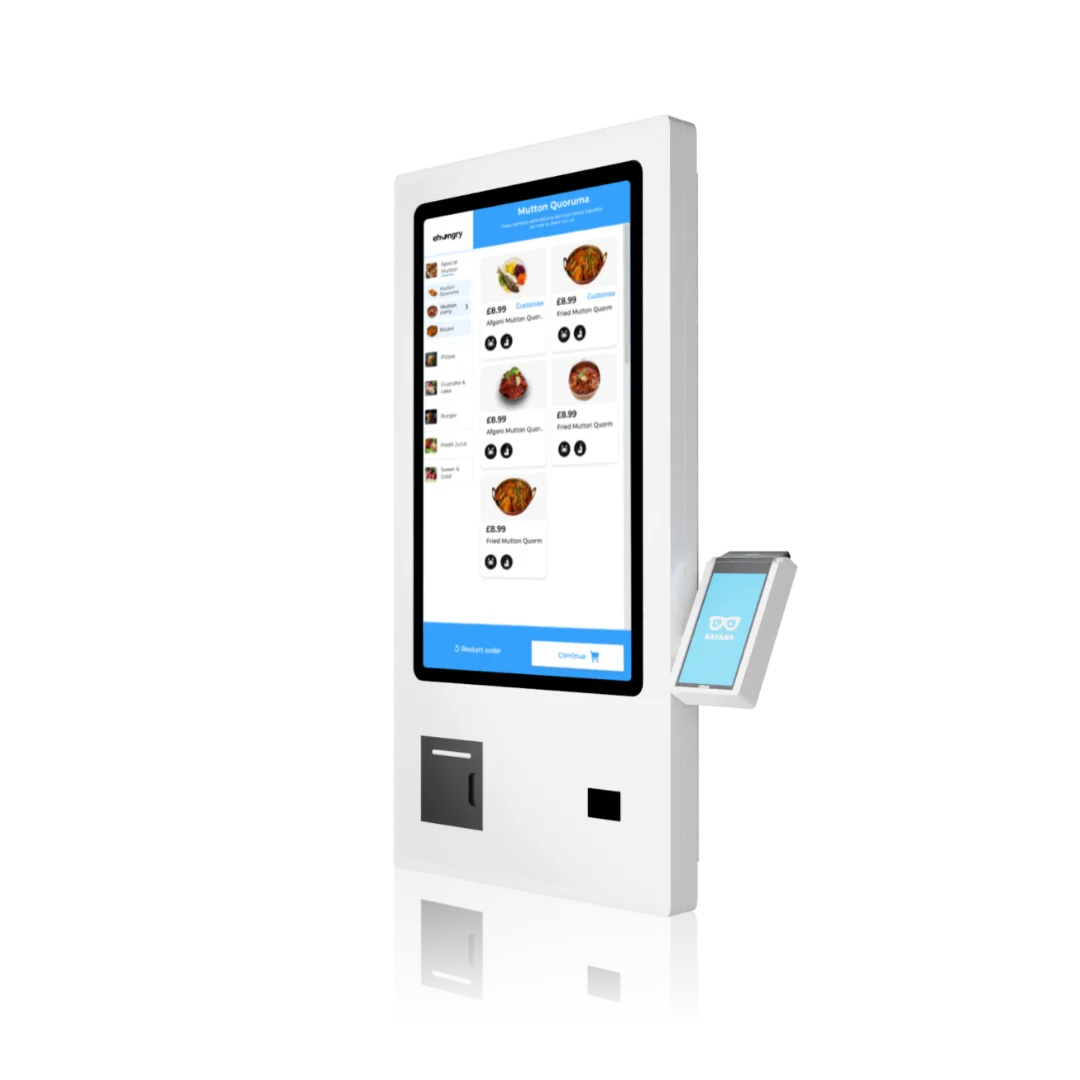
Counter, kiosk, online and app all post to the same till.
See everything live
Real-time sales, stock and staff performance across locations.
Ready for every sale, every time
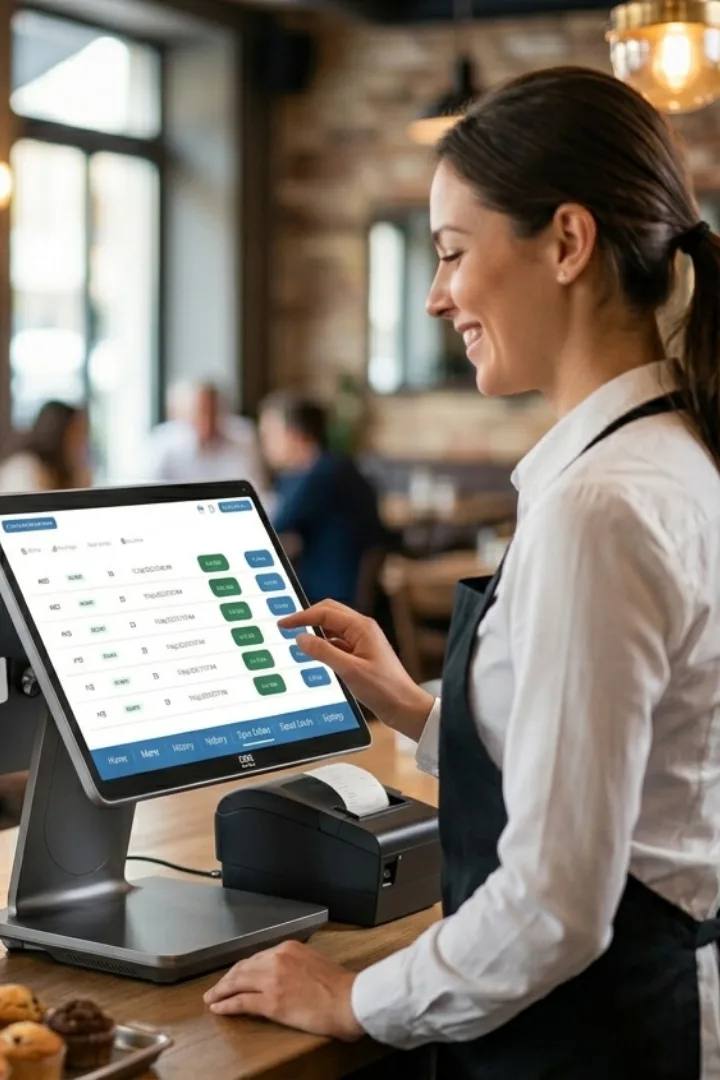
One source of truth
Live sales

Keeps selling offline
Offline mode
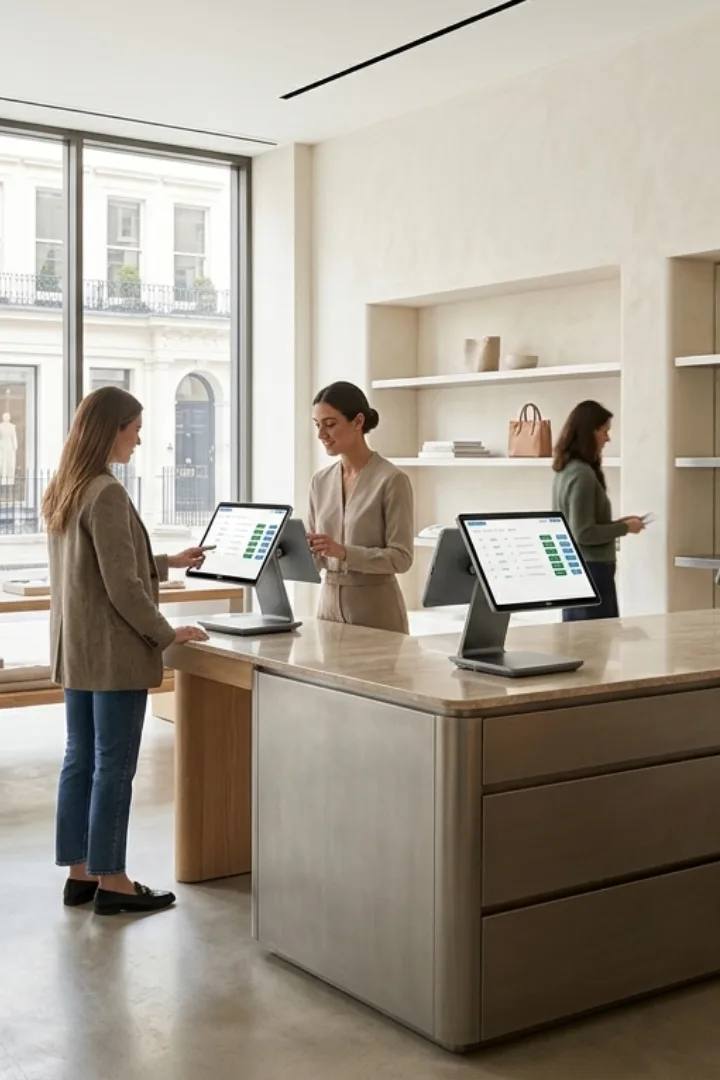
Built to scale
Multi-site
Software that fits what you do
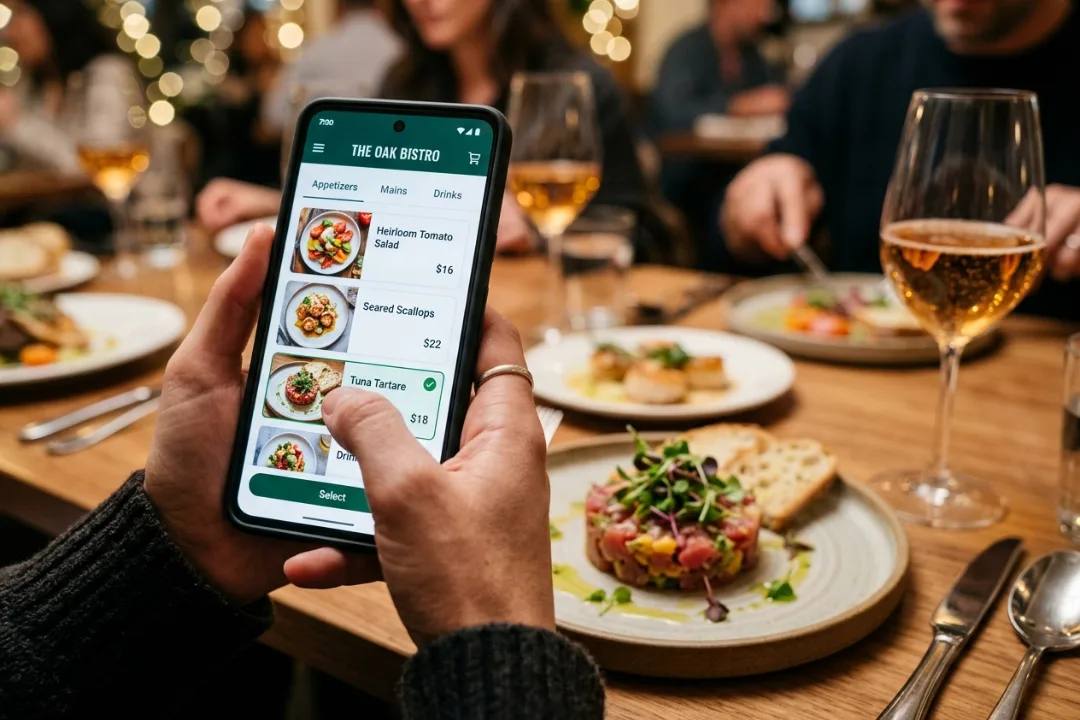
Ready for any rush
One connected app runs orders, payments and the back office on the same device — so EPOS fits the way you already work, from the counter to the kitchen.
- ✓Take orders at the counter, at the table, on a kiosk or online
- ✓Process every payment and reconcile it automatically
- ✓Track stock, staff and sales from one live dashboard
Why choose Kayana EPOS

Most operators see it pay for itself within weeks.
Most operators see ordering hardware pay for itself within about six months of going live — bigger baskets, calmer queues, fewer walkouts.
Representative figures — real results depend on your setup, volume and how you trade.
Operators seeing results within weeks
All customer stories →See it in action
All customer stories →Connect with the tools your business already uses.
Browse integrations →The detail, on the record.
EPOS — connectivity, compatibility, security and what's in the box.
Kayana's EPOS system brings orders, payments, kitchen and reporting together on one till, so every site reports back to the same place instead of five disconnected tools.
What is an EPOS system?
An Electronic Point of Sale (EPOS) system combines hardware and cloud software to process transactions, track inventory, and streamline business operations in real time. Unlike traditional till registers or standalone card terminals, a modern EPOS integrates every sales channel from in-person counters and table-side devices to self-service kiosks and online ordering into a single centralised system. Why moving to a modern EPOS matters for your business: - All-in-One Operations: Connect card payments, kitchen display screens, and staff management without manual double entry or end-of-day reconciliation headaches. - Real-Time Data & Multi-Site Control: Manage stock levels, monitor live revenue, and update menu items or pricing across one or fifty locations instantly from one admin dashboard. - Built for Continuous Trading: Designed for high-volume retail and hospitality, featuring offline mode so your team keeps taking orders and accepting payments even if the internet drops. Whether you are looking to speed up peak-time service, increase average order values through automated upsells, or consolidate multiple tools into one system. Kayana's EPOS System provides the commercial-grade hardware and software needed to run your entire business efficiently.
Core features of Kayana's EPOS
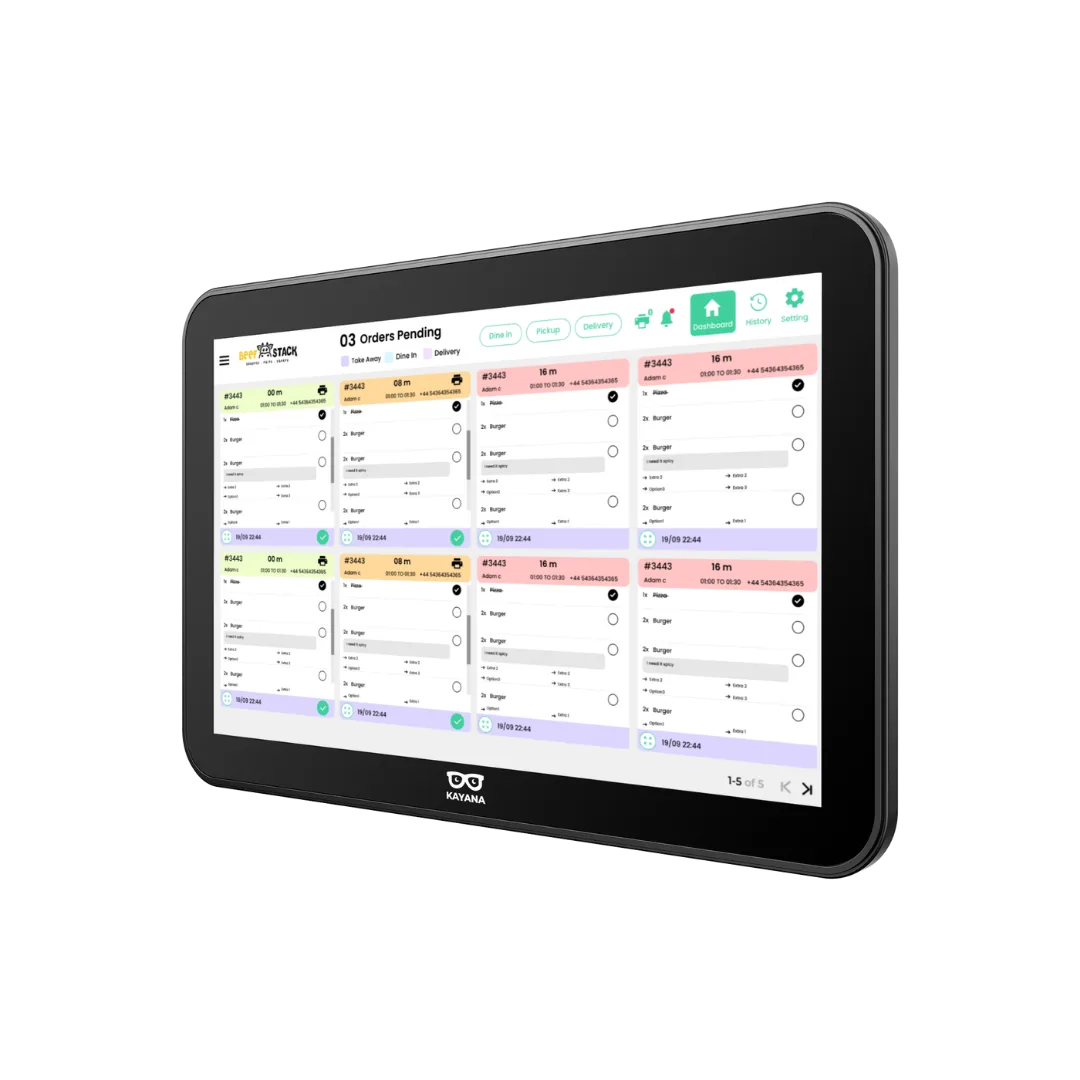
Day to day it handles busy service without slowing down — order taking, split bills, discounts, refunds and staff permissions, plus real-time reporting from anywhere. It links directly to your kitchen display system, so every order fires through with no paper dockets.
Hardware and integrations
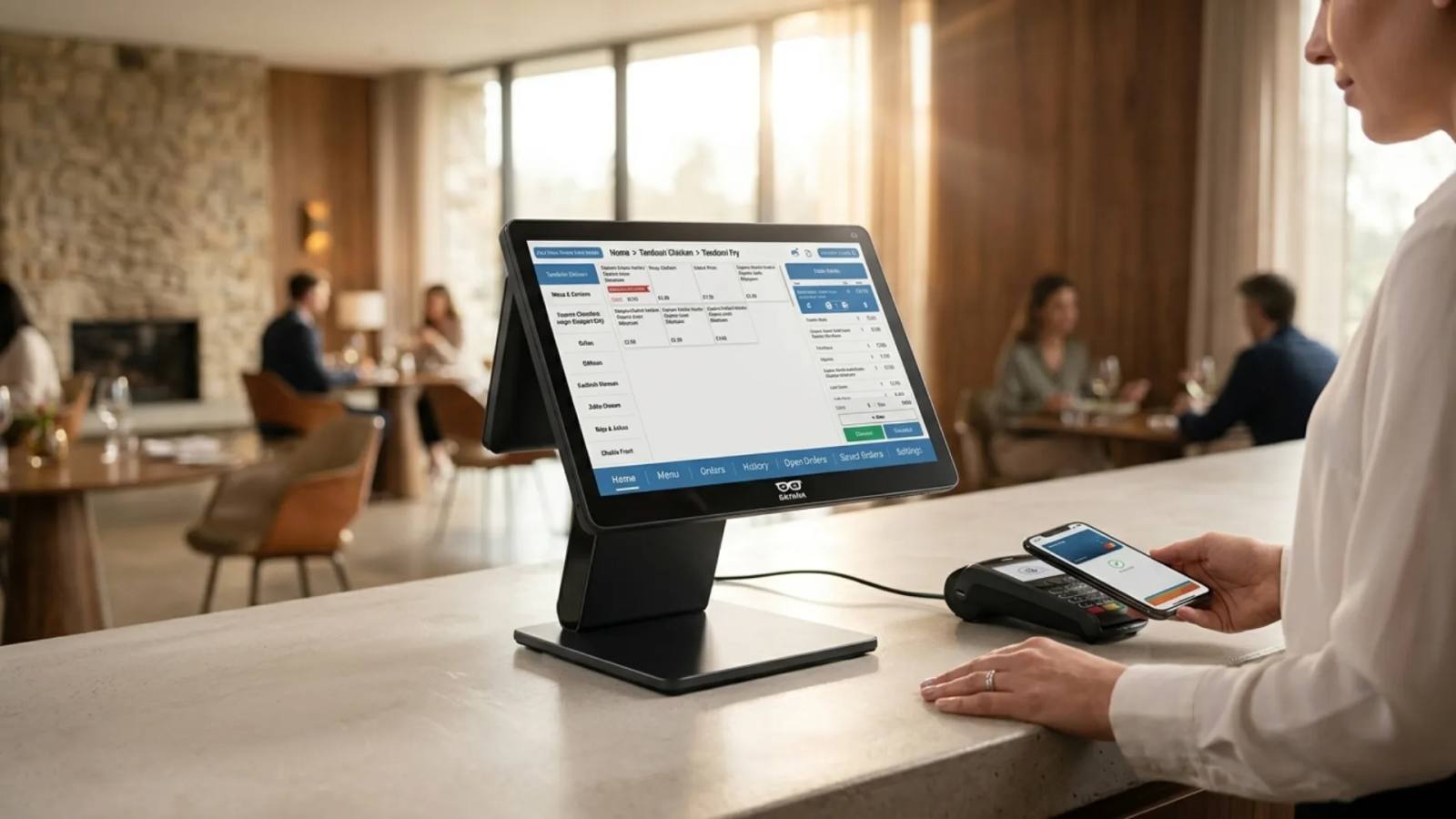
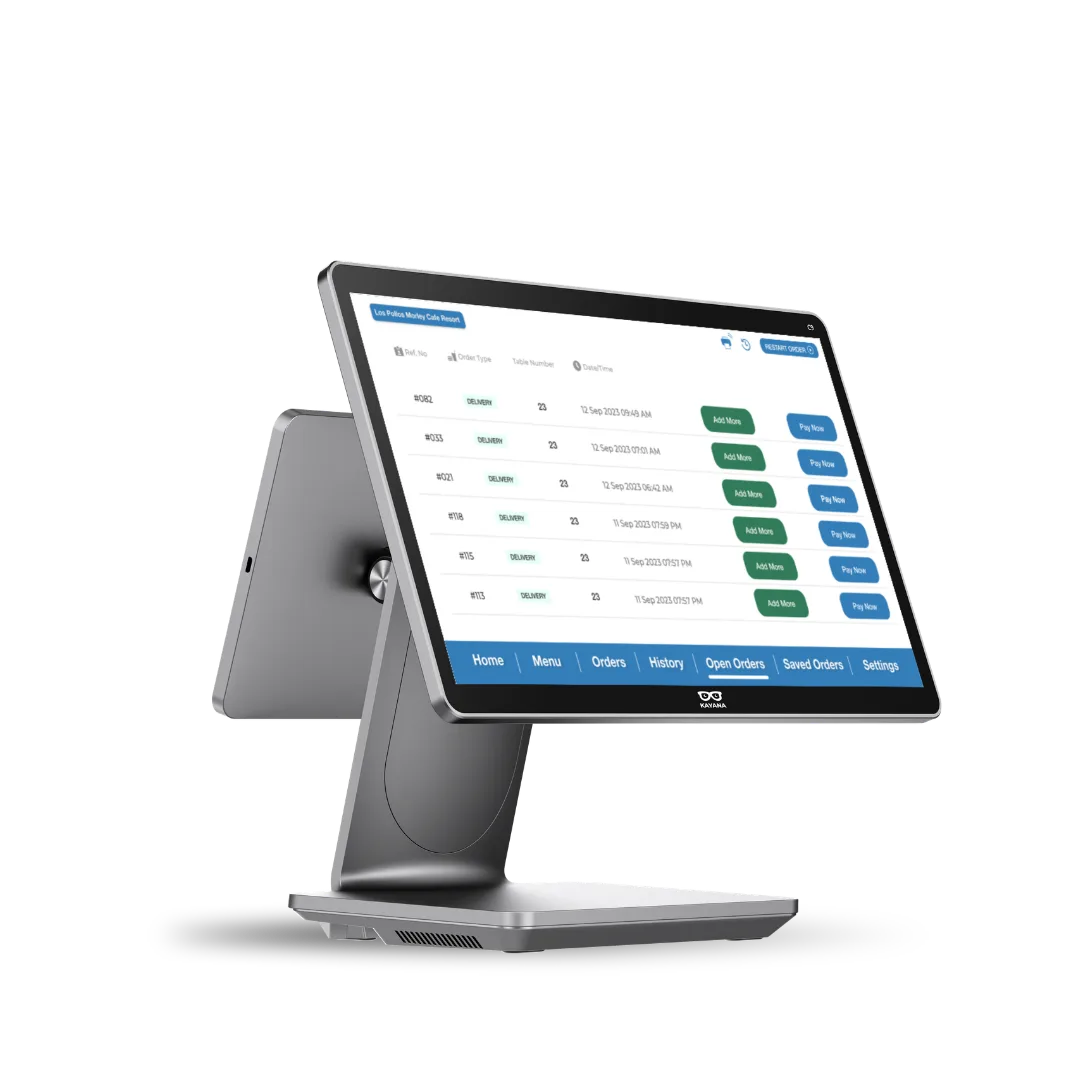
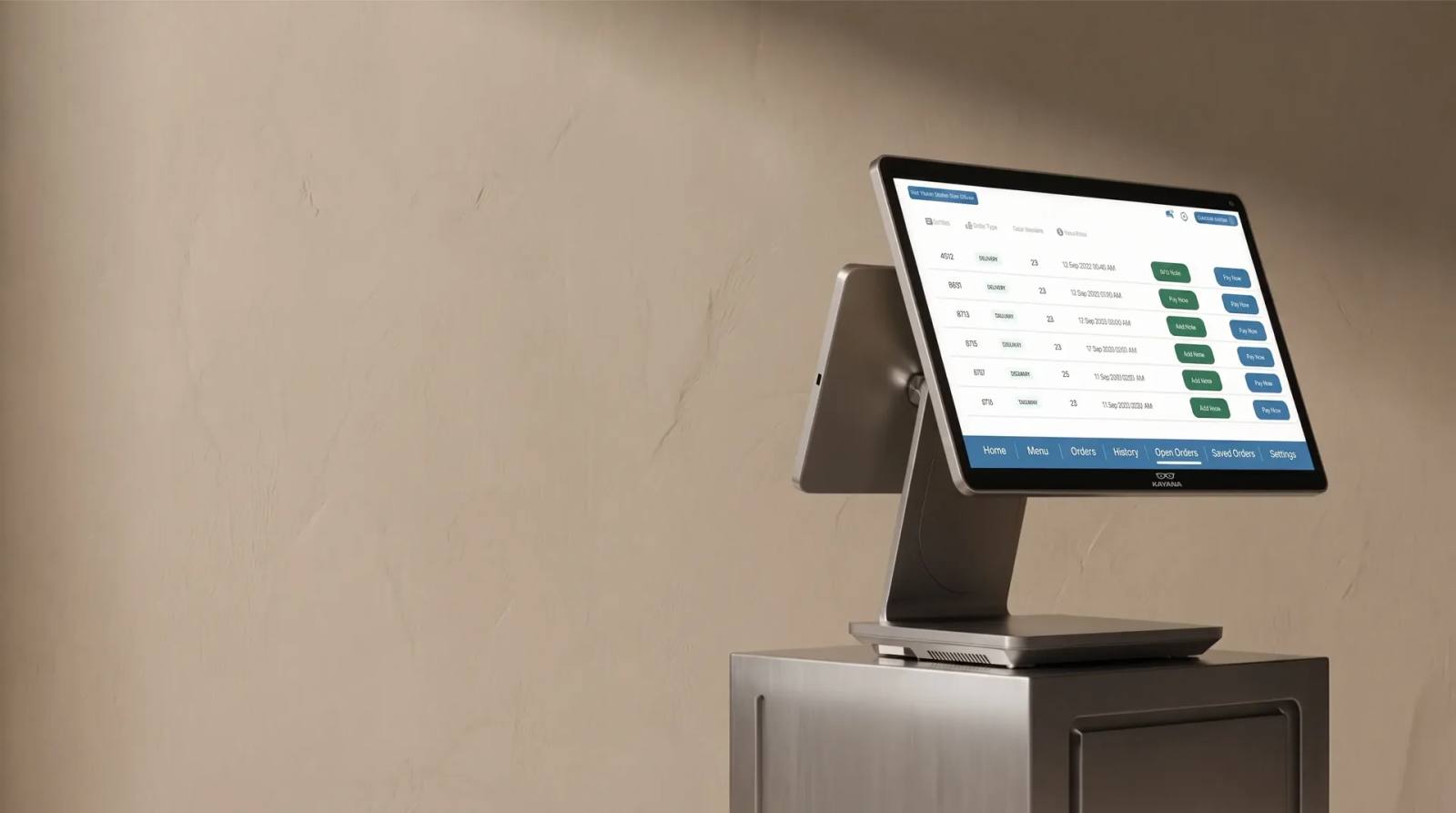
The hardware is a 15.6 inch touchscreen till, available with an integrated weighing scale for businesses that sell by weight. Pair it with a card terminal for tap, chip and wallet payments, and add handheld devices for table service or queue-busting when things get busy.
Reporting across every location
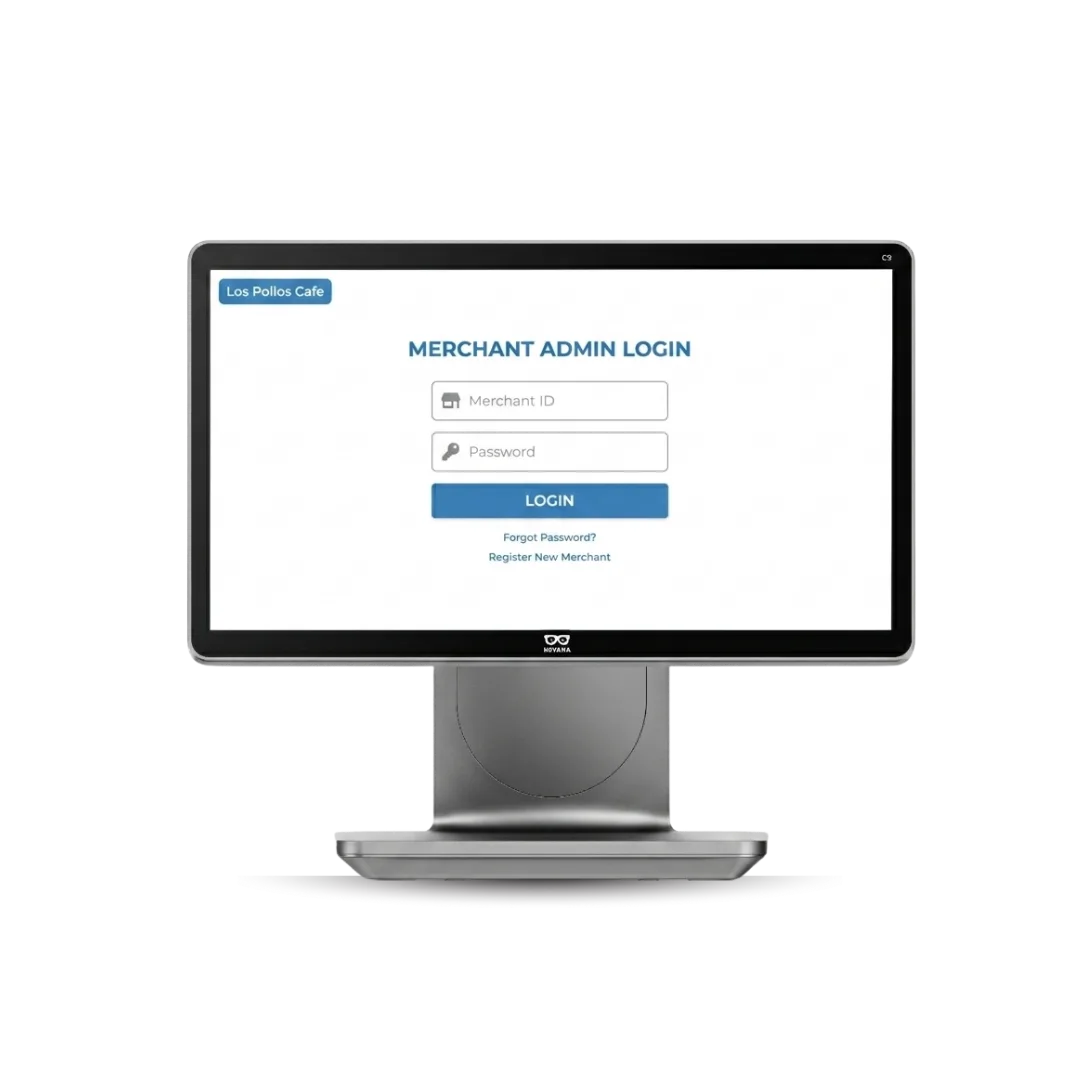
Every sale, refund and stock movement feeds one dashboard, so owners running more than one site can compare performance and manage pricing from a single merchant admin rather than logging into each till separately. For multi-site groups, that's usually the reason to move onto a proper EPOS system.
Built for your industry
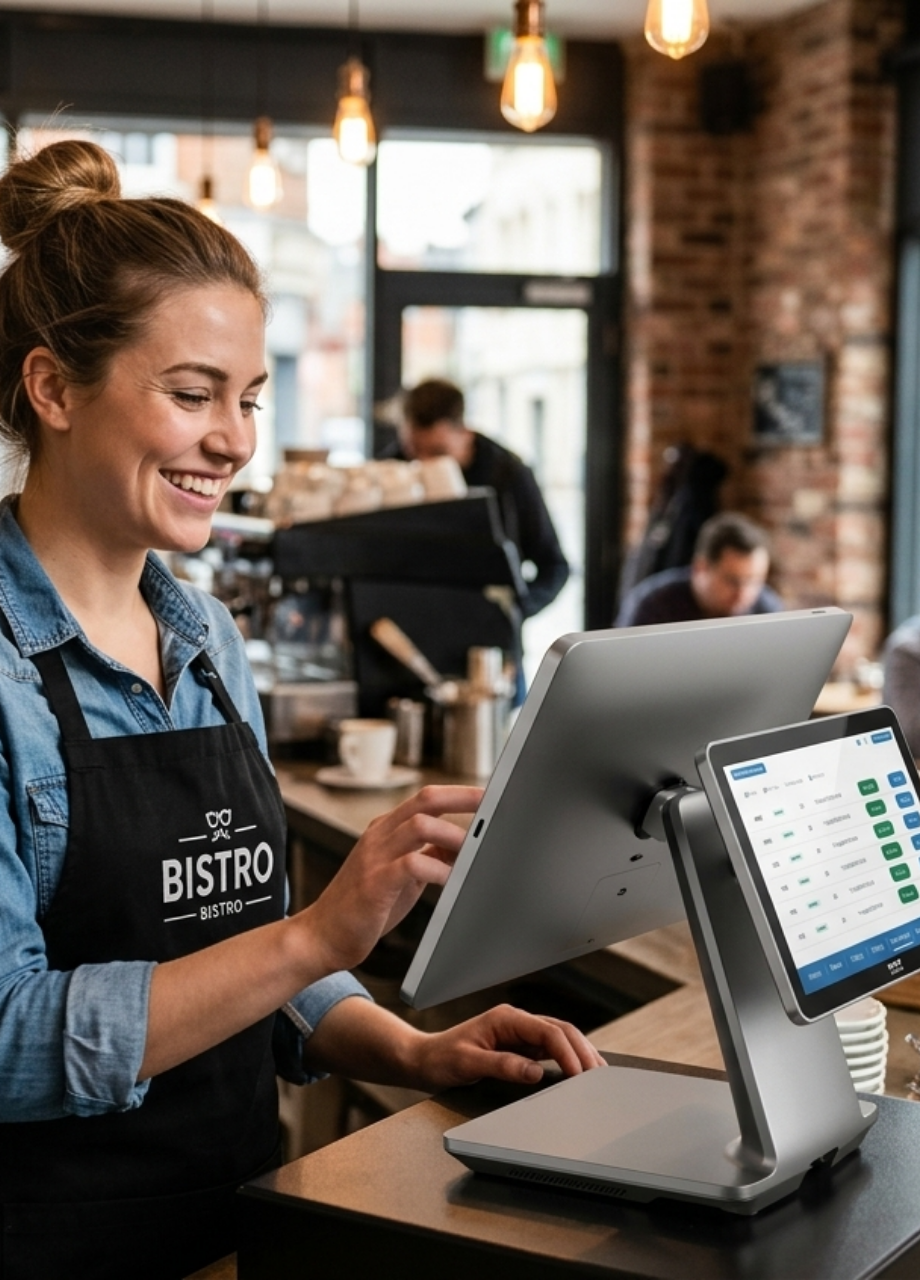
Food & Beverage: Speed up counter turnover, eliminate queue bottlenecks, and automate order flow straight to the kitchen.
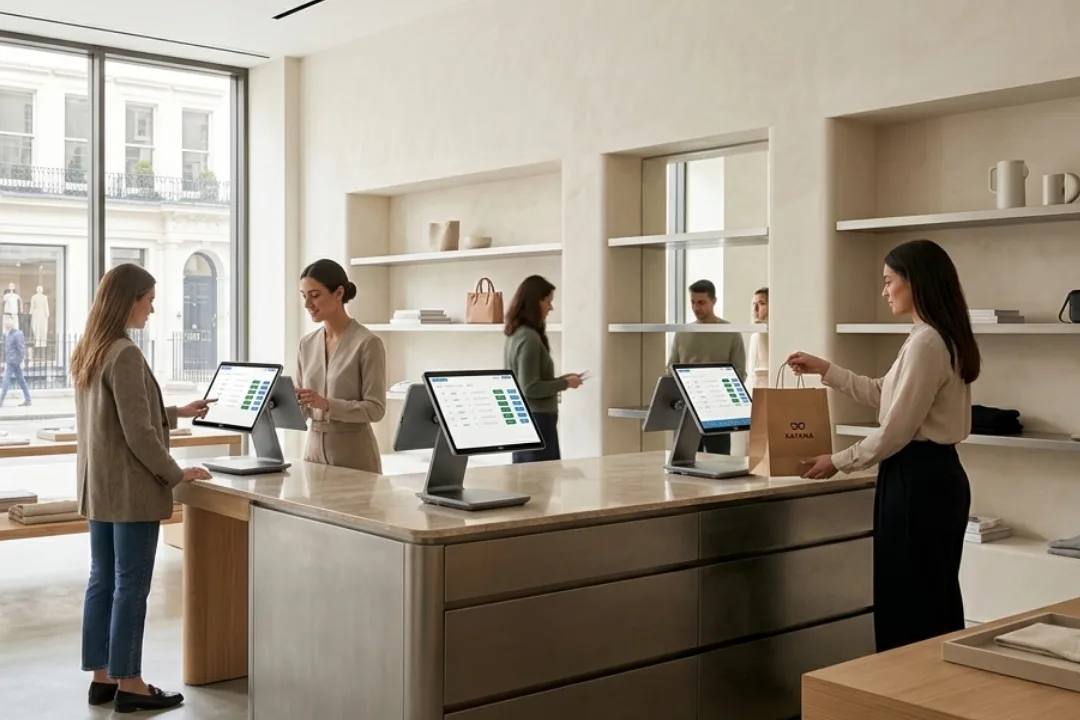
Retail: Manage high footfall, simplify stock reconciliation, and offer instant checkout lanes.
Stadiums & Clubs: Handle peak interval rushes with fast payment processing and high-throughput ordering.
Services: Streamline appointment scheduling, client management, and integrated payments.
Charities: Maximise donation collection and simplify event payment processing with low overhead.
Kayana for Startups: Launch faster with scalable tech that grows alongside your footprint.
Case study
Shah's Halal Food: scaled from one cart to 200+ UK locations on Kayana EPOS.
Questions, answered
Everything you need to know about EPOS. Can't find your answer?