Festival Wi-Fi drops out mid-service, you can't tell which pitch actually paid, and a dead card reader means walk-aways you can't afford.
Take card anywhere on a handheld that keeps selling when the signal drops, and see takings by pitch and event so you know exactly where to park next.
Everything you need, connected


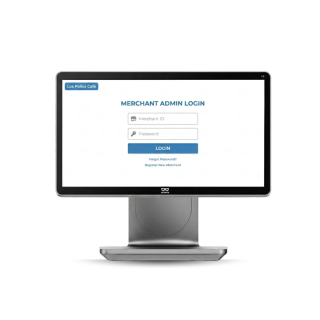
The Food Truck Kit starter kit
- ✓Configured & connected for you
- ✓One invoice, one support line
- ✓Everything syncs out of the box
- 5 products, ready to run.
See the Food Truck Kit kit in action and get a tailored quote.
Book a demoWhat operators typically see
Representative outcomes across food trucks operators — real results depend on your setup and volume.
No signal? Still taking payment
Set up and sell in minutes
Know which pitch actually paid
“The reader keeps working when the festival Wi-Fi doesn't, and I can finally see which pitches are worth going back to.”
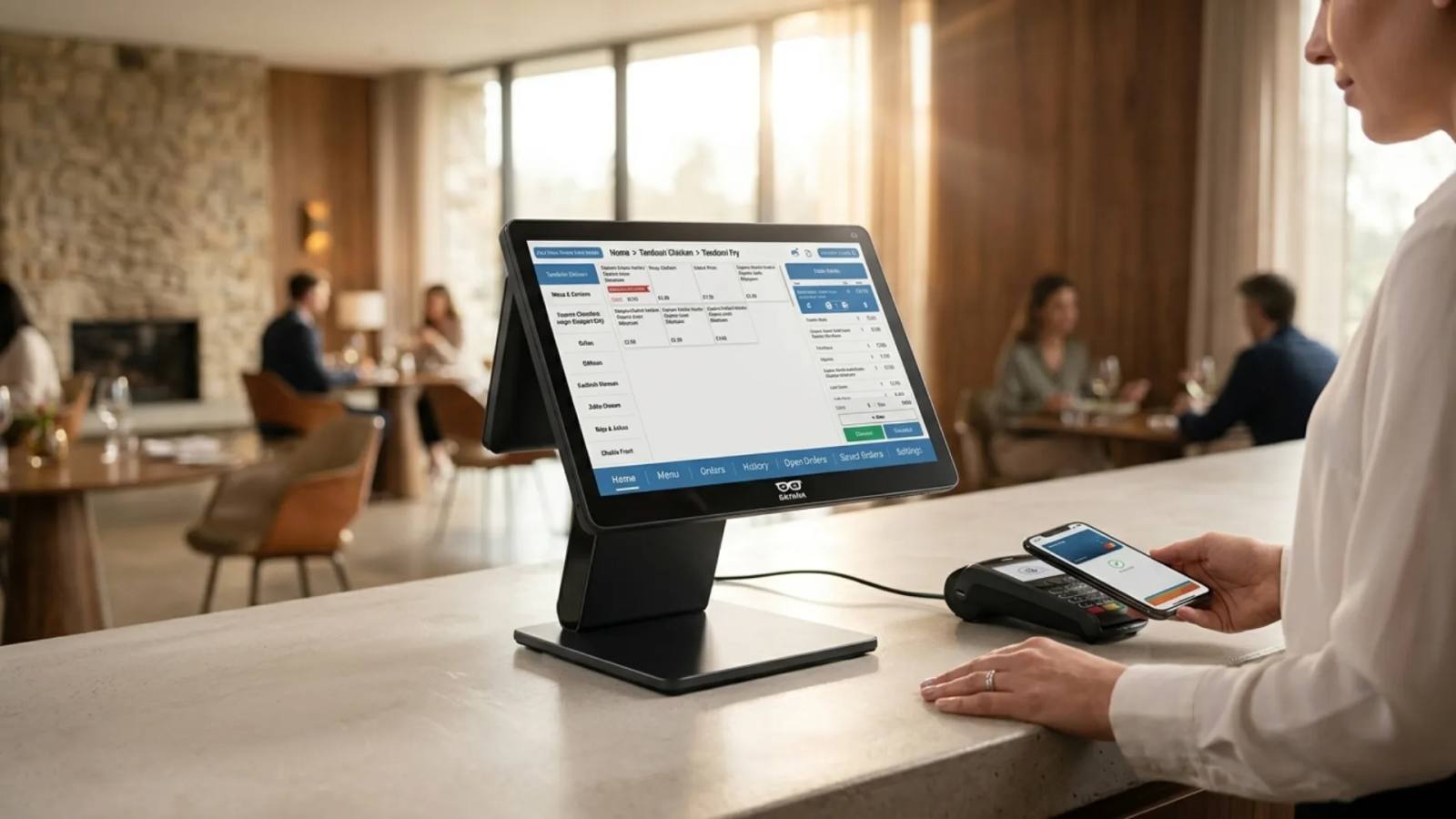
A food truck POS system needs to work through service, not just at a counter, handling orders, payments and stock from whatever pitch the truck is parked on that day.
Running Service From a Small Footprint
Space on a truck is tight and connectivity can't be guaranteed, so a food truck POS system built for mobile operators needs to run on battery, work offline and sync back up once signal returns. Order history, stock counts and daily takings should all live in one place, whether the truck is parked at a festival or a business park.
Taking Orders Without a Queue Forming
A festival pitch or lunchtime rush can outpace a single till fast, and a food truck ordering system that lets people browse and pay from their phone keeps the queue from backing up past the truck next door. QR ordering for food trucks works well at a hatch window: customers scan a code to browse the menu, order and pay, then wait for their number to be called.
Taking Payment From the Window or the Curb
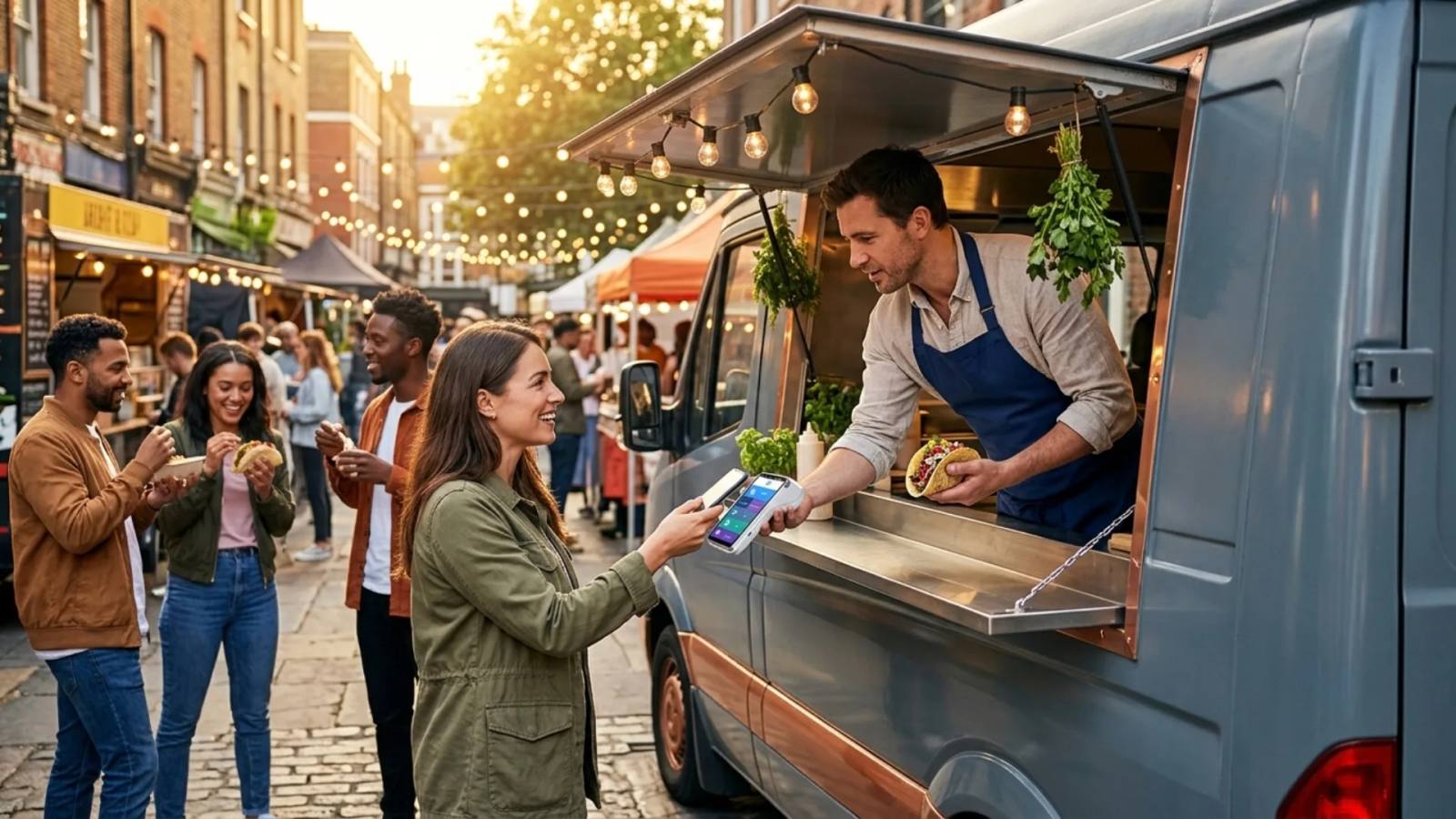
Card terminals tethered to a till don't suit a truck where the order window and the payment point aren't always the same spot. MPOS for food trucks puts a handheld card reader in the operator's hand, so payment happens wherever the customer is standing, not just at a fixed counter.
Contactless Payment at the Hatch
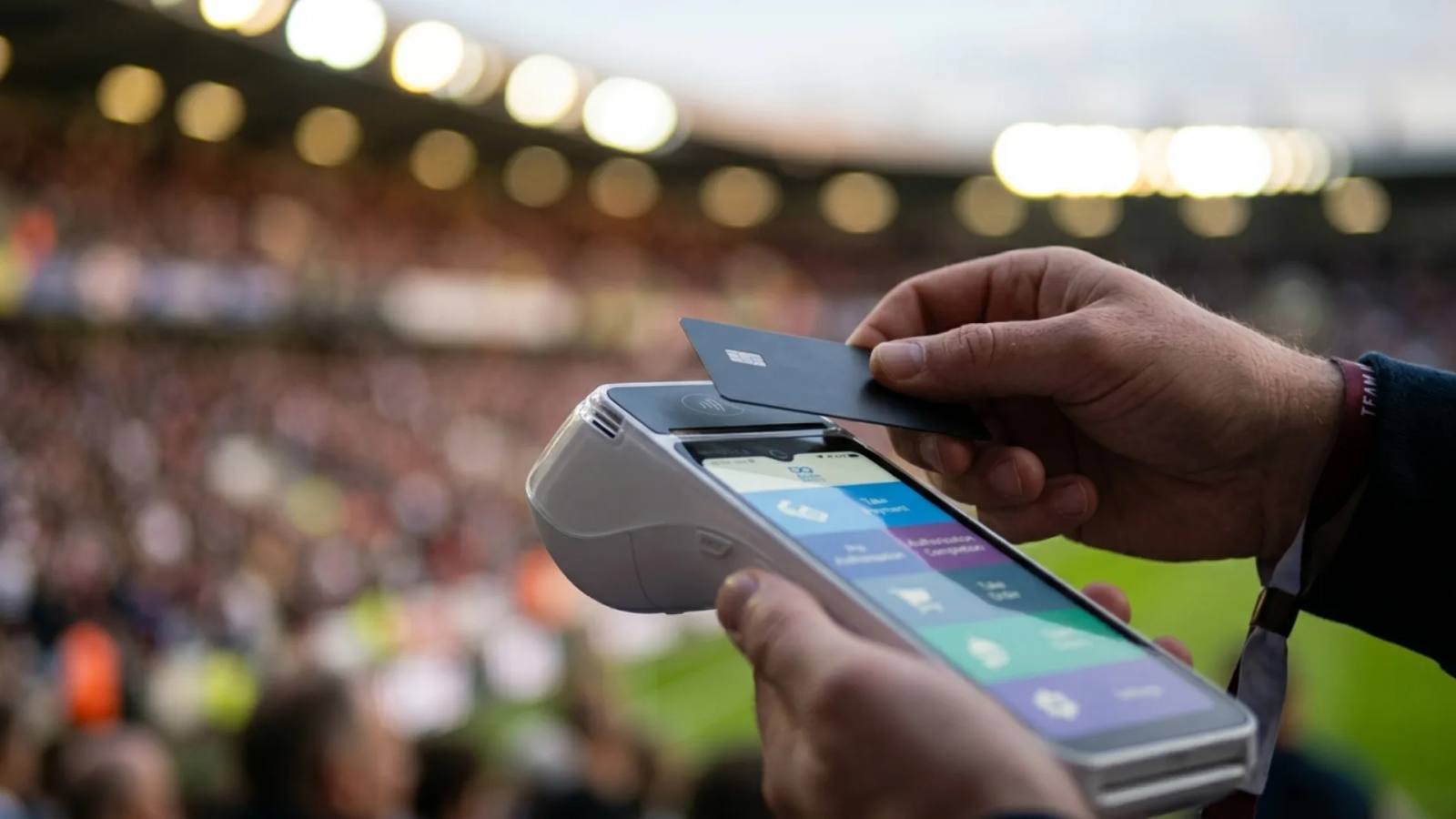
Festival and event crowds move fast and often don't carry cash, so tap to pay for food trucks turns a phone or a card terminal into a contactless reader without extra hardware. It suits short interactions at a hatch window, where speed matters more than a full checkout process.
Plan Burrito: fast, mobile-friendly ordering keeps service under 90 seconds.
Not sure which products fit your setup?
Try the Stack Builder →Questions, answered
Can't find what you're after? Our team knows food trucks inside out and is happy to help.
Speak to support →How quickly can we go live?
Most operators are up and running within 4–6 weeks. Hardware arrives pre-configured, and our team helps you set up the menu, payments and channels.
Do I have to buy the whole kit at once?
No. Start with what you need today — a till, a terminal, a kiosk — and add to it any time. Everything connects out of the box, so growing your stack never means re-platforming.
Is there a long contract or lock-in?
No lock-in. Hardware is yours to own (buy outright or spread the cost), and software is month-to-month with transparent pricing.
What does support look like?
24/7 human support is included as standard — phone, chat and email — plus free automatic updates for the life of your account.
Can it scale to more locations?
Yes. Run one site or hundreds from a single dashboard, with menus, pricing and reporting that sync across every location in real time.
Will it work with my existing tools?
Kayana integrates with the accounting, delivery, loyalty and payroll tools you already use — and payments settle to one place with one report.