


Decoding QR Code Ordering Menus for Multi‑Site Restaurants
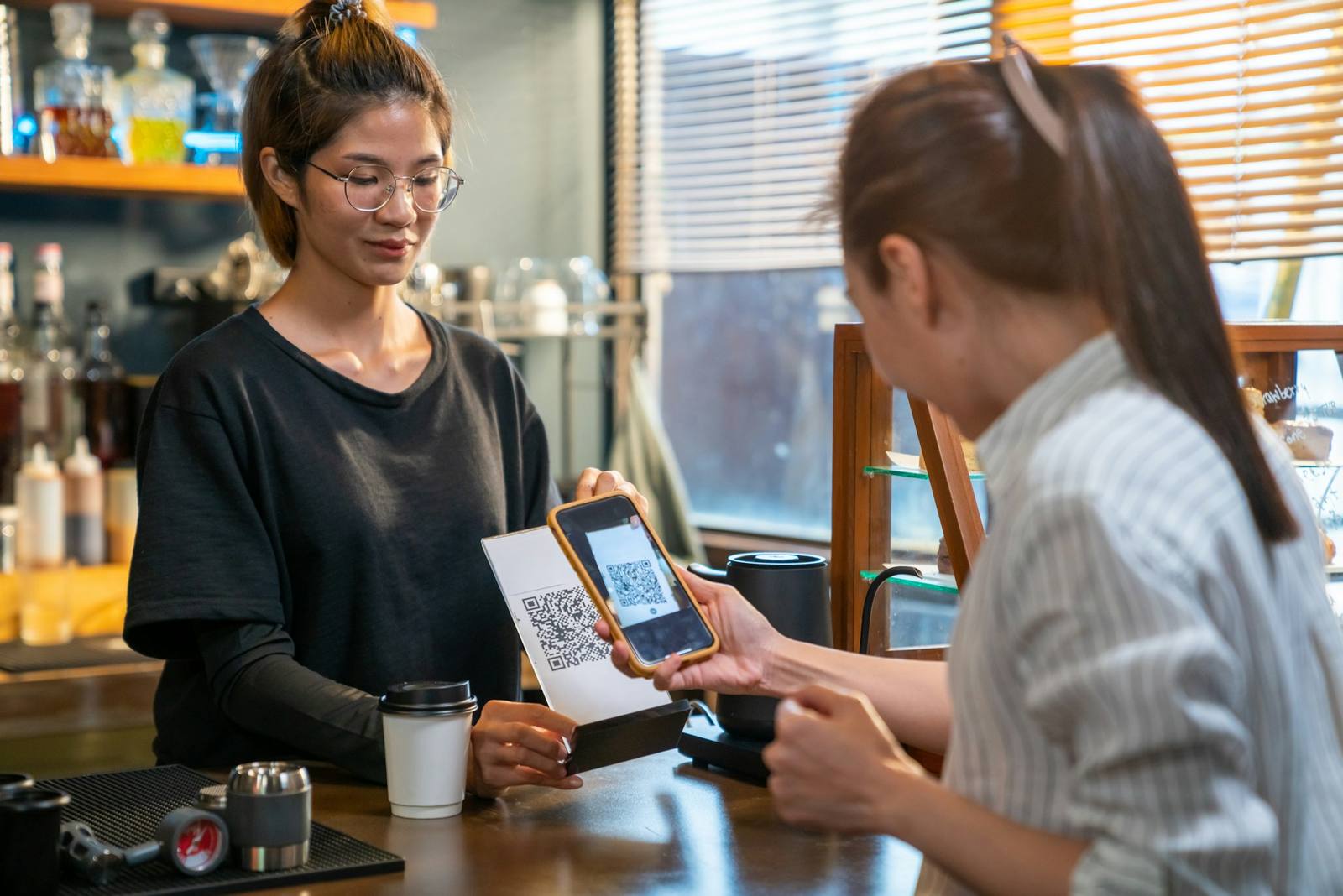
Turning QR Code Menus Into a Growth Engine
QR Code menu ordering is no longer a quirky extra. For multi-site restaurant groups, it can be the difference between smooth peak service and a stressed team, lost orders, and money left on the table. When terraces are full, events are back-to-back, and the festive build-up kicks in, you need every table to order and pay quickly, without chaos.
At its simplest, QR Code menu ordering means guests scan a code at the table, view your menu on their phone, place their order, and pay. What started as a quick fix during COVID has grown into a core ordering channel for many hospitality brands. The real question now is not “should we offer QR?” but “how do we use it to drive revenue, consistency, and control across all our sites, without adding new headaches?”
What QR Code Menu Ordering Really Means for Multi-Site Brands
For multi-site operators, QR ordering is not just putting a PDF menu online. When it is set up properly, it acts as a live layer that connects:
- Digital menus
- Ordering and EPOS
- Payments
- Kitchen tickets or kitchen screens
This is where it gets interesting. Instead of every site trying to manage its own digital menu, multi-site brands can work from one central source of truth. At head office, you control:
- Core menu items and descriptions
- Brand photography and layout
- Default prices, promotions, and bundles
Then you give sites controlled flexibility. A city centre site might sit in a different pricing band to a suburban site. One venue might switch off certain dishes when stock is low. Another may offer location-specific modifiers, like extra toppings or local specials. All of that can live in one shared system, not in ten different spreadsheets.
QR Codes also fit into your wider channel mix: walk-ins, table service, click-and-collect, delivery, and QR ordering. When QR sits on the same rails as your other channels, you standardise how orders flow to the kitchen, how payments are taken, and how data is captured. That consistency across the group is where multi-site value starts to appear.
The Business Case: Costs, Margins, and Operational Control
For operators, QR Code menu ordering can be judged on three things: labour, revenue, and control.
On labour, QR ordering can shrink the time your team spends taking orders and keying them into the till. That does not mean fewer people on the floor, but it means those people can focus on higher-value moments: greeting guests, sorting tricky requests, upselling group experiences, and keeping the atmosphere right during peak trading.
On revenue, QR menus can quietly lift spend per head. Digital menus can:
- Suggest add-ons and upgrades at the right time
- Prompt sides and desserts with simple toggles
- Offer easy bundles for groups or families
Faster ordering and payment can also help turn tables more quickly when demand is high. You can promote higher-margin dishes or drinks in real time across every site, without waiting for new printed menus.
On cost control, connected QR ordering means fewer order errors, tighter stock tracking, and less wastage. If an item is marked as unavailable at head office or site level, it can disappear from every guest’s screen immediately. Pricing, discounts, and deals stay aligned across the estate, which cuts confusion for staff and guests.
Designing QR Code Menus Guests Actually Use
Guests will not fight through a clunky digital menu, no matter how great your food is. A good QR Code ordering flow feels fast, clear, and safe.
You want the path from scan to confirmation to be as short as possible. That means:
- No forced app downloads
- Simple, mobile-first layouts
- Clear basket and payment screens
Menu structure matters too. Group items into logical categories and avoid endless scrolling. Strong, consistent photography helps guests choose quickly, while allergen and dietary filters build trust. The trick is to highlight add-ons and bundles without crowding every screen with pop-ups.
Brand consistency holds it all together. Your digital menu should feel like your venue: fonts, colours, tone of voice, and image style all play a part. Multi-site brands may also need language options, local currencies, or regional items. A good system lets you keep one brand feel while still tailoring content by site or region.
Implementation Playbook and Integration with Your Stack
Rolling QR Code ordering across a whole estate is not just a software switch. The basics at site level can make or break guest adoption. Before launch, it is worth checking:
- Wi-Fi coverage across terraces, function rooms, and corners
- Table labels and QR Code positions so they are easy to see and scan
- Where printers and kitchen screens sit in relation to the line
- What devices staff will use to monitor and manage orders
A phased rollout is usually safer than flipping the switch everywhere at once. Start with one or two locations, learn from real guests, then scale. Look at data such as:
- Adoption rate for QR vs traditional ordering
- Average order value and items per order
- Time from order placed to order fired to the kitchen
Use that data to tweak menu layouts, wording, and prompts before you roll out to more sites.
Staff onboarding might be the most important step. Front-of-house teams need to feel confident explaining how QR ordering works and when guests should use it. Clear signage and simple table talkers help set expectations, such as whether guests should still order at the bar or if staff will be checking in regularly.
To avoid extra admin, QR ordering should connect straight into your EPOS, kitchen, and payment stack. Orders should appear just like any other ticket. Payments should flow into your usual settlement process, with tips handled in a way that matches how your teams already work. When this is done properly, you avoid side systems, manual re-keying, and reconciliation headaches between QR and card terminals.
The data piece is what often gets overlooked. A connected QR channel lets you see order-level detail across all venues. You start to spot what sells well by region, which items rarely convert, and how guests respond to menu changes. That insight helps you improve menus, test pricing, and fine-tune promotions in a structured way.
Avoiding Pitfalls and Moving From Pilot to Estate-Wide Success
There are common patterns when QR menus underperform, and they are surprisingly simple. Poor QR placement is a big one: codes hidden under condiments, stuck on wobbling holders, or one code trying to serve multiple tables. Confusing wording on signage can also slow adoption. Guests should instantly understand that they can order and pay from their phone if they want to.
Another trap is the “set and forget” mindset. Menus, photos, and flows will need regular tuning. If sites keep changing printed menus but forget to update the digital version, trust erodes quickly. QR ordering also has to reflect your chosen service style, whether that is full table service, counter service, or a hybrid model.
Fragmented tech stacks create friction too. If booking, ordering, loyalty, and payment all live in separate worlds, the guest experience feels clunky and your data ends up scattered. Multi-site groups are better off aiming for a connected, channel-agnostic approach where QR is just one route into the same core systems.
To move from small pilot to estate-wide success, agree what good looks like. Many operators track:
- QR adoption rate by site and time of day
- Average spend per head vs traditional ordering
- Order-to-fire speed and impact on kitchen load
- Staff workload and guest feedback during peak trading
From there, set a simple improvement loop. Review data and comments each season, adjust your digital menu, update training, and test changes in a small number of sites before rolling them out.
This joined-up approach to QR Code menu ordering, across ordering, EPOS, payments, and self-service, is what turns QR Codes from a quick fix into a reliable, revenue-driving channel across every location.
Boost Table Turnover With Seamless QR Ordering
Transform your dining experience by switching to our intuitive QR code menu ordering system and give guests faster, more accurate service. At Kayana, we help you reduce staff pressure, cut waiting times and keep orders flowing smoothly. If you would like tailored guidance or a quick demo, simply contact us and we will walk you through the best setup for your venue.