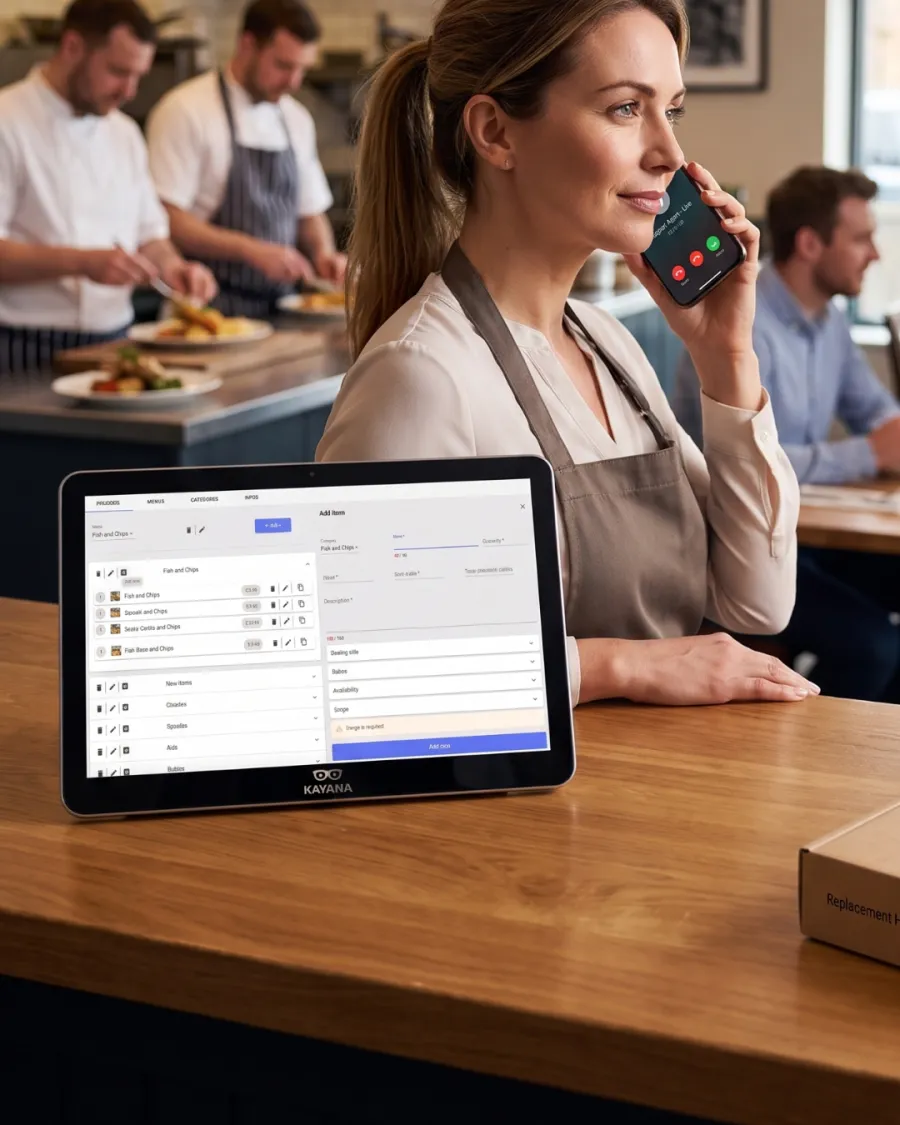
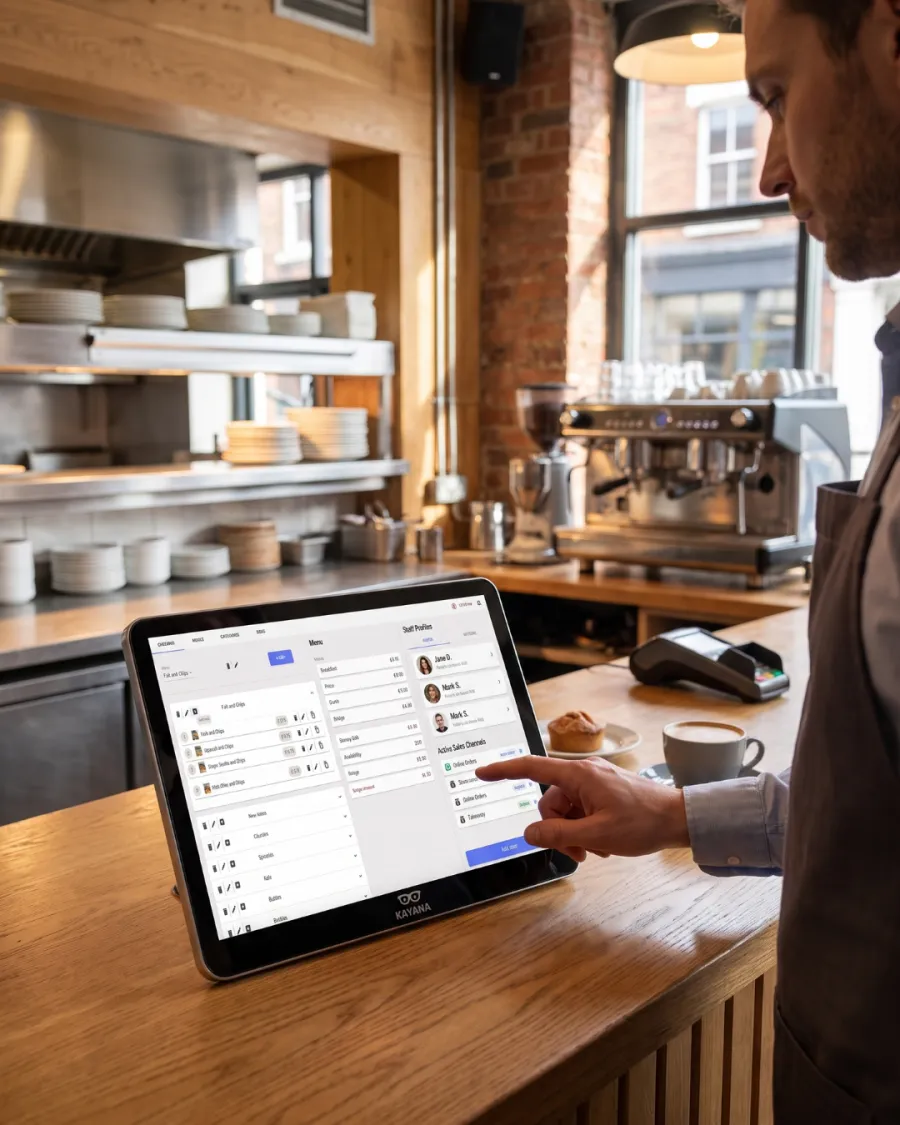
Orders where the kitchen is. Mark items out of stock. Works with your kiosk.
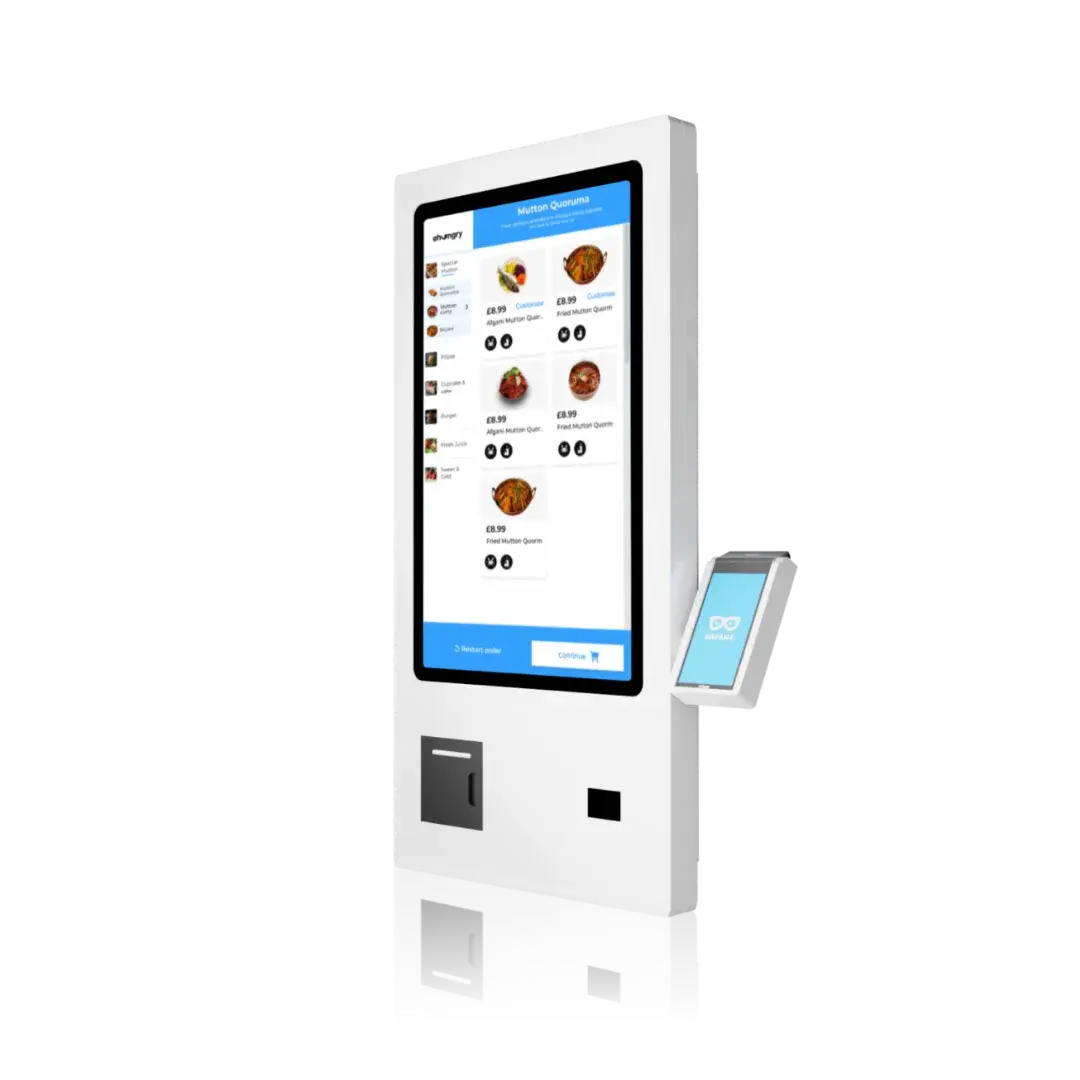
A kiosk takes the order at the screen, but the kitchen still has to find out about it. If nobody is watching a screen where the food is made, orders get passed on by hand, and that is where they go missing.
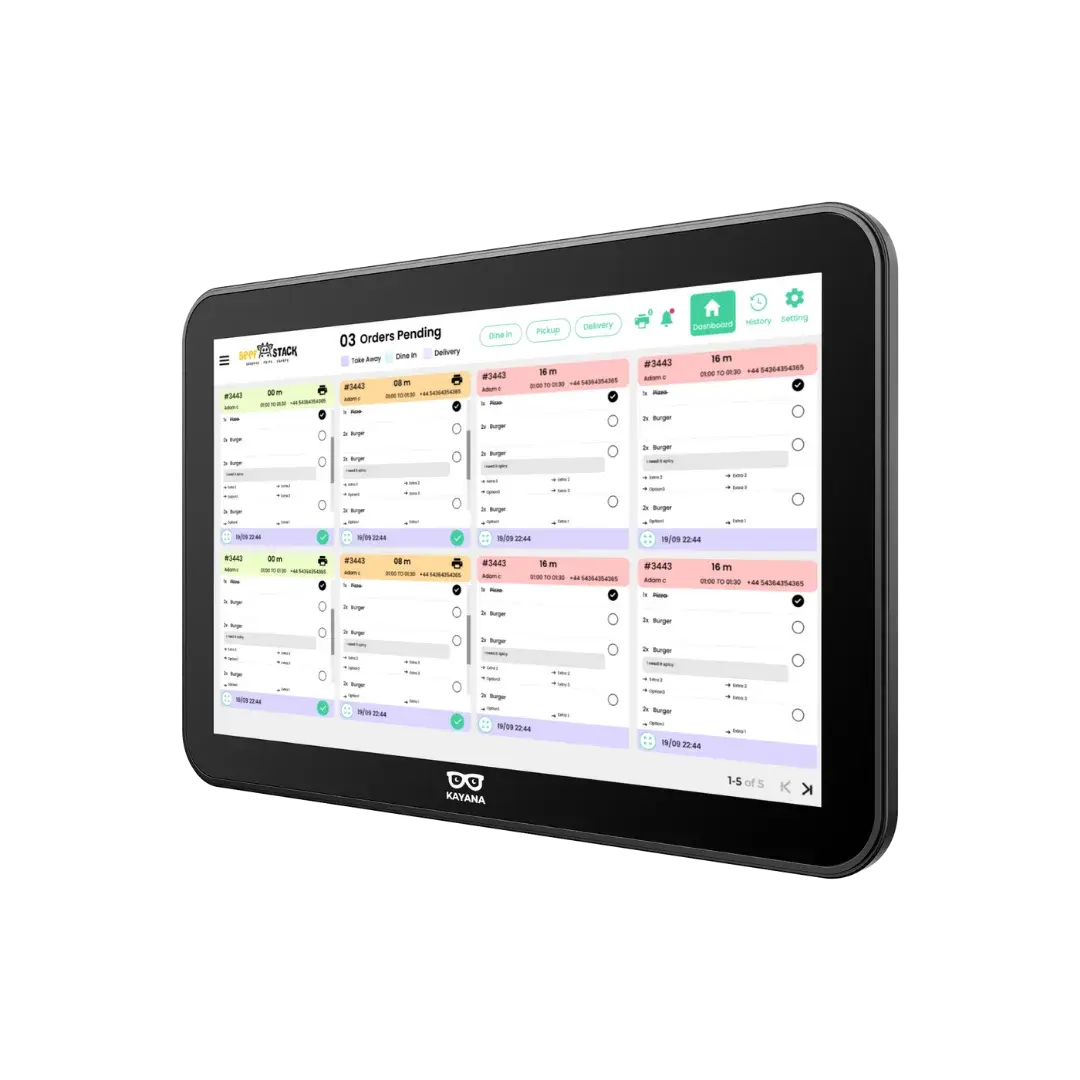
Each order appears on the tablet in the kitchen, so your team can start preparing without waiting to be told.
Conçu pour faire évoluer les chiffres qui comptent.
Orders where the kitchen works
Each order from your kiosk appears on the tablet, and paid WhatsApp orders can arrive there too, so the team can see what to make at a glance.
- Kiosk orders
- WhatsApp orders
- 10-inch screen
Stock and menu from the same device
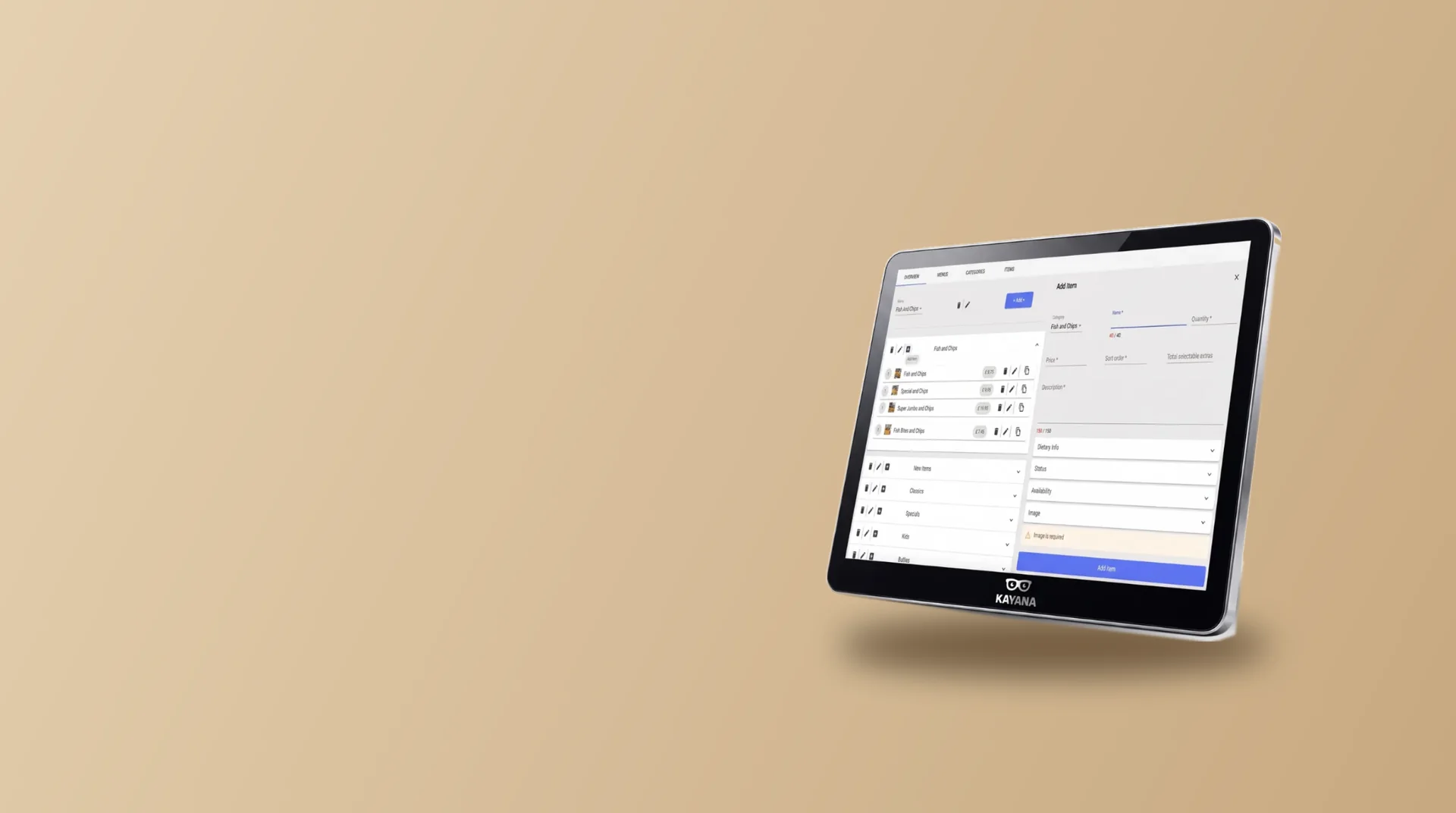
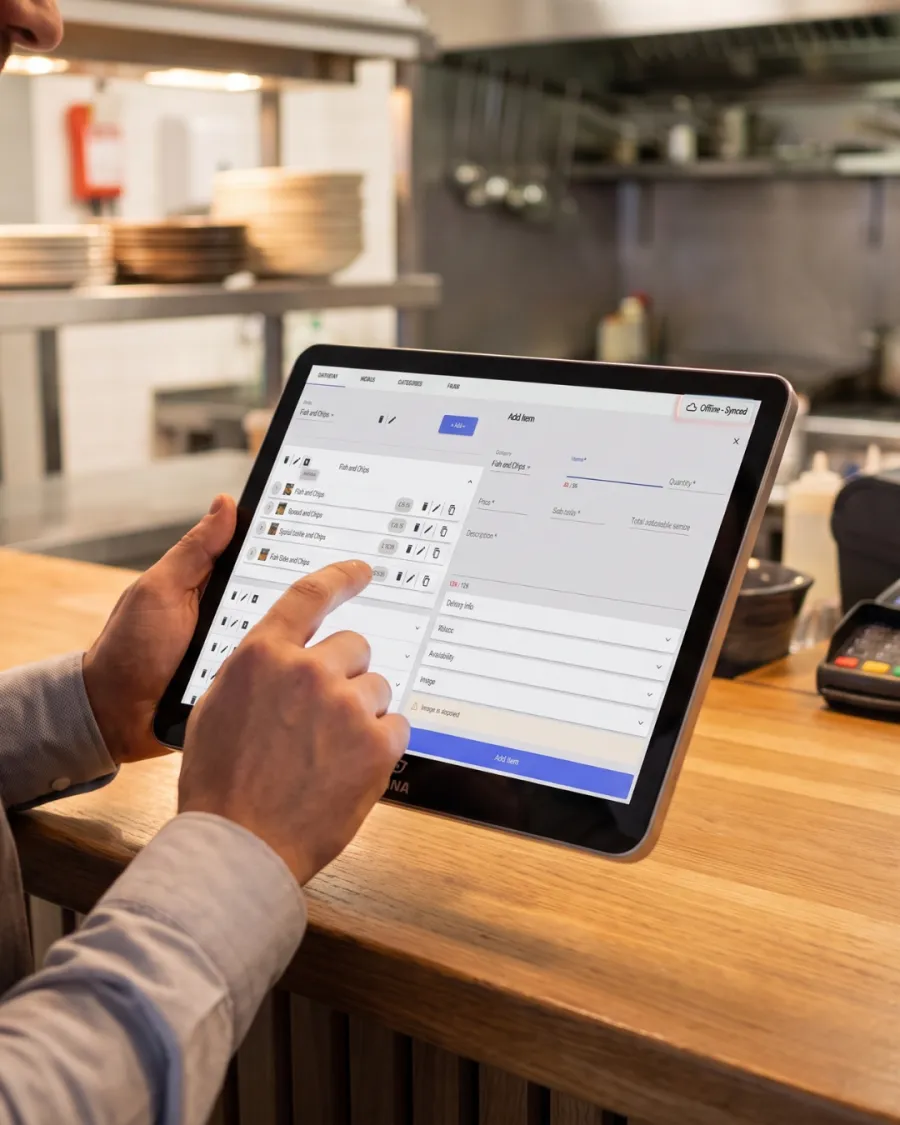
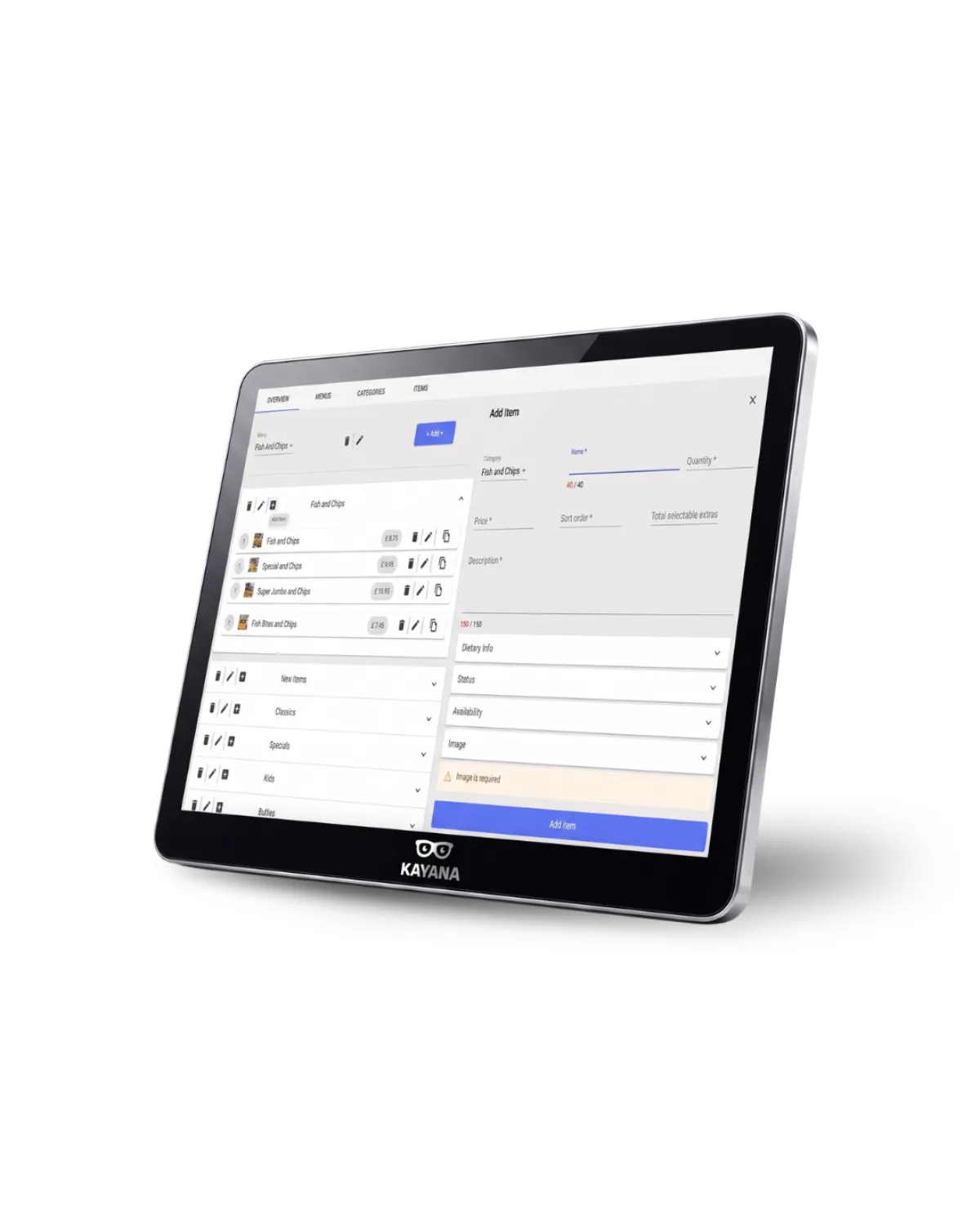
From the menu settings on the tablet you can mark an item as out of stock, or change its title, description and position, so the kiosk stops offering what you have run out of.
- Mark items out of stock
- Edit titles and descriptions
- Change the order of items
Refunds and printing
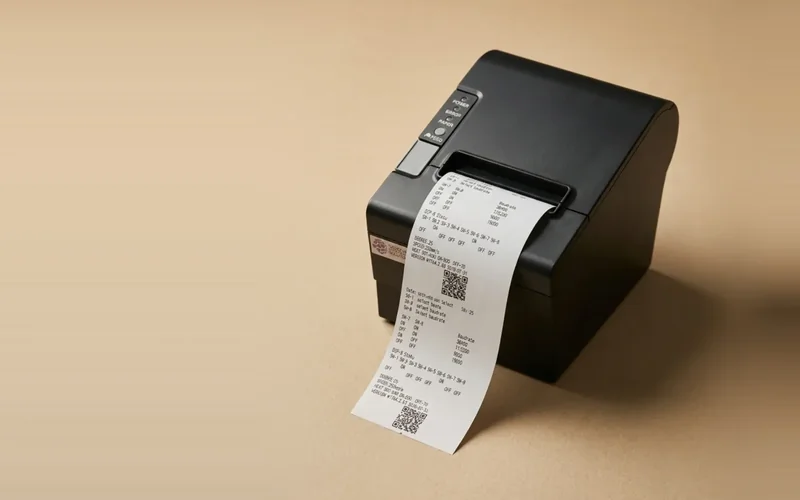
Process full or partial refunds from the order history with your refund PIN, and connect a printer over Bluetooth, USB or your network from the settings.
- Full or partial refunds
- Refund PIN
- Bluetooth, USB or network printer
Tout est intégré dès le premier jour.
Assistance 24 h/24, 7 j/7
Une assistance humaine 24 heures sur 24, incluse de série.
Mises à jour gratuites
Les nouvelles fonctionnalités sont mises à disposition automatiquement, sans frais supplémentaires.
Fonctionne hors ligne
Continuez à vendre même si la connexion est coupée.
Un tableau de bord
Gérez tous vos canaux et sites à partir d'un seul identifiant.
Sécurité de niveau bancaire
Conforme à la norme PCI-DSS et crypté de bout en bout.
S'adapte à vos besoins
D'un seul emplacement vers plusieurs, sans changement de plateforme.
Intégrations ouvertes
Connectez vos outils de comptabilité, de livraison et de fidélisation.
Tarification transparente
Un tarif clair — aucun frais caché, jamais.
Opérationnel en trois étapes.
Set up
We set the tablet up with your kiosk when we set up your system.
Order
A guest orders at the kiosk, or a customer orders on WhatsApp, and pays.
Prepare
The order appears on the tablet and the kitchen starts on it.
Prêt à conclure chaque vente, à chaque fois
Orders where the kitchen works
Kiosk orders
Stock and menu from the same device
Mark items out of stock
Refunds and printing
Full or partial refunds
Software that fits what you do
Prêt pour tous les coups de feu
Une seule application connectée gère les commandes, les paiements et les tâches administratives sur un même appareil. Ainsi, Order Receiver s'adapte parfaitement à votre façon de travailler, du comptoir à la cuisine.
- ✓Prendre les commandes au comptoir, à table, sur une borne ou en ligne
- ✓Traiter chaque paiement et le rapprocher automatiquement
- ✓Suivez les stocks, le personnel et les ventes depuis un tableau de bord en temps réel
Why choose Kayana Order Receiver
Most operators see it pay for itself within weeks.
La plupart des exploitants estiment que l'investissement dans ce matériel est rentabilisé dans les six mois suivant sa mise en service : paniers plus remplis, files d'attente plus calmes, moins d'abandons.
Chiffres à titre indicatif — les résultats réels dépendent de votre configuration, de votre volume de trading et de votre stratégie de trading.
Operators seeing results within weeks
Tous les témoignages de clients →Connect with the tools your business already uses.
Browse integrations →Le détail, noir sur blanc.
Order Receiver — connectivité, compatibilité, sécurité et contenu de la boîte.
Kayana's Order Receiver is a 10-inch tablet that shows your orders in the kitchen. Orders from your self-service kiosk appear on it as they are placed, and paid WhatsApp orders can arrive on it too.
A screen for the orders your kiosk takes
A kiosk takes the order at the screen, but the kitchen still needs to see it. The Order Receiver sits where the food is made and shows each order as it comes in, so your team does not wait to be told what to prepare.
Manage stock and the menu from the tablet
From the menu settings on the tablet you can mark an item as out of stock, so it stops being offered on the kiosk, and mark it available again when it is back. You can also change an item's title, description and position in the list.
Refunds and printing
Full and partial refunds can be processed from the order history using your refund PIN, and a printer can be connected over Bluetooth, USB or your network from the settings.
Do you need one?
If you use a Kayana EPOS, the EPOS receives your orders, so you may not need an Order Receiver. A kiosk on its own needs somewhere for its orders to be seen, and the Order Receiver is made for that. We set it up with the rest of your system, and our support team is available around the clock.
Questions, answered
Tout ce que vous devez savoir sur Order Receiver. Vous ne trouvez pas la réponse à votre question ?