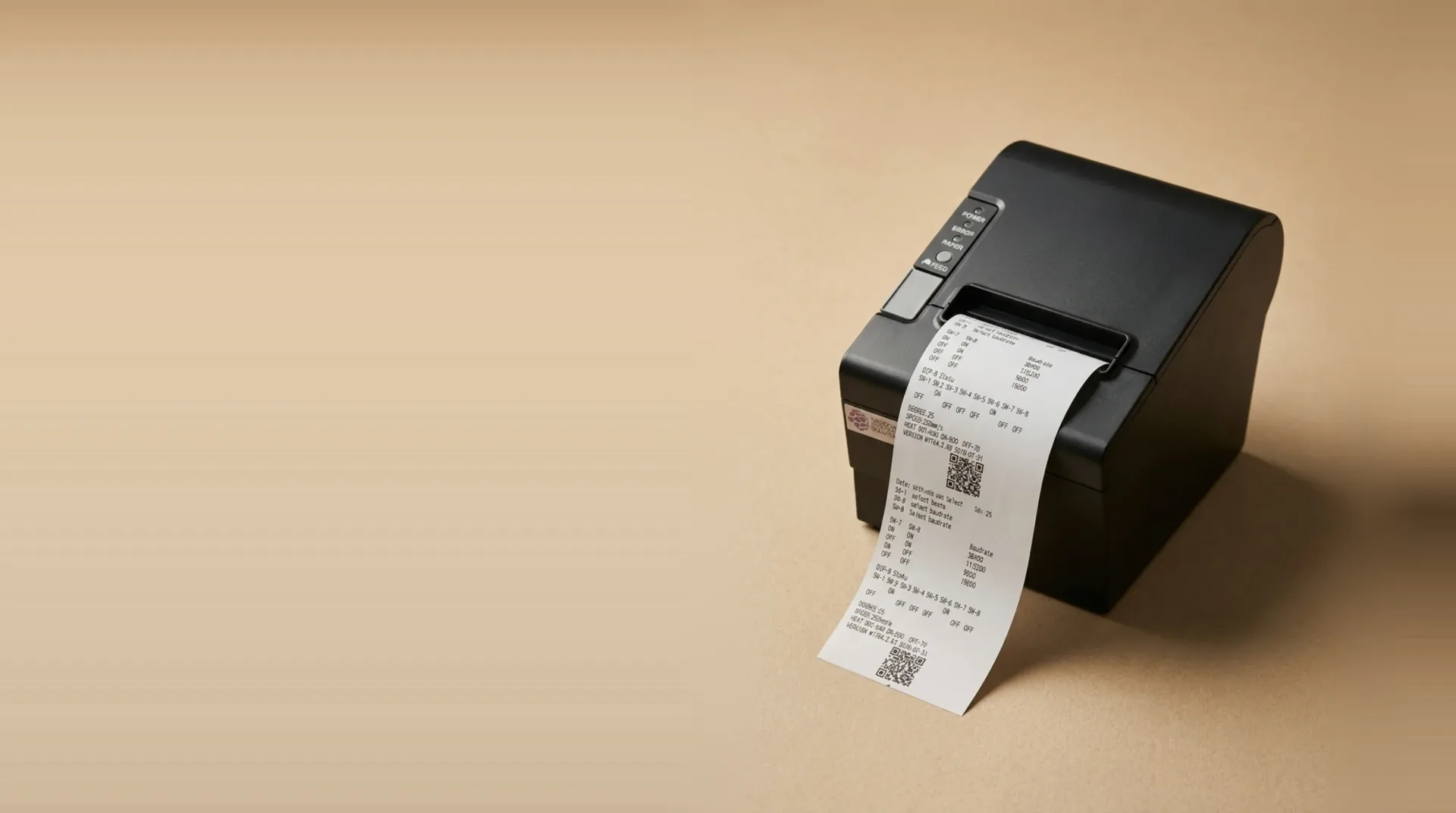
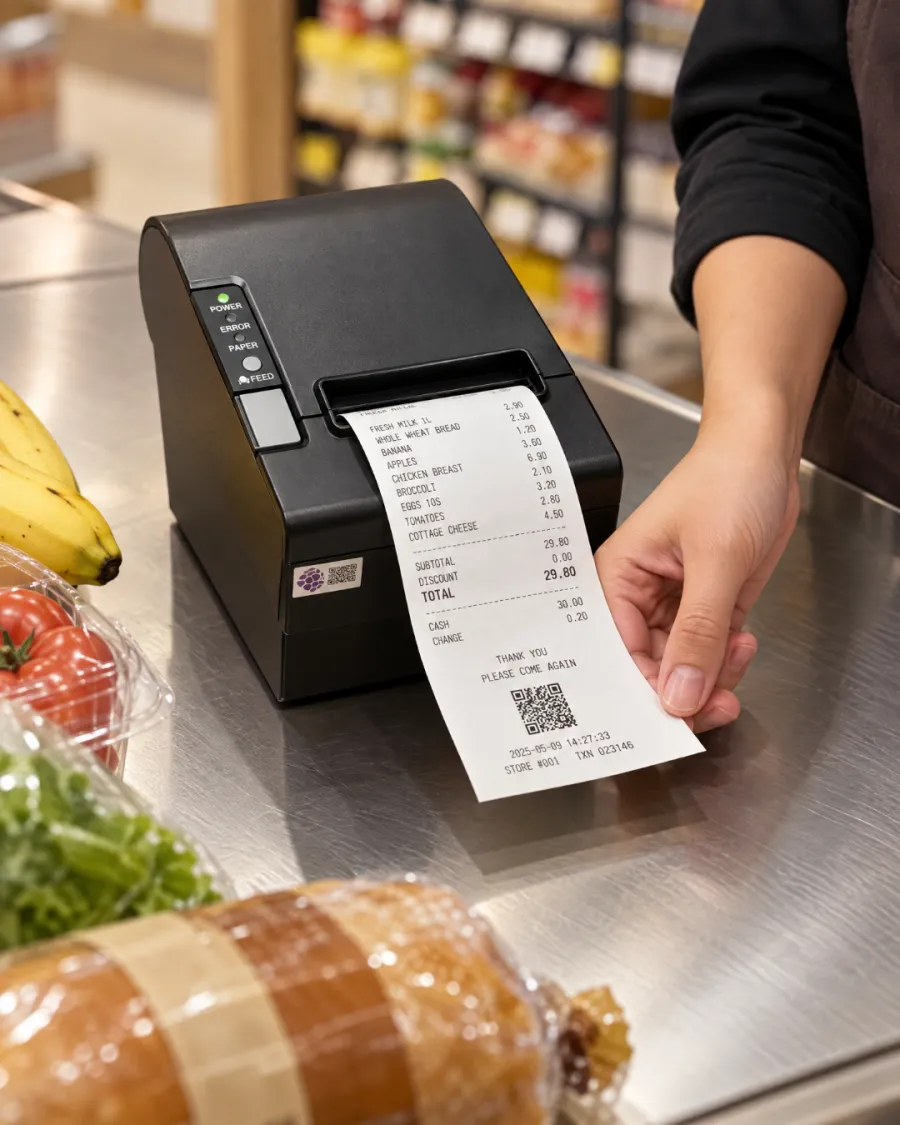
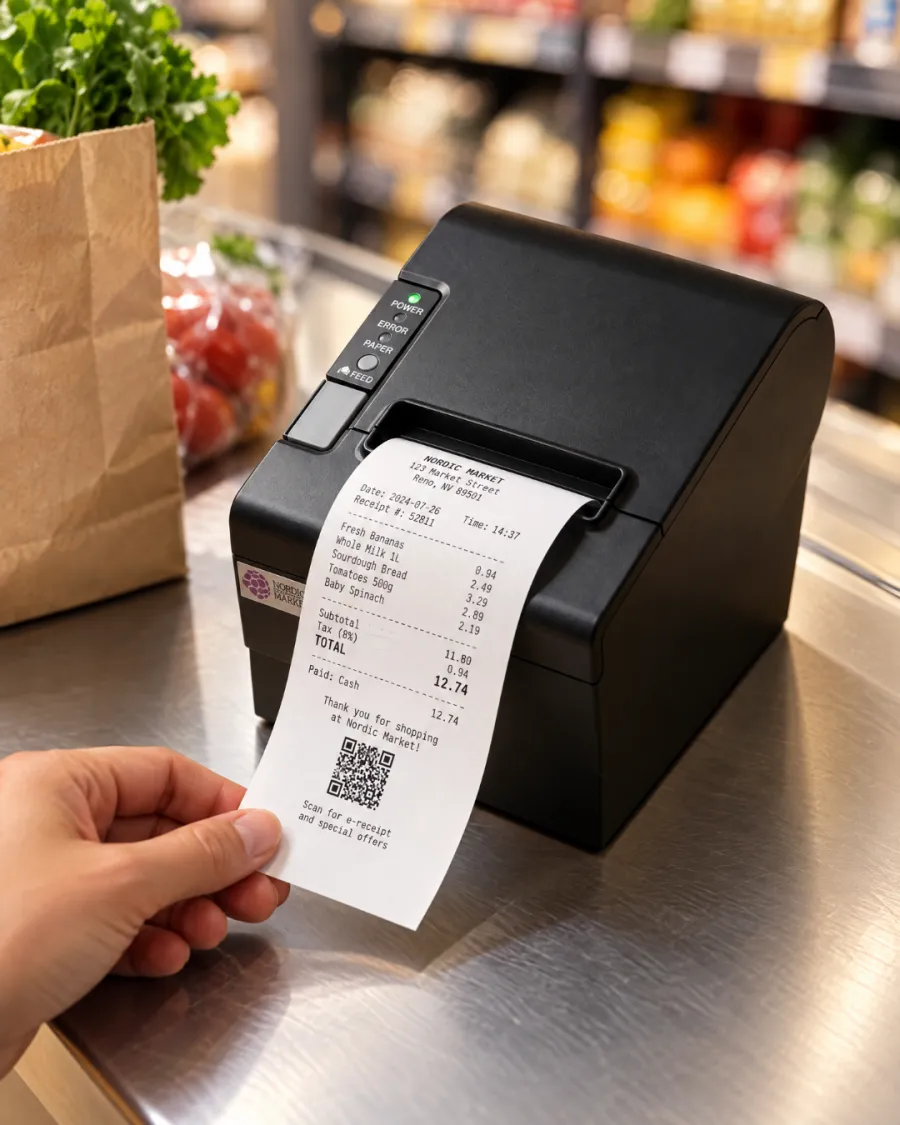
Print every receipt. Tickets in the kitchen. No ink to buy.
Without a printer, receipts go missing and the kitchen depends on shouted orders and handwritten notes. Mistakes follow, and so do refunds.
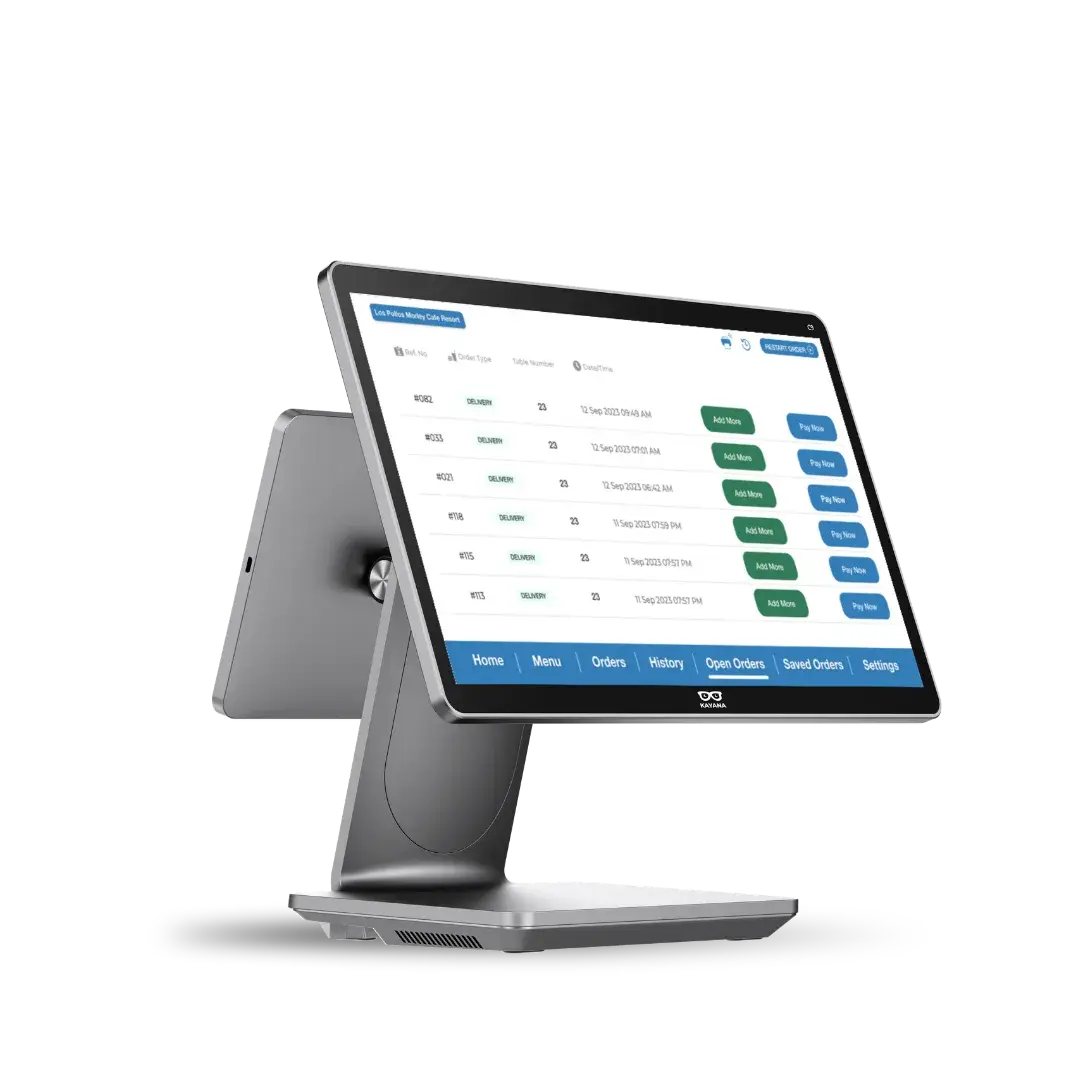
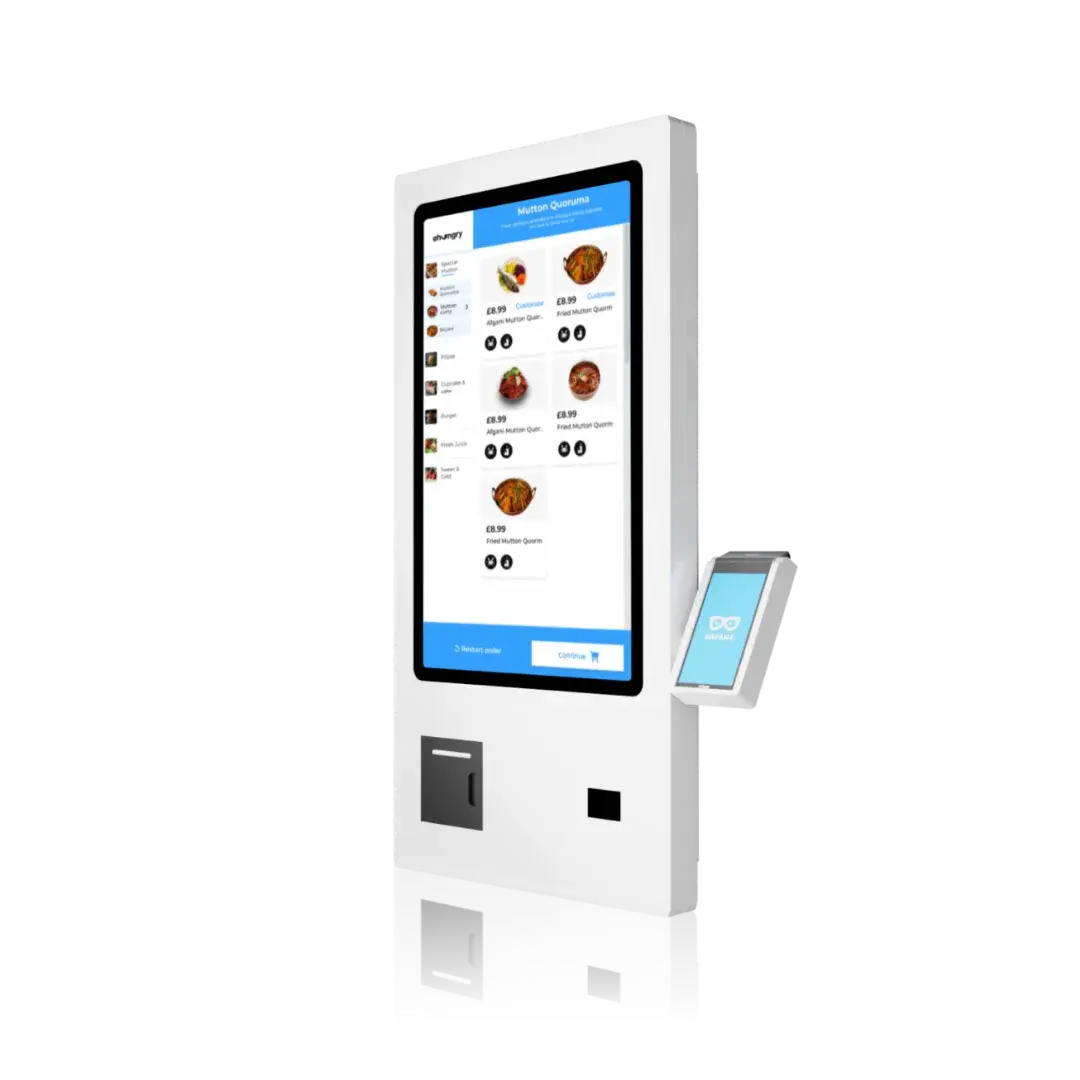
Every order prints straight from your EPOS or kiosk: a receipt at the counter, a ticket in the kitchen, nothing re-keyed.
Conçu pour faire évoluer les chiffres qui comptent.
Receipts and kitchen tickets
One printer covers the customer's receipt at the till and the order ticket in the kitchen.
- Customer receipts
- Kitchen tickets
- Order numbers
Fast, cheap to run
Thermal printing needs no ink, toner or ribbon, so receipts come out fast and the only running cost is paper.
- 80mm paper
- No ink or toner
- Low running cost
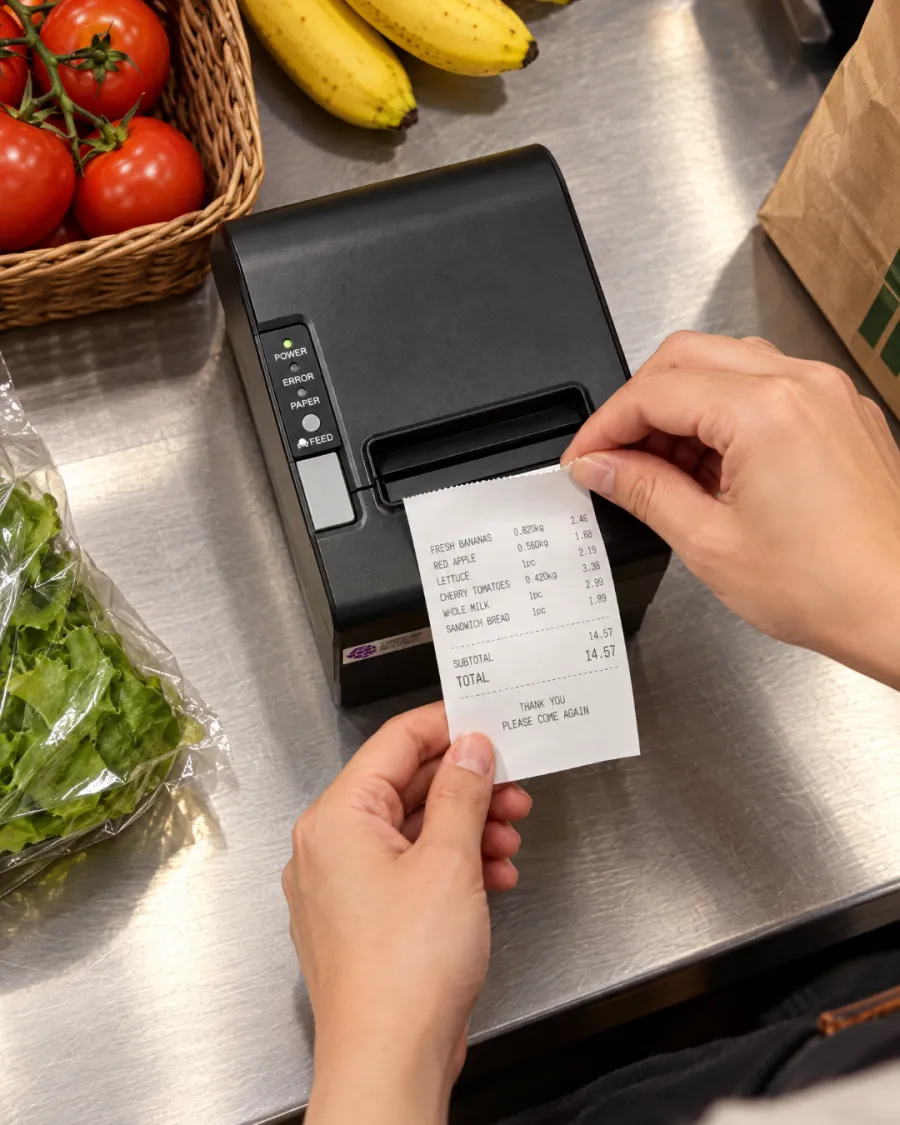
Works with your Kayana setup
Prints from your EPOS, and a kiosk with no EPOS uses it to send its orders to the kitchen.
- EPOS
- Self-service kiosk
- Kitchen tickets
Tout est intégré dès le premier jour.
Assistance 24 h/24, 7 j/7
Une assistance humaine 24 heures sur 24, incluse de série.
Mises à jour gratuites
Les nouvelles fonctionnalités sont mises à disposition automatiquement, sans frais supplémentaires.
Fonctionne hors ligne
Continuez à vendre même si la connexion est coupée.
Un tableau de bord
Gérez tous vos canaux et sites à partir d'un seul identifiant.
Sécurité de niveau bancaire
Conforme à la norme PCI-DSS et crypté de bout en bout.
S'adapte à vos besoins
D'un seul emplacement vers plusieurs, sans changement de plateforme.
Intégrations ouvertes
Connectez vos outils de comptabilité, de livraison et de fidélisation.
Tarification transparente
Un tarif clair — aucun frais caché, jamais.
Opérationnel en trois étapes.
Connect
Plug it in next to your EPOS or kiosk and we set it up with the rest of your system.
Receipts and kitchen tickets print automatically as orders come in.
Serve
The kitchen works from the ticket, and the customer leaves with the receipt.
Prêt à conclure chaque vente, à chaque fois
Receipts and kitchen tickets
Customer receipts
Fast, cheap to run
80mm paper
Works with your Kayana setup
EPOS
Software that fits what you do
Prêt pour tous les coups de feu
Une seule application connectée gère les commandes, les paiements et les tâches administratives sur un même appareil. Ainsi, Thermal Printer s'adapte parfaitement à votre façon de travailler, du comptoir à la cuisine.
- ✓Prendre les commandes au comptoir, à table, sur une borne ou en ligne
- ✓Traiter chaque paiement et le rapprocher automatiquement
- ✓Suivez les stocks, le personnel et les ventes depuis un tableau de bord en temps réel
Why choose Kayana Thermal Printer
Most operators see it pay for itself within weeks.
Grâce à un contrôle plus rigoureux des stocks et au temps gagné sur les tâches administratives, le système est généralement amorti en moins de deux mois.
Chiffres à titre indicatif — les résultats réels dépendent de votre configuration, de votre volume de trading et de votre stratégie de trading.
Operators seeing results within weeks
Tous les témoignages de clients →Connect with the tools your business already uses.
Browse integrations →Le détail, noir sur blanc.
Thermal Printer — connectivité, compatibilité, sécurité et contenu de la boîte.
Kayana's 80mm thermal printer prints customer receipts and kitchen tickets the moment an order is placed, straight from your EPOS or self-service kiosk. It uses thermal paper, so there is no ink, toner or ribbon to buy or run out of mid-service.
Receipts and kitchen tickets from one printer
A receipt printer for a restaurant or shop has two jobs: giving the customer a record of the sale, and telling the kitchen what to make. Kayana's thermal printer does both from the same device, so each order produces a receipt at the counter and a ticket where the food is prepared, without anyone re-keying the order.
Works with your EPOS and your kiosk
Connected to an EPOS, the printer prints every sale as it is taken. A self-service kiosk with no EPOS beside it has nobody to take its orders, so the printer prints each kiosk order for your kitchen as it comes in. When a kiosk sits next to an EPOS, the EPOS printer covers both, so one printer is enough.
Why thermal printing keeps running costs low
Thermal printers heat the paper rather than apply ink, so the only thing you replace is the paper roll. That keeps the cost per receipt low and removes the cartridge and ribbon changes that slow down a busy counter. Kayana's printer uses standard 80mm thermal rolls.
Set up and supported with the rest of your system
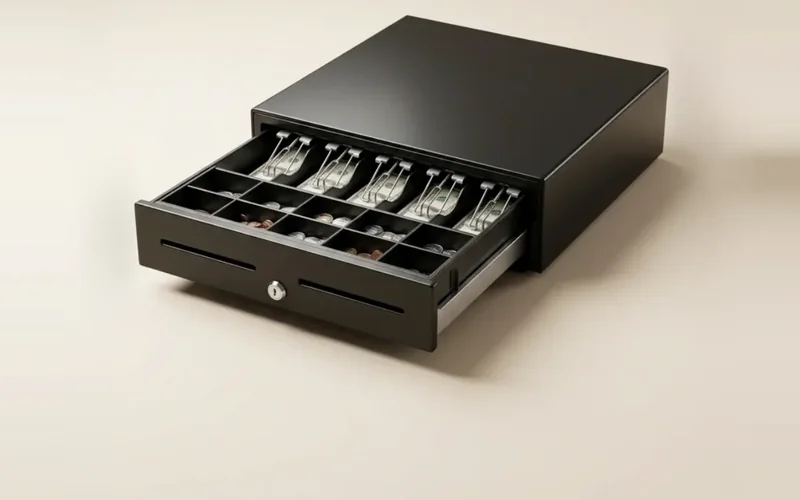
The printer is chosen to work with Kayana hardware and is connected when we set up your system, alongside your card terminal and cash drawer. If something goes wrong during service, Kayana support is available around the clock.
Questions, answered
Tout ce que vous devez savoir sur Thermal Printer. Vous ne trouvez pas la réponse à votre question ?