
Operational Risks Hiding in Your Mobile Point of Sale System
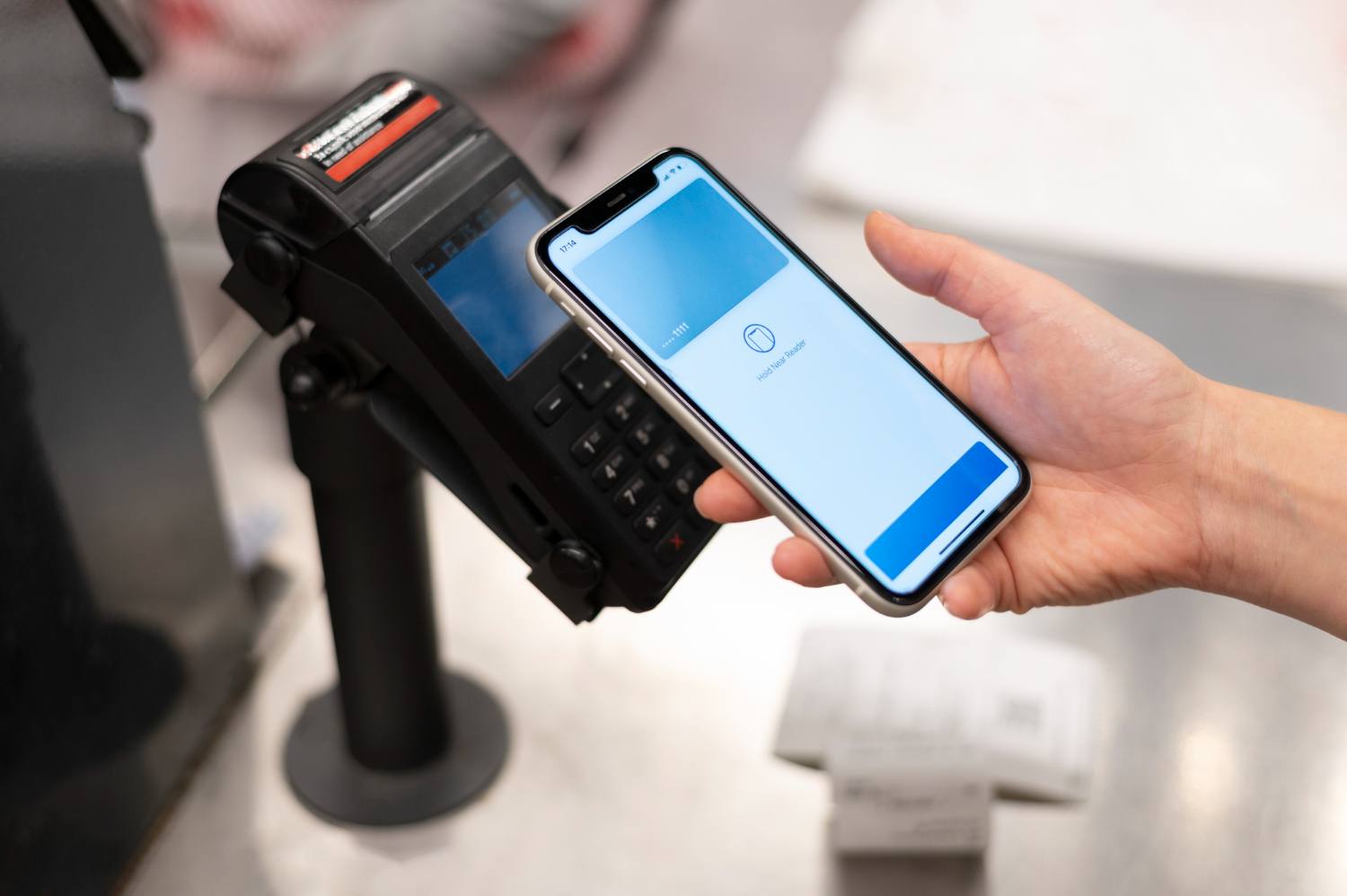
Your mobile point-of-sale system runs your day. Orders, payments, menus, staff logins, reports, all flowing through a few small screens. When it works, the service feels smooth. When it stalls, everything around it slows or stops.
Many operators choose a system based on features, deals, and what their neighbour uses. Fewer stop to ask: what happens when this thing fails at 7 pm on a Saturday?
In this article, we will look at the risks hiding in your mobile POS, how they eat into profit and guest experience, and what you can do before the next busy season hits, whether that is summer terraces, outdoor events, or end-of-year parties.
When Your Mobile POS Becomes a Single Point of Failure
Mobile POS has quietly become the spine of the operation. It often controls:
- Ordering and table management
- Card and wallet payments
- Menus, specials, and pricing
- Loyalty and vouchers
- Reporting and time tracking
That power is great, but it also means one weak link can bring service to a halt. A dropped internet line, a glitchy app update, a dead tablet battery, and suddenly:
- Orders are lost or duplicated
- Guests are double-charged or left waiting at the bar
- Staff grab scraps of paper and shout orders across the floor
- The kitchen and bar lose track of what is real and what is a mistake
This is where knock-on effects start. Queues grow. The table turns slowly. Delivery and collection times slip. Reviews the next day talk about chaos, not your food or service.
Common weak spots include:
- One fragile internet connection with no backup
- Devices that cannot keep taking orders or payments offline
- Over-reliance on one "super user" who knows every workaround
- No clear plan if the main system fails mid-service
A mobile point-of-sale system should not be a single point of failure. It should have layers of protection, so a technical hiccup becomes a small bump, not a full crash.
Data, Fraud and Access Risks You Cannot Ignore
Every tap, swipe, and refund through your MPOS touches data. Some of it is very sensitive. You have payment data, contact details, staff activity, and performance numbers all in one place.
If that data is scattered across devices and apps, or stored in random exports and screenshots, you build quite a risk. Examples include:
- Staff saving reports to personal emails or cloud drives
- Screenshots of customer details in chat groups
- Backups that are not encrypted
- Old files that never get deleted
Then there is internal fraud and misuse. Most operators do trust their teams. Still, the mix of pressure, targets, and easy access can create problems, for example:
- "Test" orders that never get closed, but stock walks out
- Unauthorised refunds pushed to cards that are not present
- Discounts and voids are used to adjust bills after payment
- Tips adjusted with no clear trail
The real sting is when these are only spotted weeks later in reports, long after money has left the business.
Access control matters just as much. Ask yourself:
- What happens if a device is lost, stolen, or taken home?
- Can you lock or wipe it remotely and quickly?
- Are staff sharing logins because it feels quicker?
- Do you have role-based permissions so only managers can refund, discount, or edit menus?
Strong audit trails and clear roles do not slow service; they protect it. They make it easier to reward good performance and spot odd patterns early.
Operational Inefficiencies Hiding in Your Setup
Not every risk looks like a crash. Some are slow leaks in time and labour. A mobile POS setup that looks fine on paper can quietly drag service if it is not designed around real shifts.
Common issues include:
- Too many taps for a simple order
- Menus that force staff to jump between screens
- Modifiers hidden in deep nests rather than clear choices
- Payment flows that need staff to repeat steps or rekey totals
Each extra tap adds seconds. Across hundreds of orders, that is extra staff time and longer waits for guests.
Training adds another layer. If your teams learn from whoever is on shift that day, each site ends up with its own version of how to use the system. People create workarounds, save "secret" buttons, and pass tips through WhatsApp instead of clear, shared standards. This leads to:
- Higher error rates on specials and modifiers
- Missed upsell prompts because nobody trusts or understands them
- Inaccurate stock because items are entered in odd ways
- Confusion when new staff move between sites
All of this lands as a higher average handle time per order and more 86s on your busiest days, when you can least afford to disappoint guests.
Despite the operational considerations, MPOS can offer significant benefits when implemented correctly. Explore 5 ways clothing retailers use MPOS to reduce checkout friction.
Multi-Site Complexities That Amplify Risk
Adding one more site does not just double the work. It can multiply the risk within your mobile point-of-sale system.
Without strong central control, you can end up with:
- Different pricing for the same item with no clear reason
- Tax rules are set up one way at one location and another way across town
- Menus that drift apart over time, so training no longer transfers
- Each site buys or manages devices in its own way
At the head office level, this becomes a reporting headache. Operators often find themselves:
- Pulling separate reports and merging them in spreadsheets
- Waiting until the next day or week to see the performance
- Struggling to spot underperforming sites or odd refund patterns in time
Seasonal peaks and events add more strain. Pop-up terraces, festival stands, or temporary bars are often set up fast, using spare devices, shared Wi-Fi, and copied logins. They run high volume through weaker controls. The revenue is real, but so is the risk.
Practical Ways to De-Risk Before Peak Season
The good news is that you can reduce much of this risk with clear checks and simple habits before the next busy period hits.
Start with a short checklist across every site:
- Connectivity: primary internet plus a backup option
- Power: chargers, spare cables, charging stations, and a plan for long shifts
- Offline: what still works if the network drops, and for how long
- Permissions: who can refund, discount, edit menus, or export data
- Devices: a current inventory, labelled and assigned, with lock and wipe tools in place
- Incident playbook: a simple, printed "if X happens, do Y" guide near the till
Then look at processes:
- Run regular menu and pricing audits across sites
- Schedule short staff refreshers on key flows before peak season
- Run test drills where you simulate a brief POS outage during a calm period
- After any real incident, hold a quick review to update the playbook
Finally, review how you work with your POS provider:
- Are support hours aligned with your trading hours?
- Do you know what response times to expect if something fails?
- Is it clear who owns your data and how you can export it safely?
- How easily can you add sites, change menus, or update rules as you grow?
Experienced payments and hospitality technology partners view mobile point-of-sale systems not just as tools for taking money but as the control room for busy hospitality and retail businesses.
Understanding how MPOS fits into the wider retail technology landscape can also help businesses make better decisions. Explore the death of the cash register and the rise of EPOS and MPOS.
Turning Your Mobile POS From Risk to Strategic Asset
A mobile POS that is set up with resilience in mind does more than prevent chaos. It gives you cleaner data, stronger controls, and the confidence to plan growth.
It supports better forecasting, smarter staffing, and clearer decisions at the site level.
The most important step is simple. Block out time in the next couple of weeks for a structured mobile POS risk review.
Bring operations, finance, and site managers together and walk through the areas covered here: single points of failure, data and access, everyday inefficiencies, and multi-site control.
One of the key applications of MPOS is helping businesses respond to sudden increases in demand. Learn how businesses use MPOS to absorb demand spikes.
Operators who treat risk as part of their digital infrastructure now will be better placed when a sudden weather shift fills outdoor seating, an unexpected event swells footfall, or a new site goes live.
A thoughtful mobile point-of-sale system will not just survive the rush; it will help you turn it into lasting revenue and stronger guest loyalty.
Transform Your Payments With A Flexible Mobile POS Today
If you are ready to modernise your checkout experience, our mobile point-of-sale system makes it simple to accept secure payments anywhere you serve customers.
At Kayana, we help you streamline orders, track sales in real time and keep queues moving quickly.
Speak with our team to explore the best setup for your business and get tailored pricing. To discuss your needs or request a demo, just contact us.