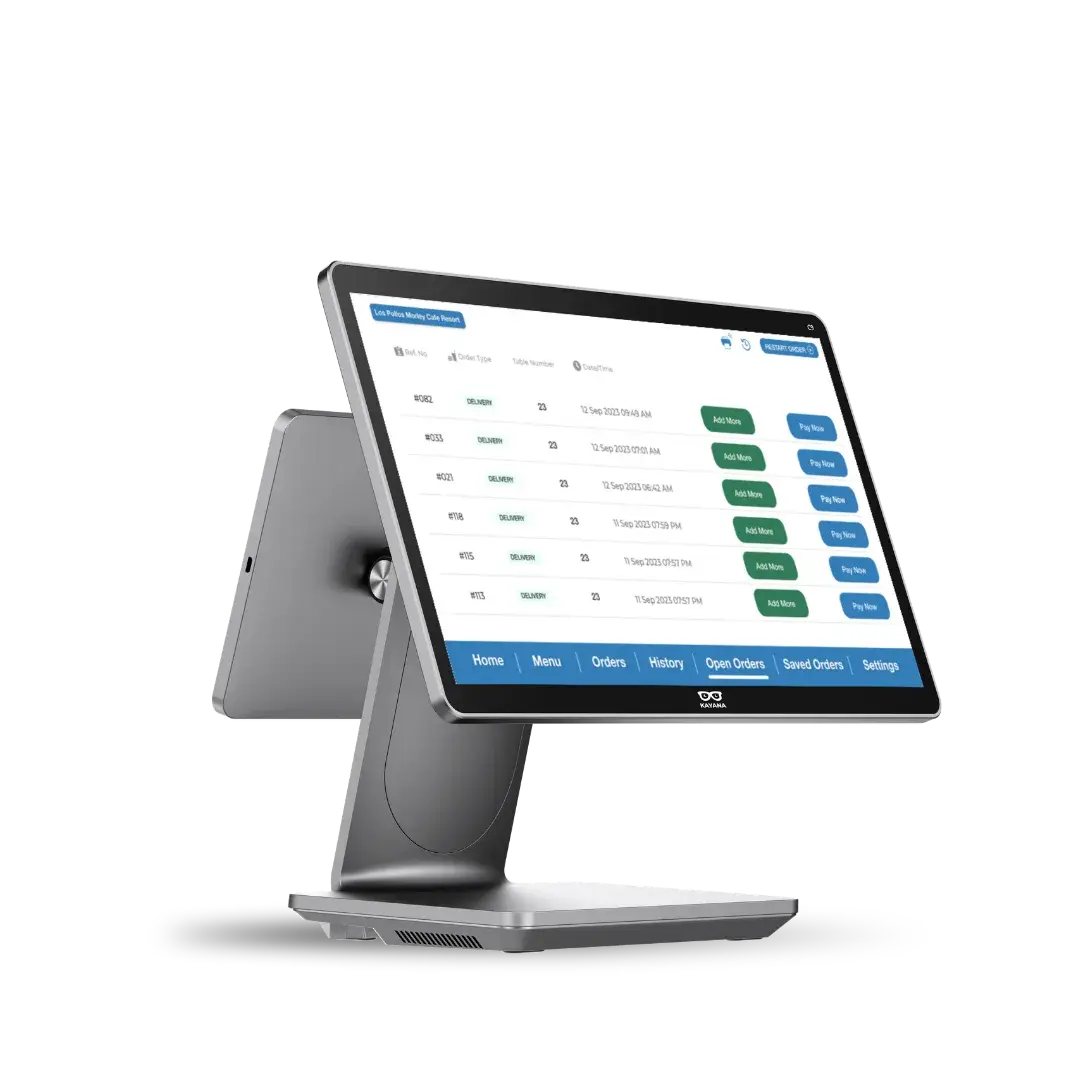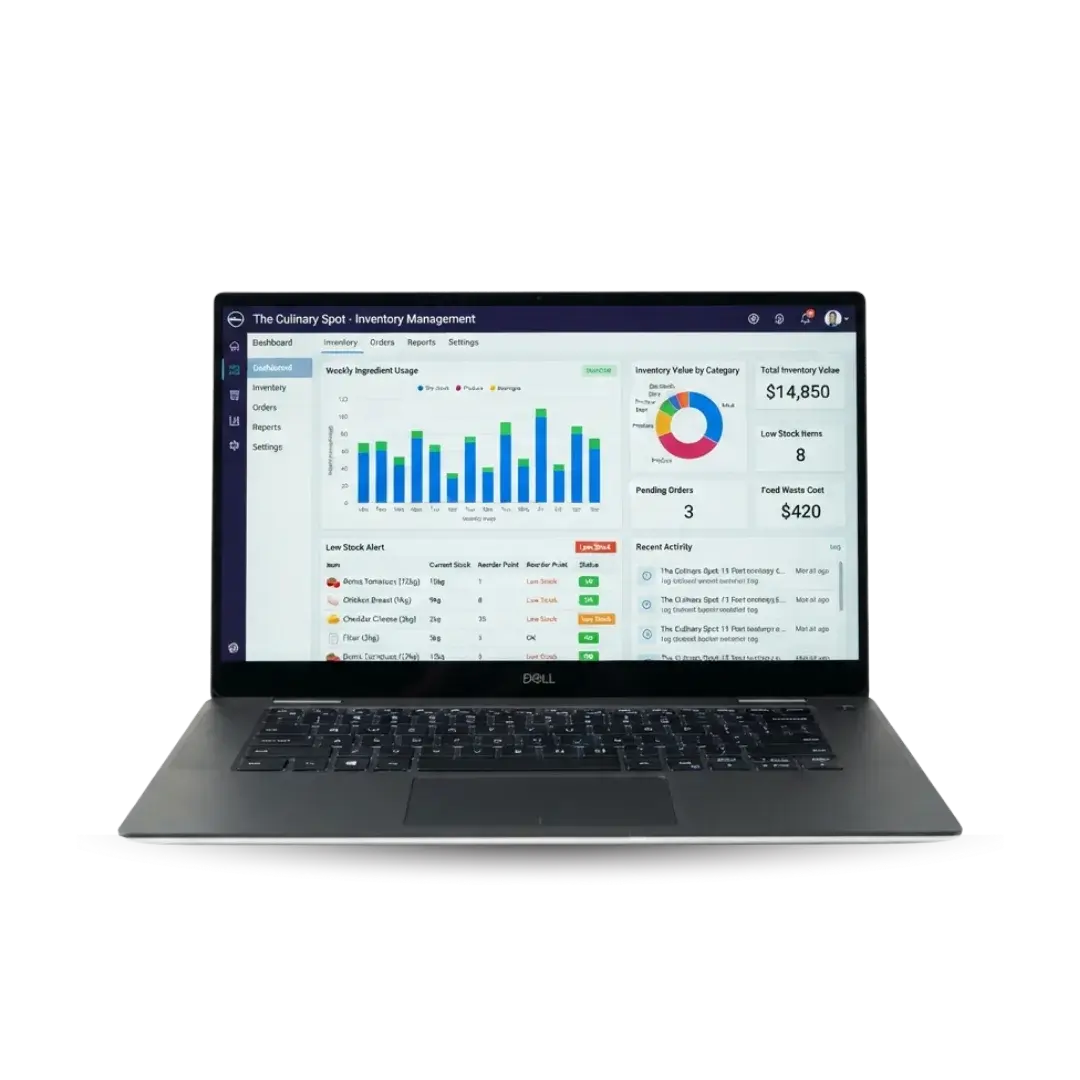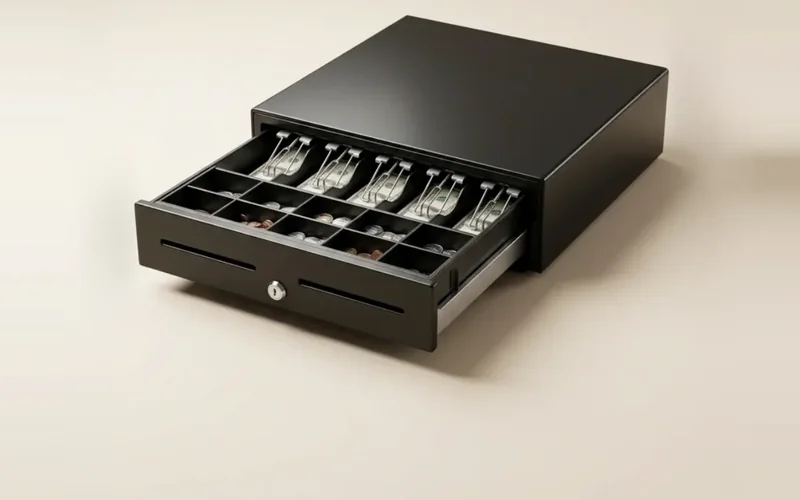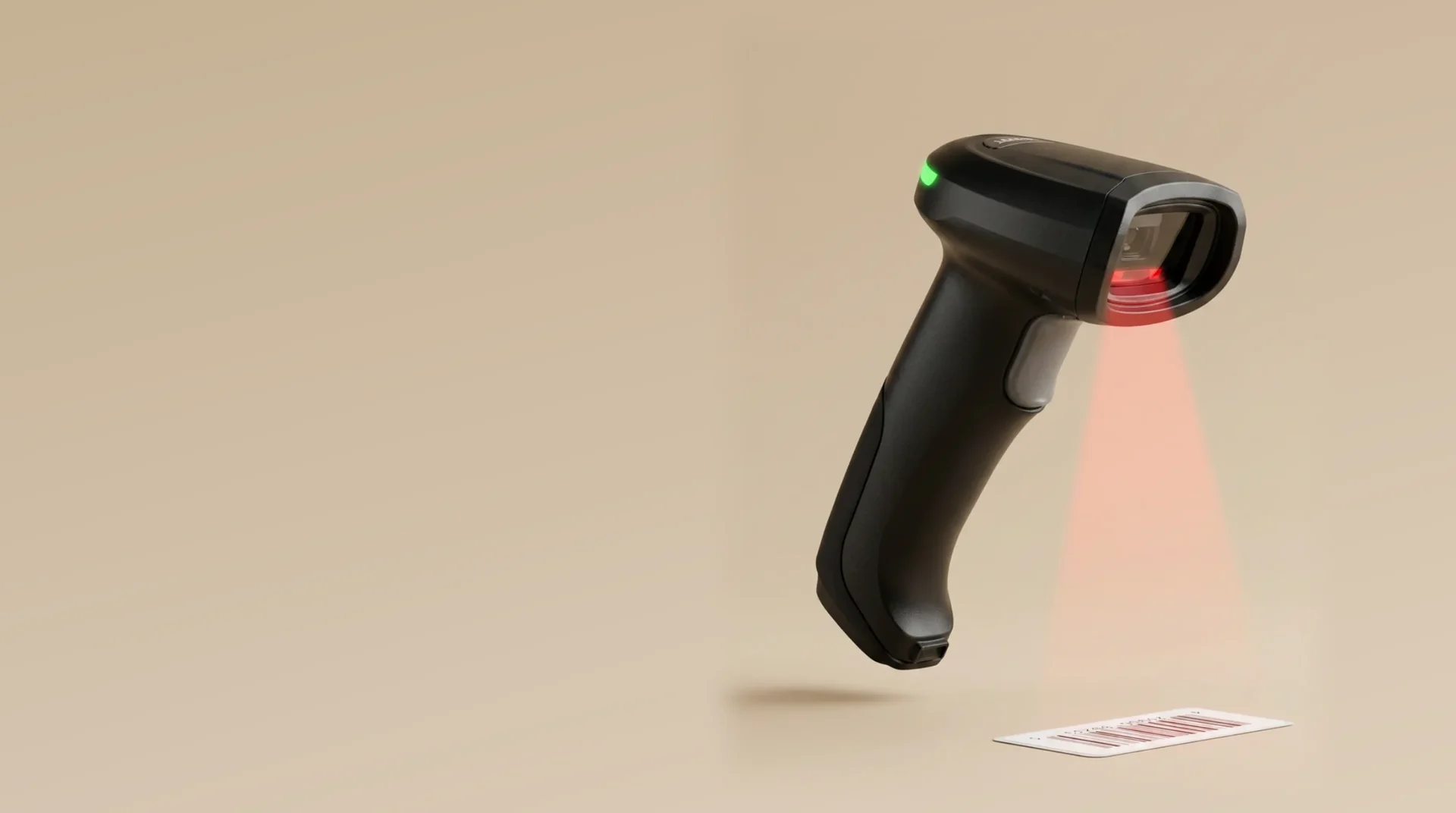
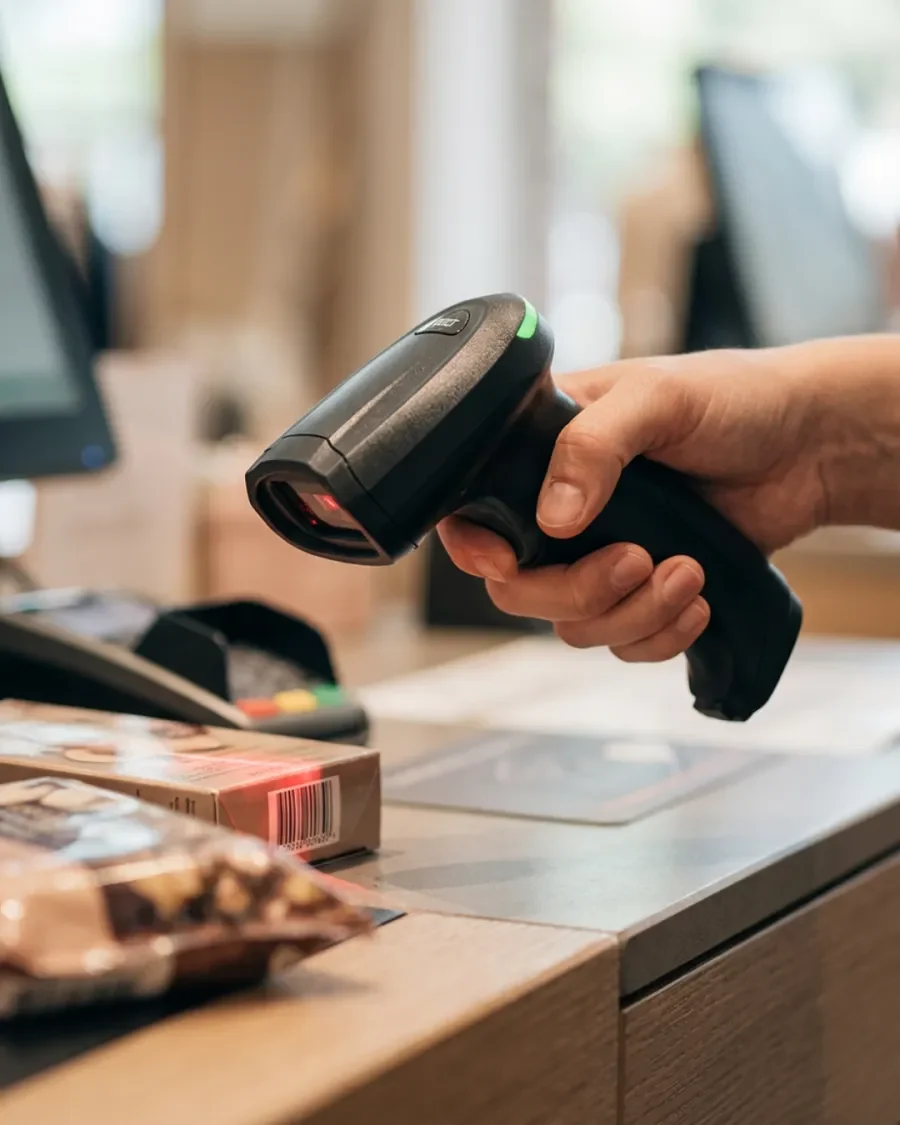
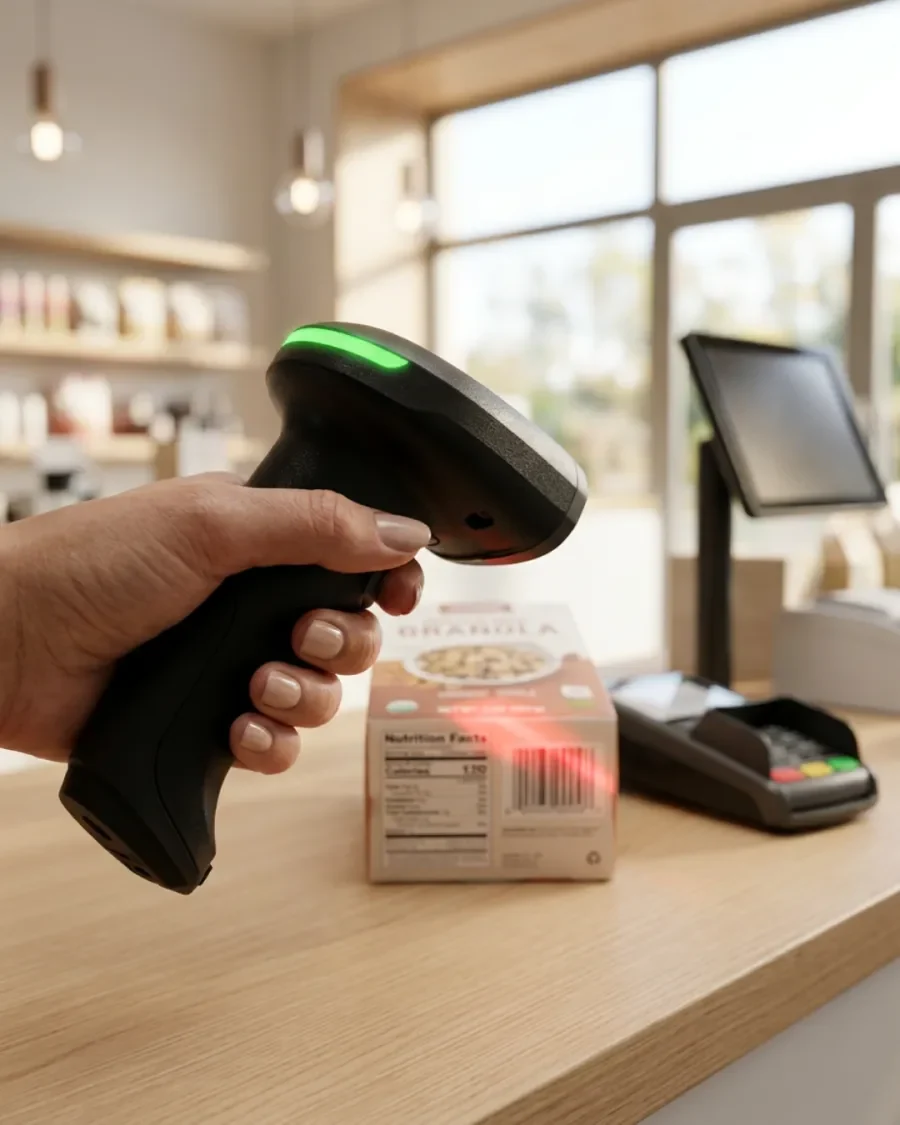
Scan to sell. Count stock fast. Works with your EPOS.
In a shop with many products, finding each one on the screen or typing it in slows the queue and invites mistakes. Stock counts done by hand take longer still, and the numbers are out of date by the time they are written down.
Scanning a barcode adds the right item to the sale in a moment, and the same scan can be used to check and count your stock.
Conçu pour faire évoluer les chiffres qui comptent.
Scan to sell
Scan a product's barcode at the till and it is added to the sale, so the queue moves and the wrong item is less likely to be rung up.
- Faster checkout
- Fewer keying mistakes
- Works with your EPOS
Scan to count stock
Use the same scanner to check items and count stock, so your numbers match what is on the shelf.
- Stock checks
- Stock counts
- Fewer surprises
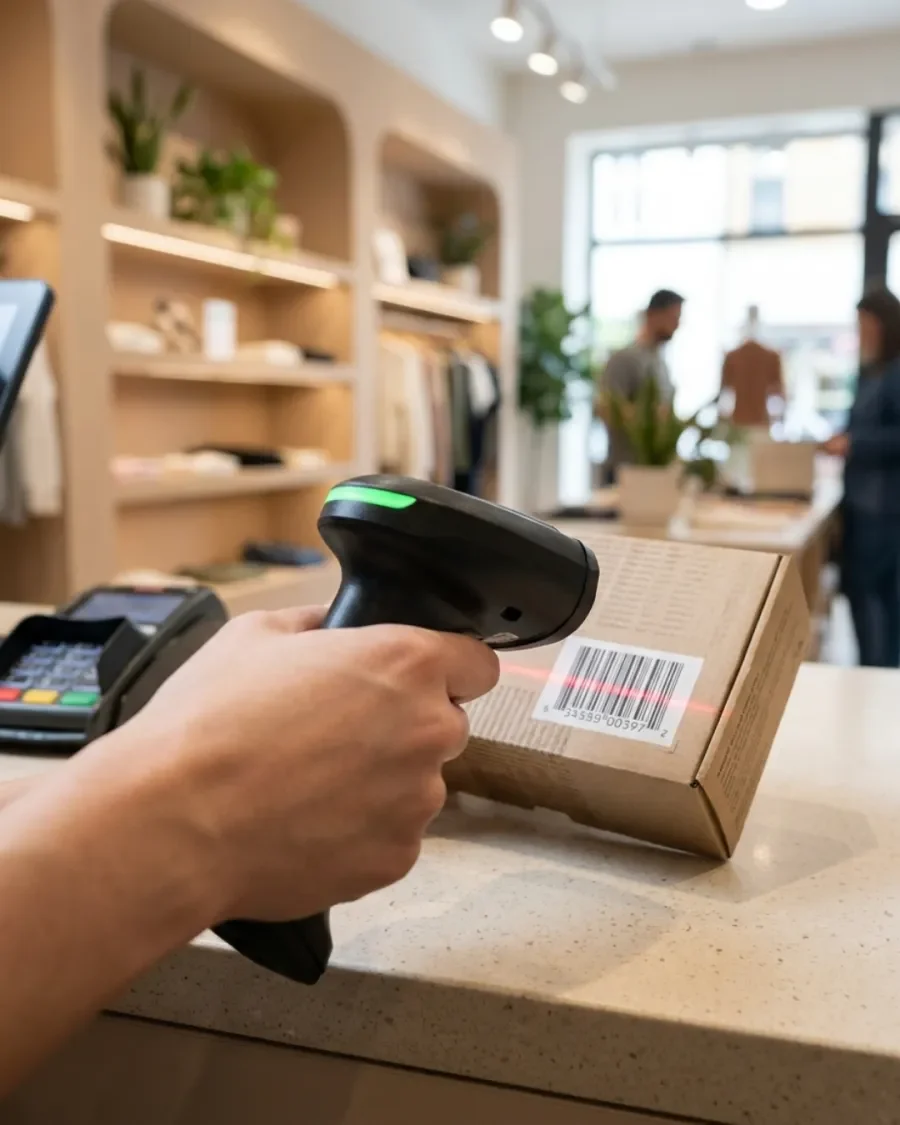
Built for retail
Shops, convenience stores and anywhere with many products to sell can scan instead of searching, and keep the till free for the customer.
- Shops and stores
- Many products
- Busy counters
Tout est intégré dès le premier jour.
Assistance 24 h/24, 7 j/7
Une assistance humaine 24 heures sur 24, incluse de série.
Mises à jour gratuites
Les nouvelles fonctionnalités sont mises à disposition automatiquement, sans frais supplémentaires.
Fonctionne hors ligne
Continuez à vendre même si la connexion est coupée.
Un tableau de bord
Gérez tous vos canaux et sites à partir d'un seul identifiant.
Sécurité de niveau bancaire
Conforme à la norme PCI-DSS et crypté de bout en bout.
S'adapte à vos besoins
D'un seul emplacement vers plusieurs, sans changement de plateforme.
Intégrations ouvertes
Connectez vos outils de comptabilité, de livraison et de fidélisation.
Tarification transparente
Un tarif clair — aucun frais caché, jamais.
Opérationnel en trois étapes.
Set up
We set the scanner up with your EPOS when we set up your system.
Scan
Scan an item at the till to add it to the sale.
Count
Scan items to check and count your stock.
Prêt à conclure chaque vente, à chaque fois
Scan to sell
Faster checkout
Scan to count stock
Stock checks
Built for retail
Shops and stores
Software that fits what you do
Prêt pour tous les coups de feu
Une seule application connectée gère les commandes, les paiements et les tâches administratives sur un même appareil. Ainsi, Barcode Scanner s'adapte parfaitement à votre façon de travailler, du comptoir à la cuisine.
- ✓Prendre les commandes au comptoir, à table, sur une borne ou en ligne
- ✓Traiter chaque paiement et le rapprocher automatiquement
- ✓Suivez les stocks, le personnel et les ventes depuis un tableau de bord en temps réel
Why choose Kayana Barcode Scanner
Most operators see it pay for itself within weeks.
Grâce à un contrôle plus rigoureux des stocks et au temps gagné sur les tâches administratives, le système est généralement amorti en moins de deux mois.
Chiffres à titre indicatif — les résultats réels dépendent de votre configuration, de votre volume de trading et de votre stratégie de trading.
Operators seeing results within weeks
Tous les témoignages de clients →Connect with the tools your business already uses.
Browse integrations →Le détail, noir sur blanc.
Barcode Scanner — connectivité, compatibilité, sécurité et contenu de la boîte.
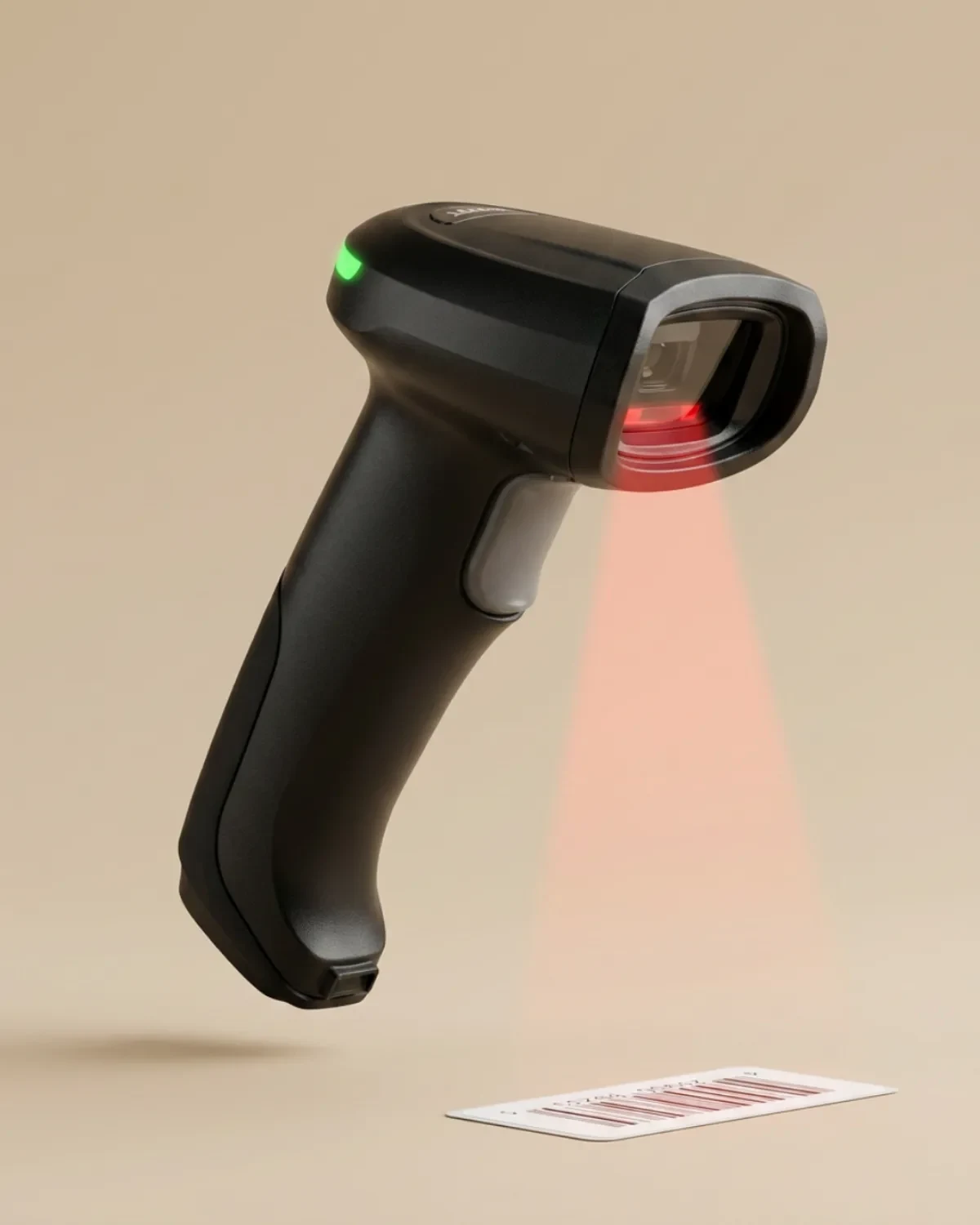
Kayana's Barcode Scanner is a handheld scanner you use with your EPOS. Scan a product to add it to the sale, or scan items to check and count your stock, instead of searching or typing.
Scan instead of searching
In a shop with many products, finding each item on the screen takes time and the queue grows. With a scanner, each barcode adds the right item to the sale in a moment, so the person at the till spends less time on the screen and more time with the customer.
Count stock by scanning
The same scanner can be used to check items and count stock, so the figures in your system are closer to what is on the shelf. Pair it with Inventory to keep track of what you have.
Made for shops and busy counters
Retail businesses, convenience stores and anywhere with many products to sell get the most from a scanner. It works with your Kayana EPOS, so sales and stock stay in one system.
What you need
The scanner is used with a Kayana EPOS. We set it up with your system, and our team is on hand around the clock if you need help.
Questions, answered
Tout ce que vous devez savoir sur Barcode Scanner. Vous ne trouvez pas la réponse à votre question ?