
How To Add Categories to Menu Titles
Last updated Jun 3, 2025
Use categories to organise your menu titles into clearly defined sub-sections, such as Fish and Chips, New Items, or Classics.
1. Access the Menu Section
- Go to the Menu section in the Kayana Partners Portal.
- Select the Menu Title where you want to add a category (e.g., Fish and Chips).

2. Add a New Category
- Click Add a Category in the selected menu.
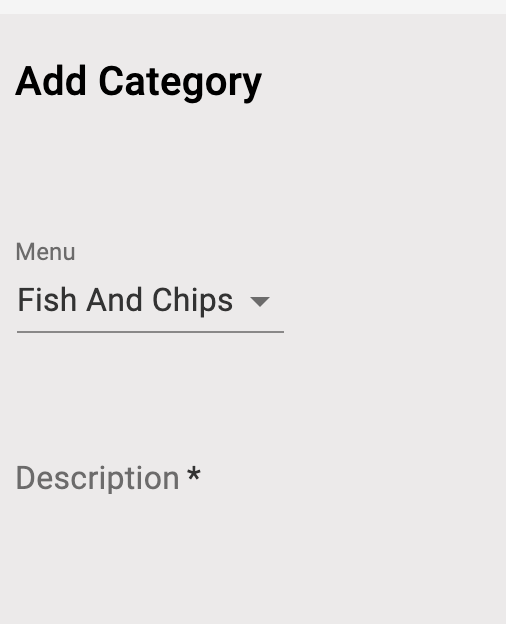
3. Fill Out the Category Details
Make sure you're adding the category under the correct menu (e.g., Fish and Chips). Then complete the form with:
- Category Name
- Sort Order (lower number = higher position)
- Category Description
- Image (optional)
4. Save the Category
- Click Add Category to save it.
- The new category will now appear under the selected menu title.