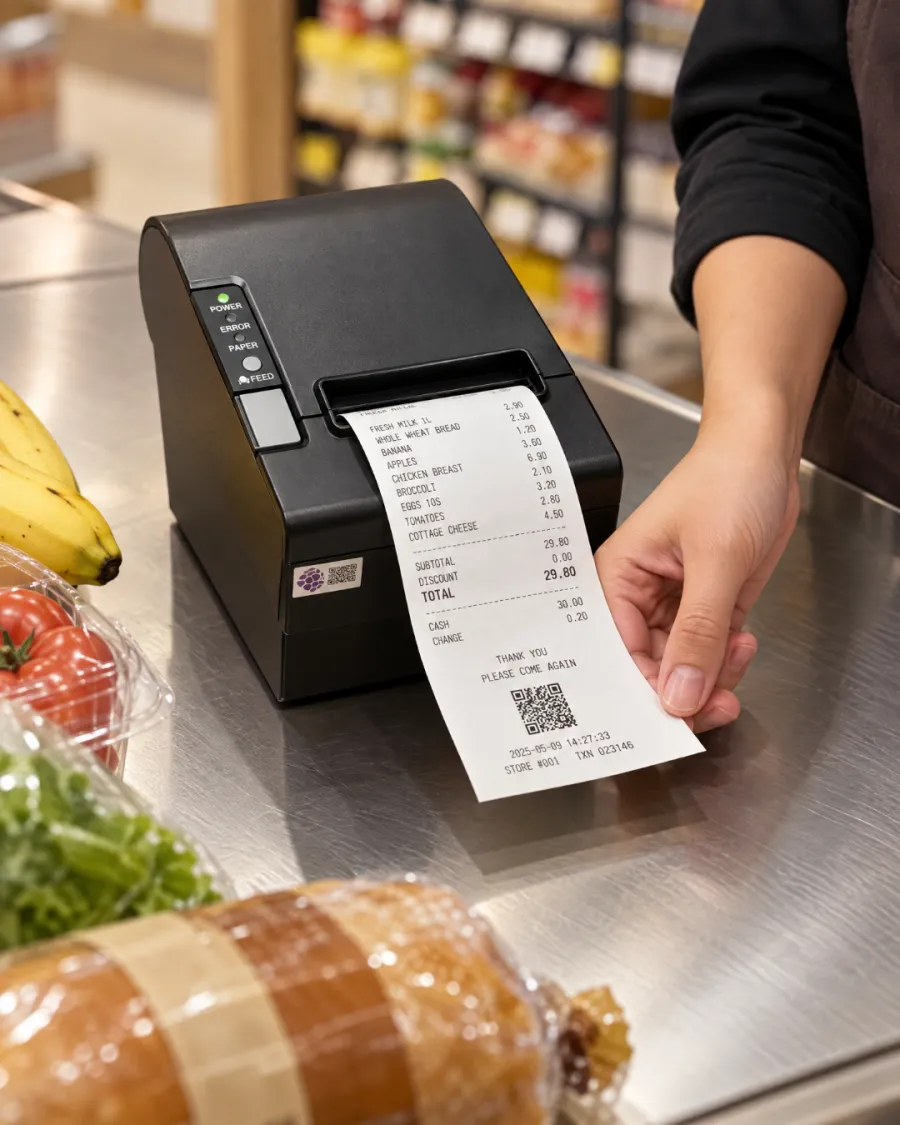
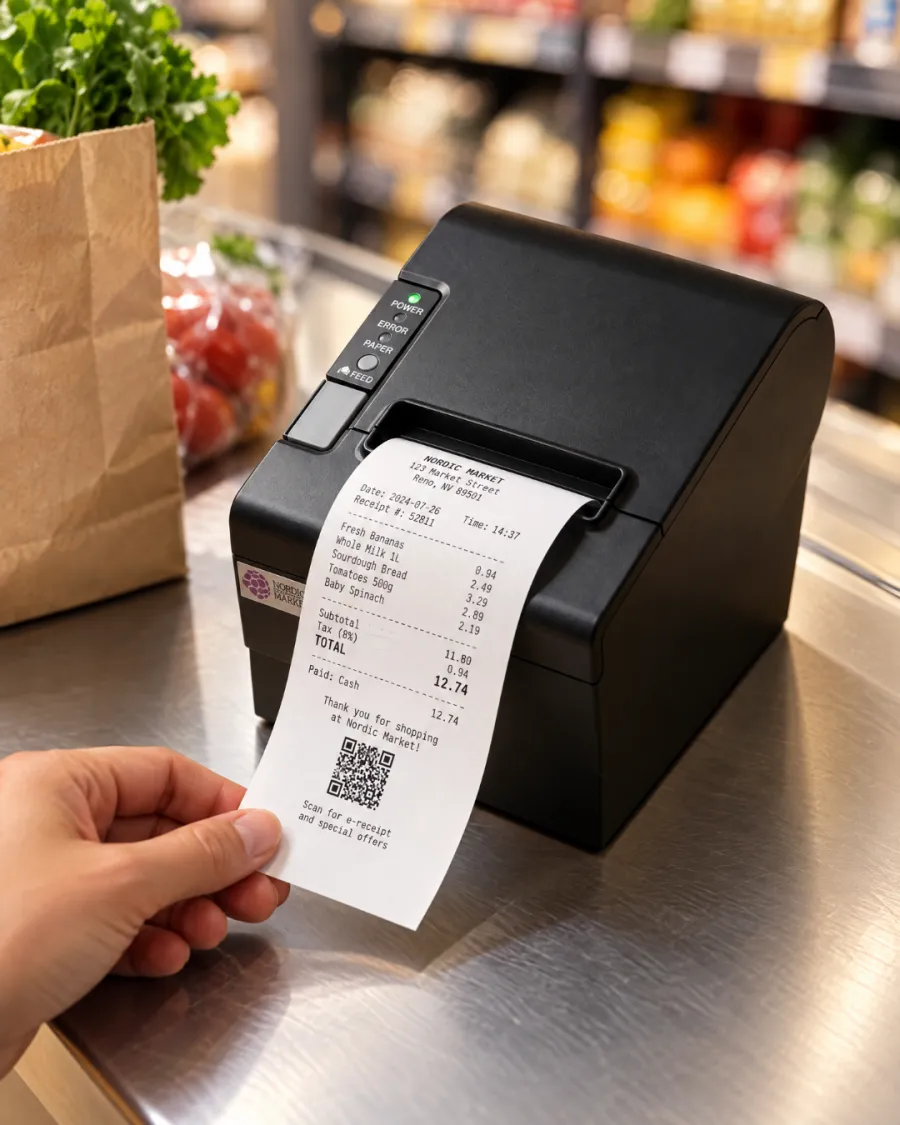
Print every receipt. Tickets in the kitchen. No ink to buy.
Without a printer, receipts go missing and the kitchen depends on shouted orders and handwritten notes. Mistakes follow, and so do refunds.
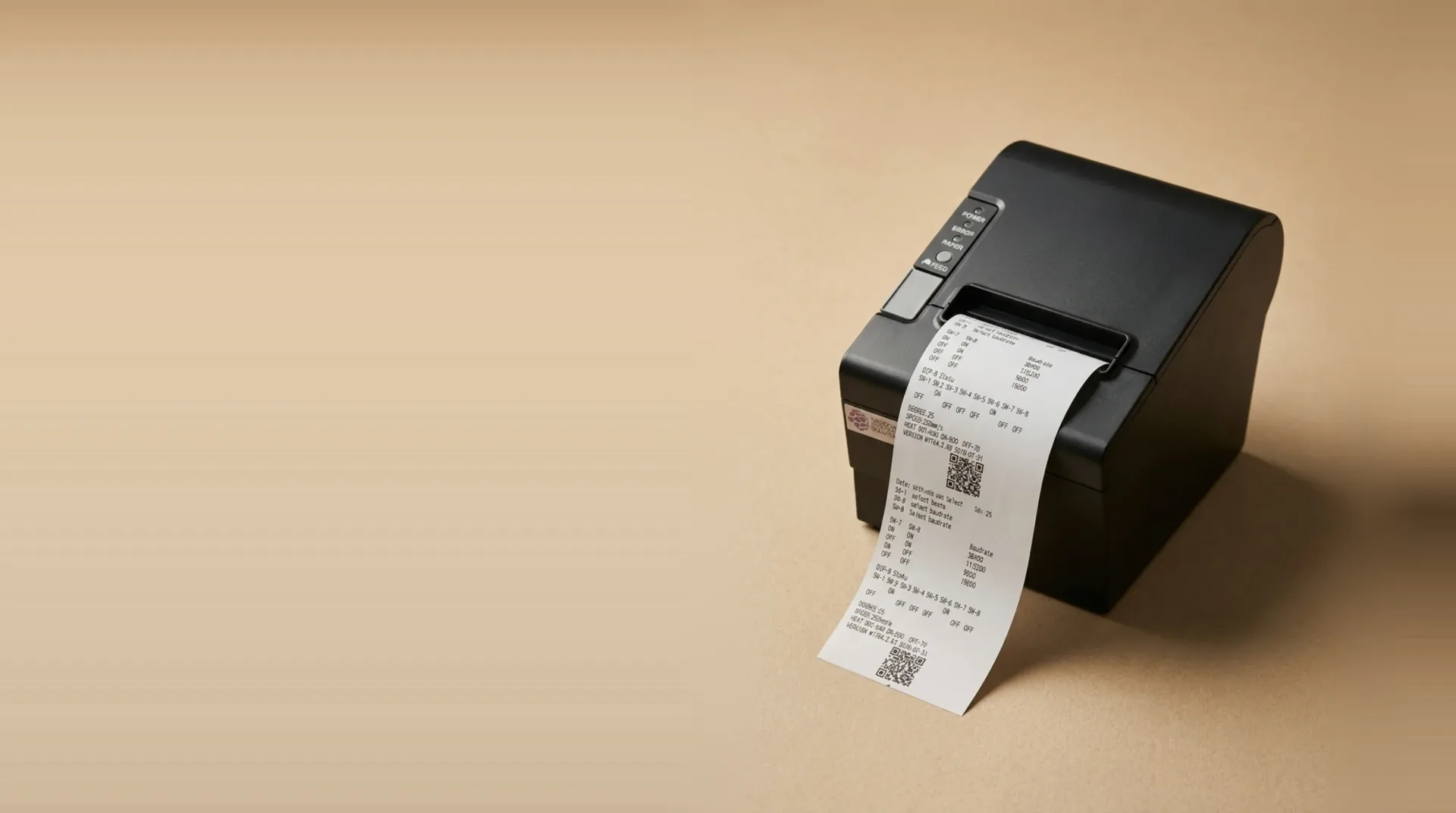
Every order prints straight from your EPOS or kiosk: a receipt at the counter, a ticket in the kitchen, nothing re-keyed.
Diseñado para generar los resultados que realmente importan.
Receipts and kitchen tickets
One printer covers the customer's receipt at the till and the order ticket in the kitchen.
- Customer receipts
- Kitchen tickets
- Order numbers
Fast, cheap to run
Thermal printing needs no ink, toner or ribbon, so receipts come out fast and the only running cost is paper.
- 80mm paper
- No ink or toner
- Low running cost
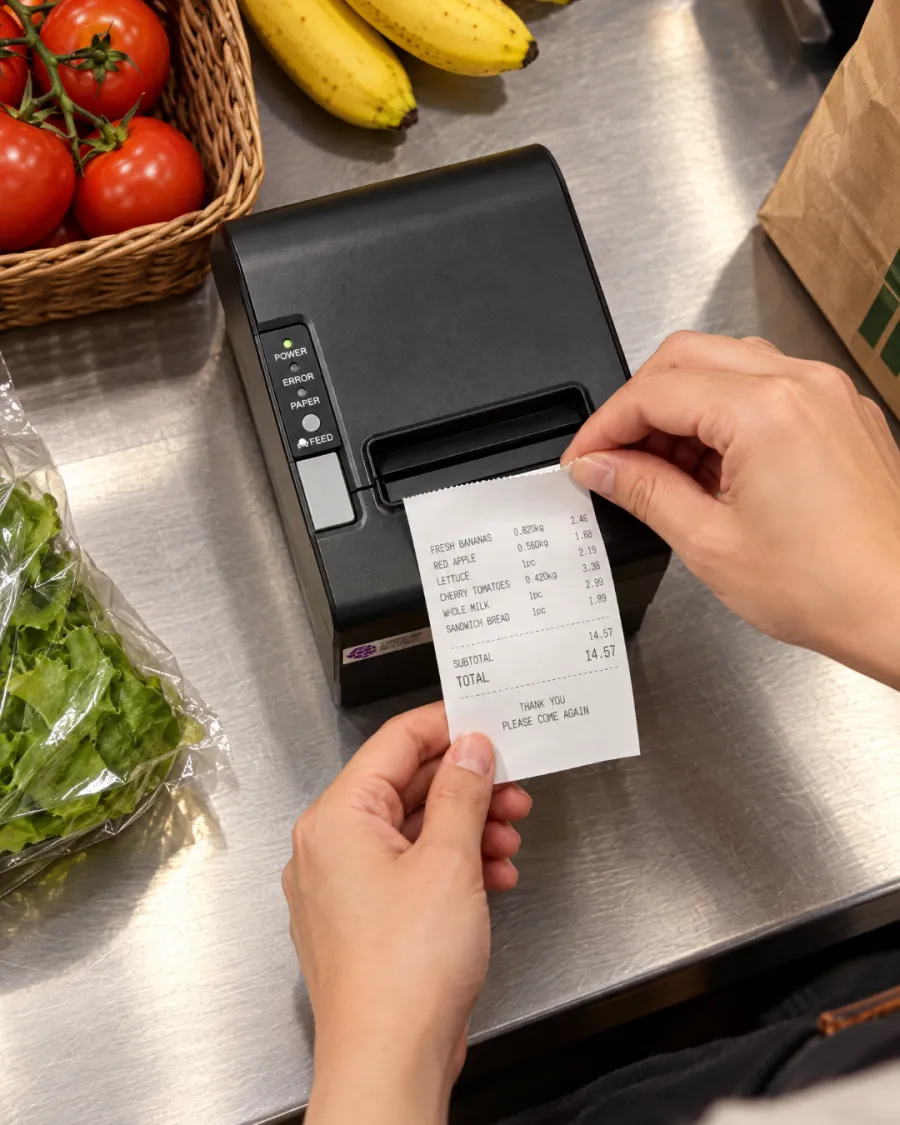
Works with your Kayana setup
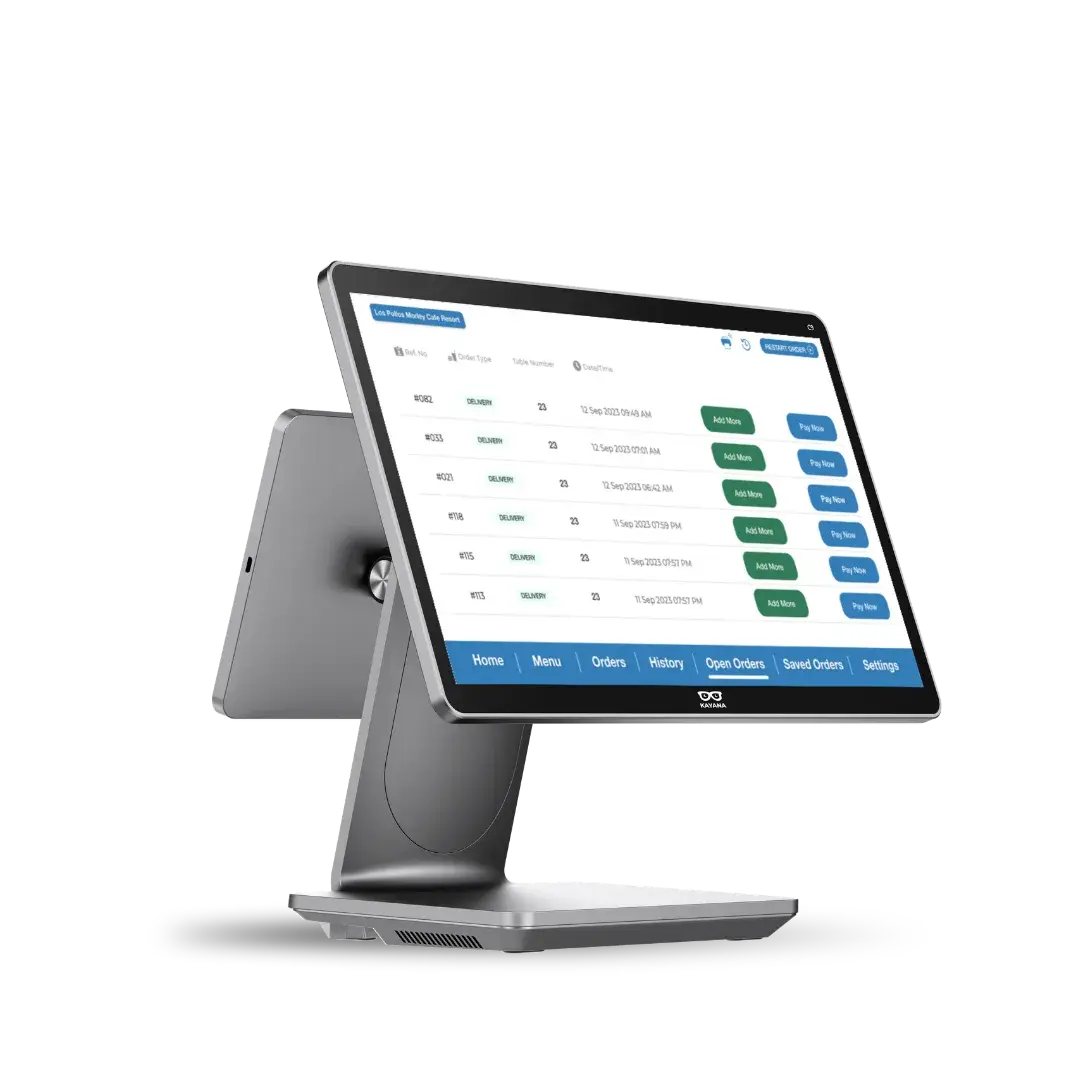
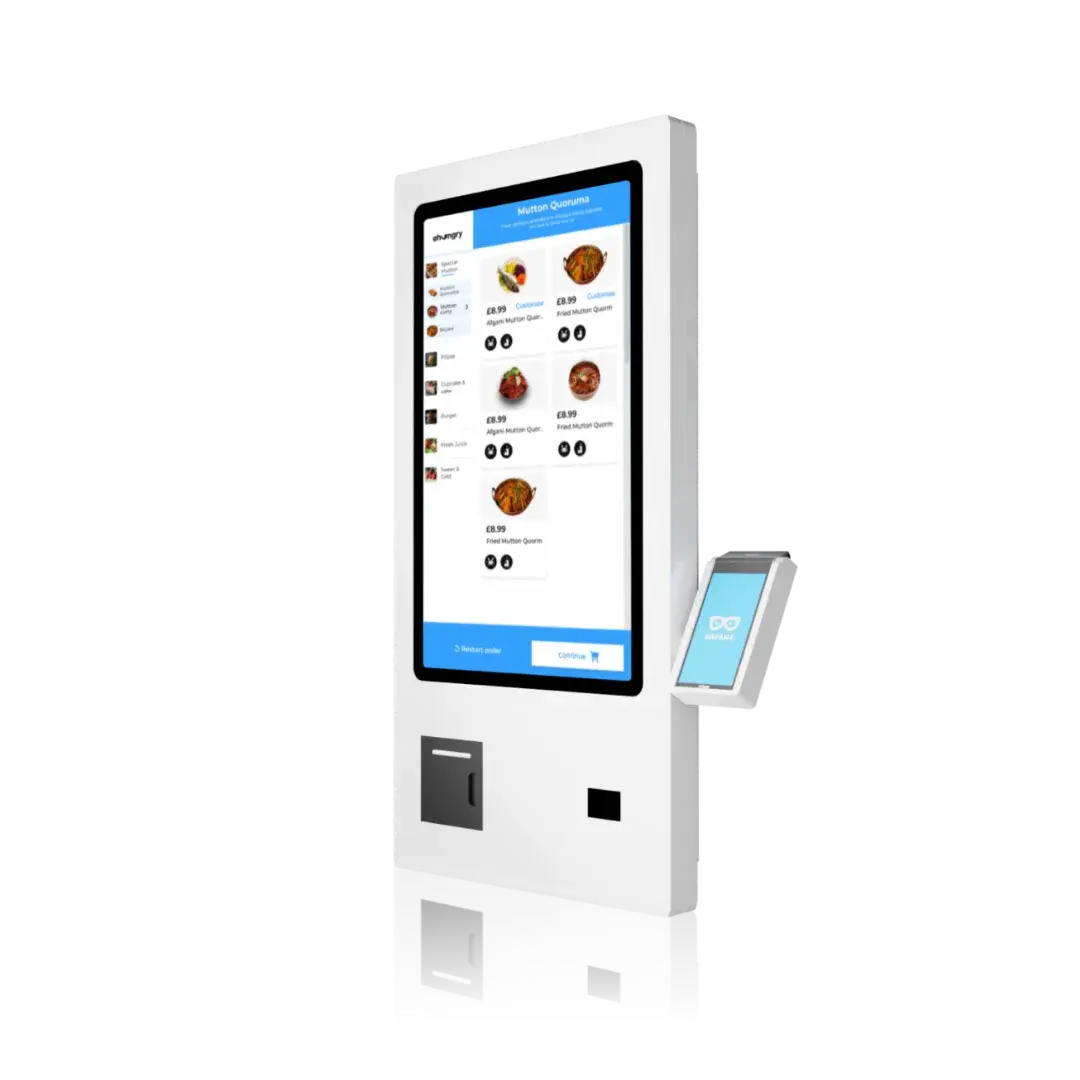
Prints from your EPOS, and a kiosk with no EPOS uses it to send its orders to the kitchen.
- EPOS
- Self-service kiosk
- Kitchen tickets
Todo viene integrado desde el primer día.
Asistencia las 24 horas del día, los 7 días de la semana
Asistencia humana las 24 horas del día, incluida de serie.
Actualizaciones gratuitas
Las nuevas funciones se incorporan automáticamente, sin coste adicional.
Funciona sin conexión
Sigue vendiendo aunque se corte la conexión.
Un panel de control
Gestiona todos los canales y sitios web con un único inicio de sesión.
Seguridad de nivel bancario
Cumple con la norma PCI-DSS y cuenta con cifrado de extremo a extremo.
Se adapta a ti
De una ubicación a muchas, sin necesidad de cambiar de plataforma.
Integraciones abiertas
Conecta las herramientas de contabilidad, envíos y fidelización.
Precios transparentes
Una tarifa clara: sin comisiones ocultas, nunca.
En marcha en tres pasos.
Connect
Plug it in next to your EPOS or kiosk and we set it up with the rest of your system.
Receipts and kitchen tickets print automatically as orders come in.
Serve
The kitchen works from the ticket, and the customer leaves with the receipt.
Preparados para cada venta, en todo momento
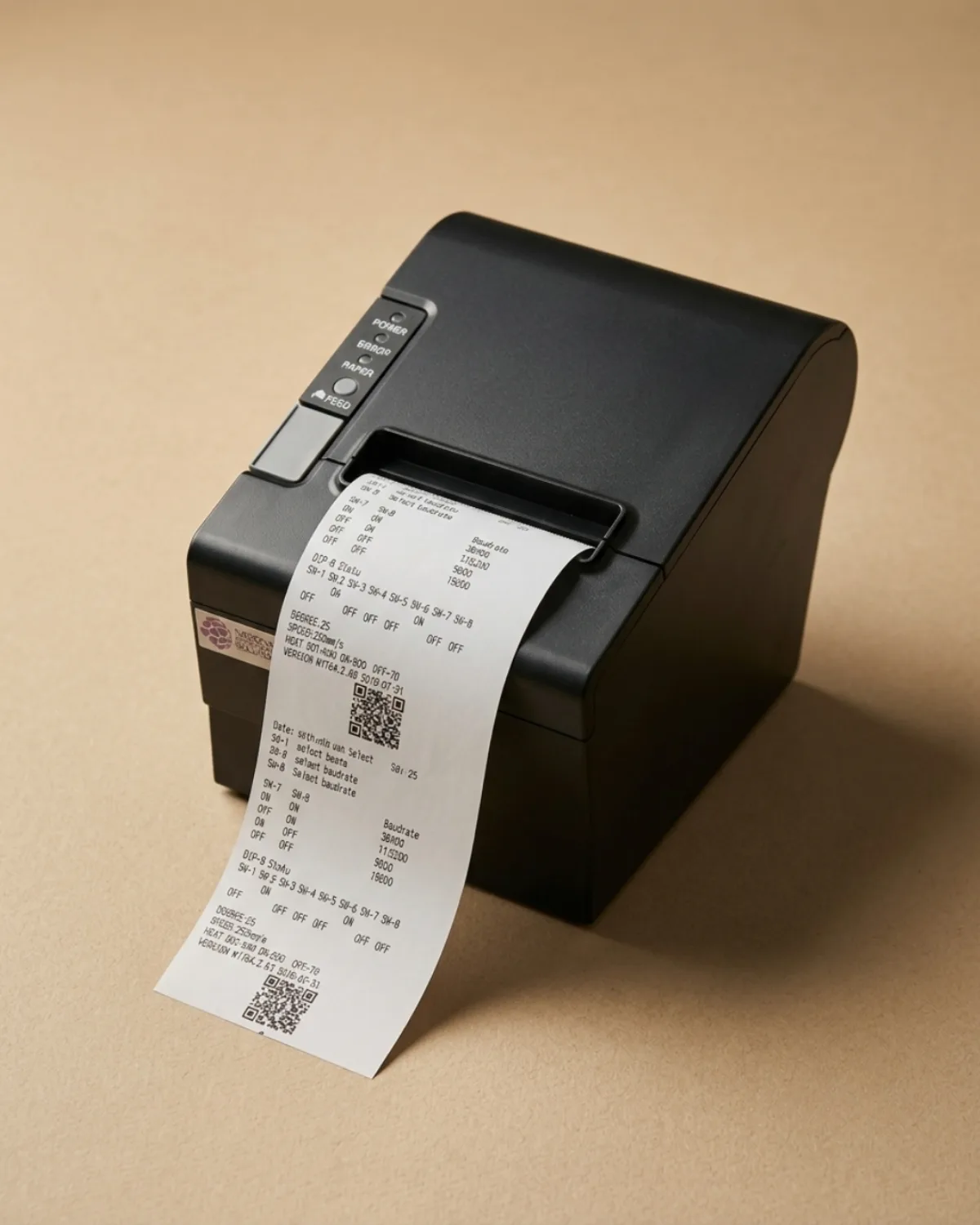
Receipts and kitchen tickets
Customer receipts
Fast, cheap to run
80mm paper
Works with your Kayana setup
EPOS
Software that fits what you do
Listo para cualquier hora punta
Una única aplicación conectada gestiona los pedidos, los pagos y las tareas administrativas en el mismo dispositivo, por lo que Thermal Printer se adapta a tu forma habitual de trabajar, desde el mostrador hasta la cocina.
- ✓Acepta pedidos en el mostrador, en la mesa, en un quiosco o por Internet
- ✓Procesar cada pago y conciliarlo automáticamente
- ✓Realiza un seguimiento de las existencias, el personal y las ventas desde un único panel de control en tiempo real
Why choose Kayana Thermal Printer
Most operators see it pay for itself within weeks.
Un control más riguroso de las existencias y el tiempo de gestión que se ahorra suelen amortizar el sistema en menos de dos meses.
Cifras orientativas: los resultados reales dependen de tu configuración, del volumen y de tu forma de operar.
Operators seeing results within weeks
Todas las historias de clientes →Connect with the tools your business already uses.
Browse integrations →El detalle, sin letra pequeña.
Thermal Printer — conectividad, compatibilidad, seguridad y contenido de la caja.
Kayana's 80mm thermal printer prints customer receipts and kitchen tickets the moment an order is placed, straight from your EPOS or self-service kiosk. It uses thermal paper, so there is no ink, toner or ribbon to buy or run out of mid-service.
Receipts and kitchen tickets from one printer
A receipt printer for a restaurant or shop has two jobs: giving the customer a record of the sale, and telling the kitchen what to make. Kayana's thermal printer does both from the same device, so each order produces a receipt at the counter and a ticket where the food is prepared, without anyone re-keying the order.
Works with your EPOS and your kiosk
Connected to an EPOS, the printer prints every sale as it is taken. A self-service kiosk with no EPOS beside it has nobody to take its orders, so the printer prints each kiosk order for your kitchen as it comes in. When a kiosk sits next to an EPOS, the EPOS printer covers both, so one printer is enough.
Why thermal printing keeps running costs low
Thermal printers heat the paper rather than apply ink, so the only thing you replace is the paper roll. That keeps the cost per receipt low and removes the cartridge and ribbon changes that slow down a busy counter. Kayana's printer uses standard 80mm thermal rolls.
Set up and supported with the rest of your system
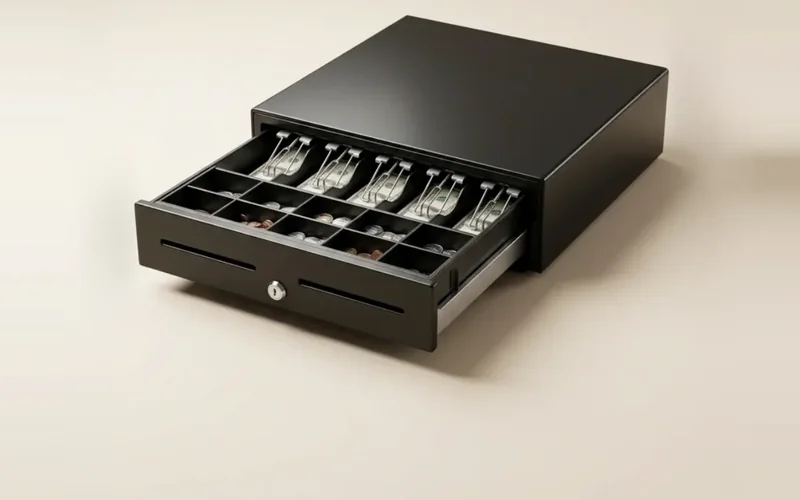
The printer is chosen to work with Kayana hardware and is connected when we set up your system, alongside your card terminal and cash drawer. If something goes wrong during service, Kayana support is available around the clock.
Questions, answered
Todo lo que necesitas saber sobre Thermal Printer. ¿No encuentras la respuesta que buscas?