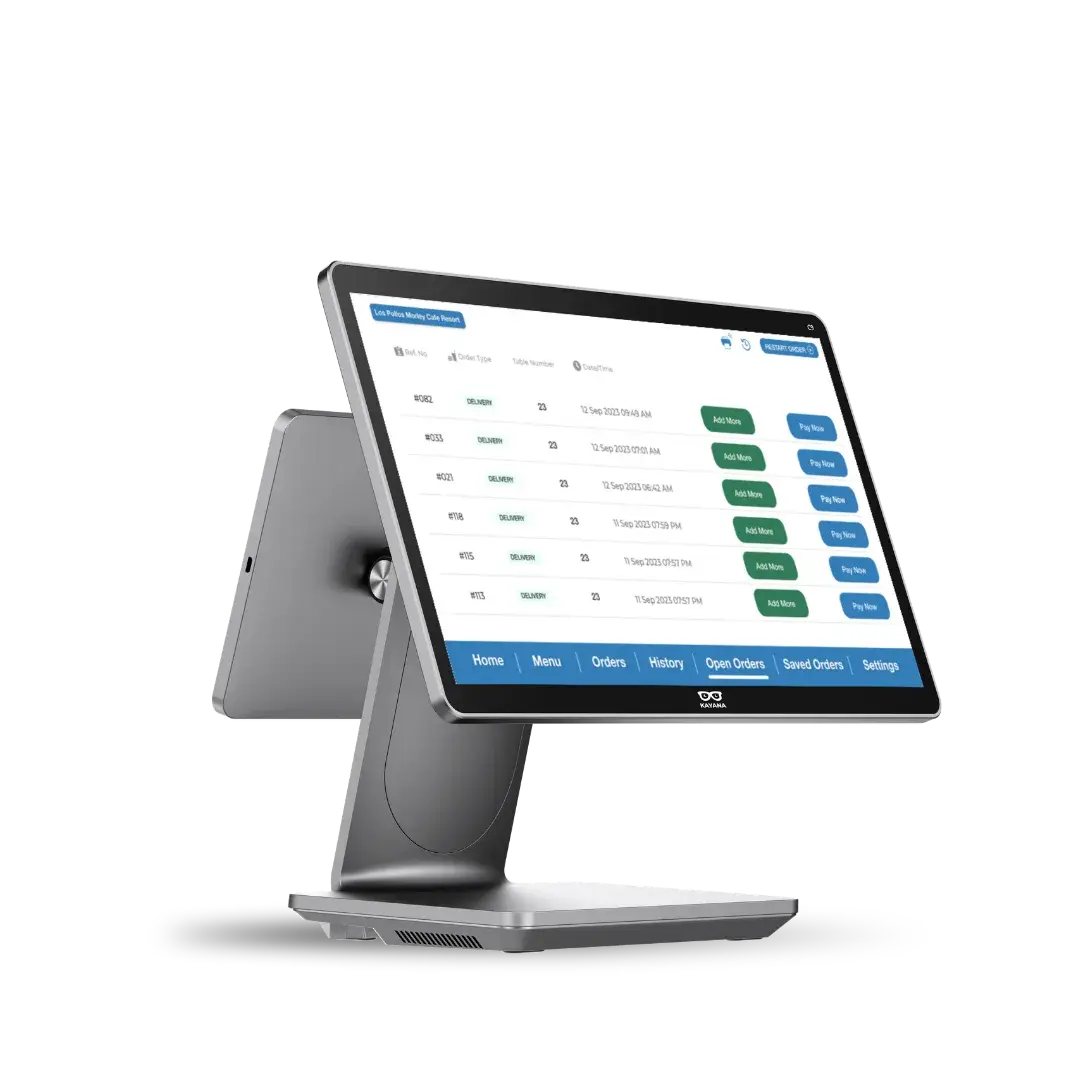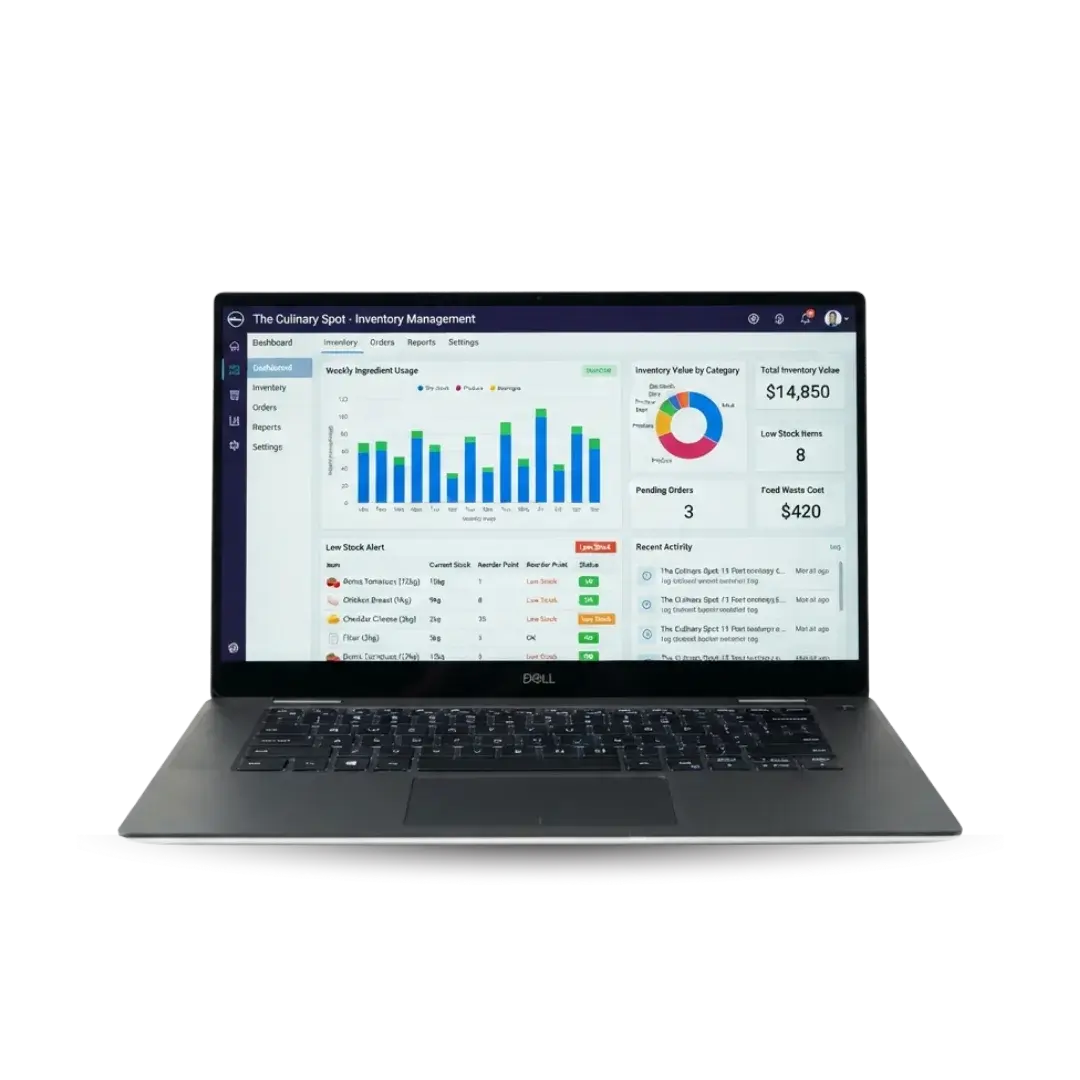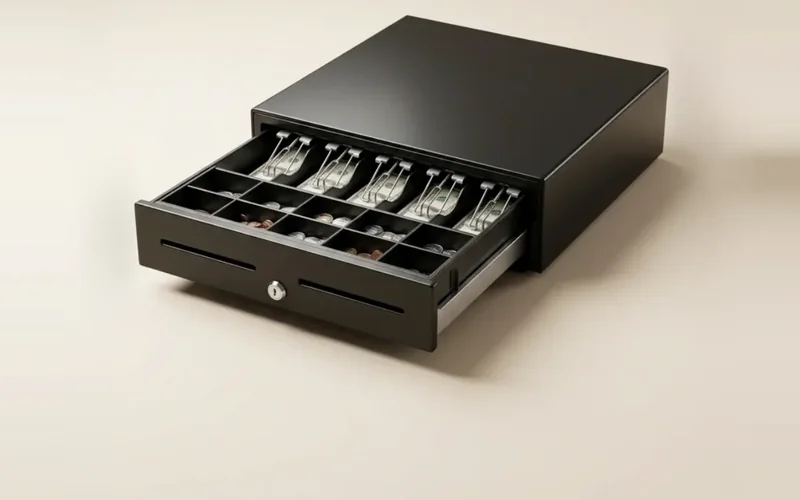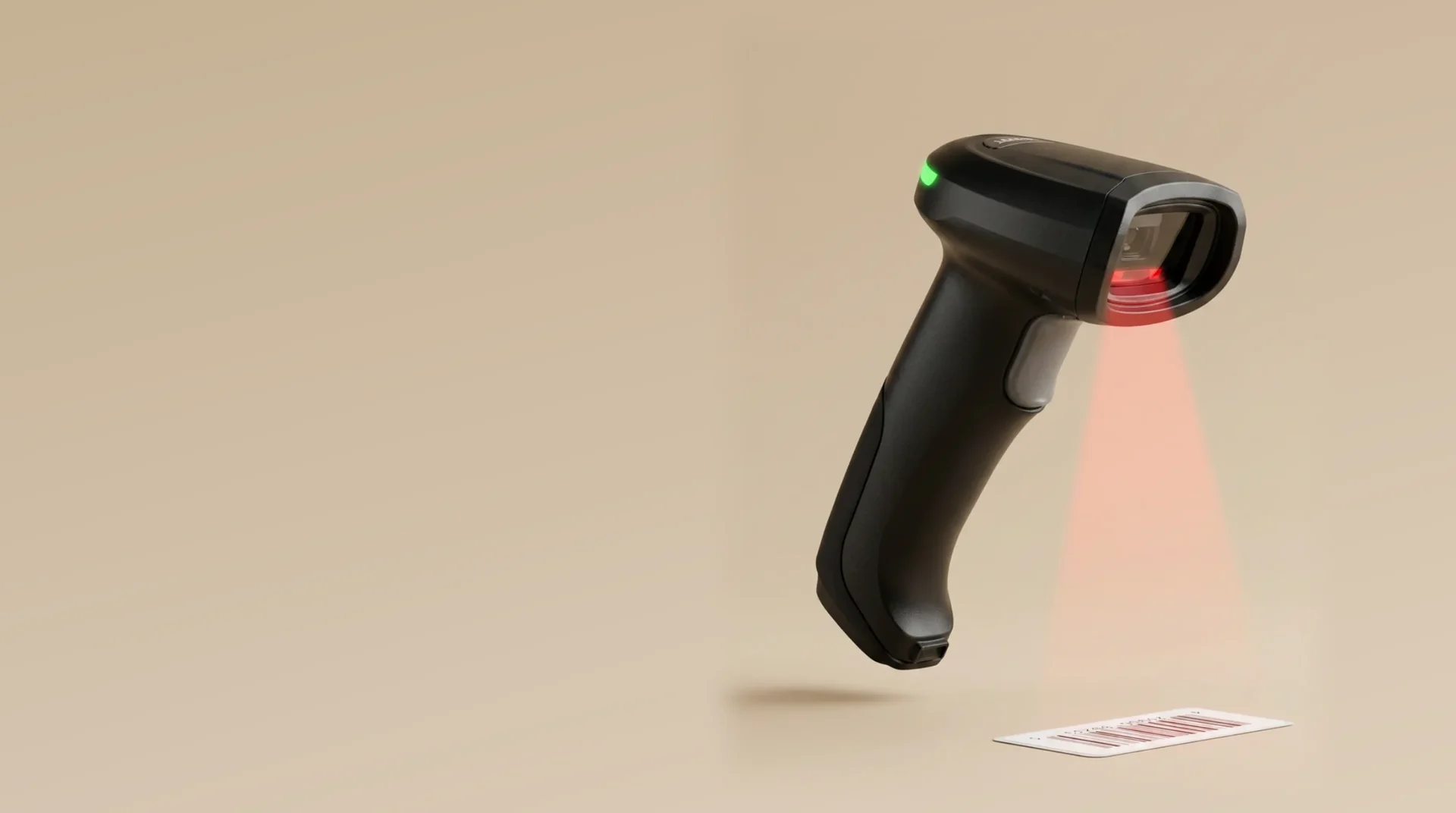
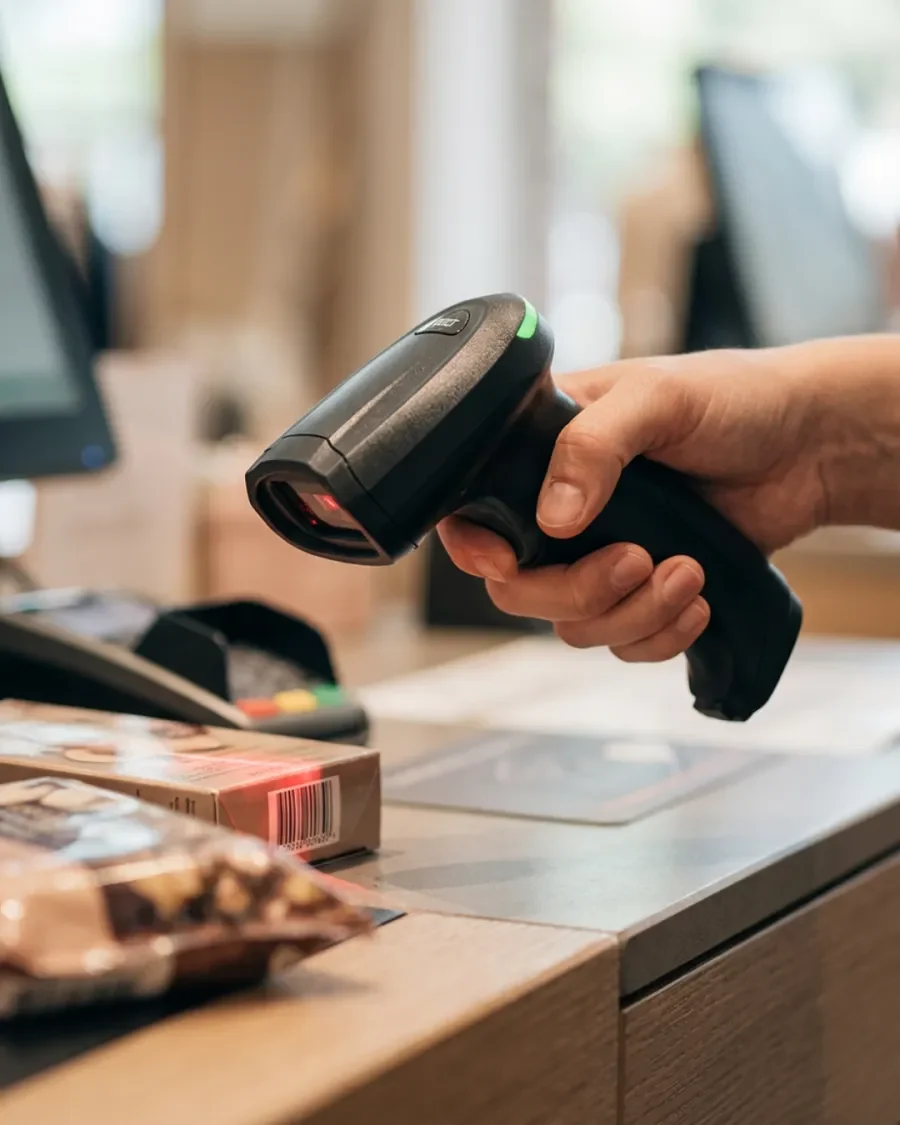
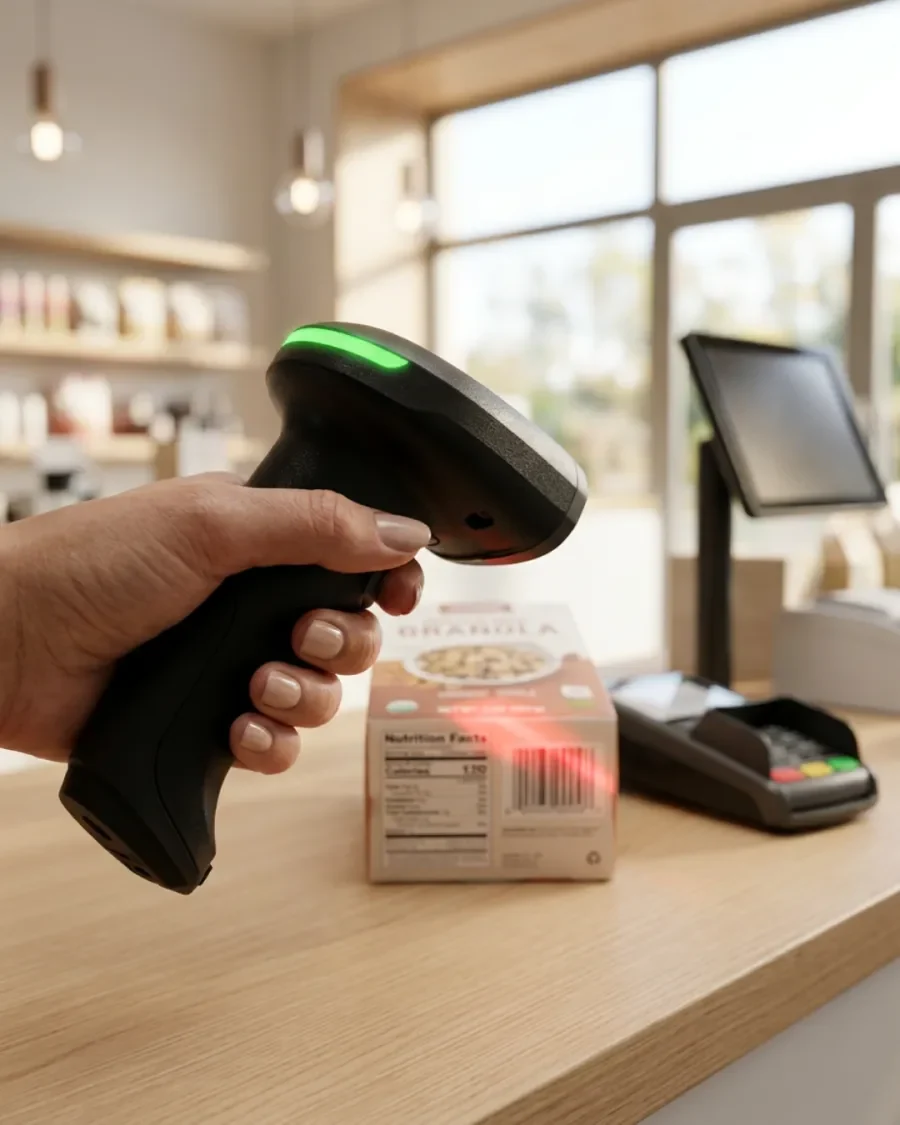
Scan to sell. Count stock fast. Works with your EPOS.
In a shop with many products, finding each one on the screen or typing it in slows the queue and invites mistakes. Stock counts done by hand take longer still, and the numbers are out of date by the time they are written down.
Scanning a barcode adds the right item to the sale in a moment, and the same scan can be used to check and count your stock.
Diseñado para generar los resultados que realmente importan.
Scan to sell
Scan a product's barcode at the till and it is added to the sale, so the queue moves and the wrong item is less likely to be rung up.
- Faster checkout
- Fewer keying mistakes
- Works with your EPOS
Scan to count stock
Use the same scanner to check items and count stock, so your numbers match what is on the shelf.
- Stock checks
- Stock counts
- Fewer surprises
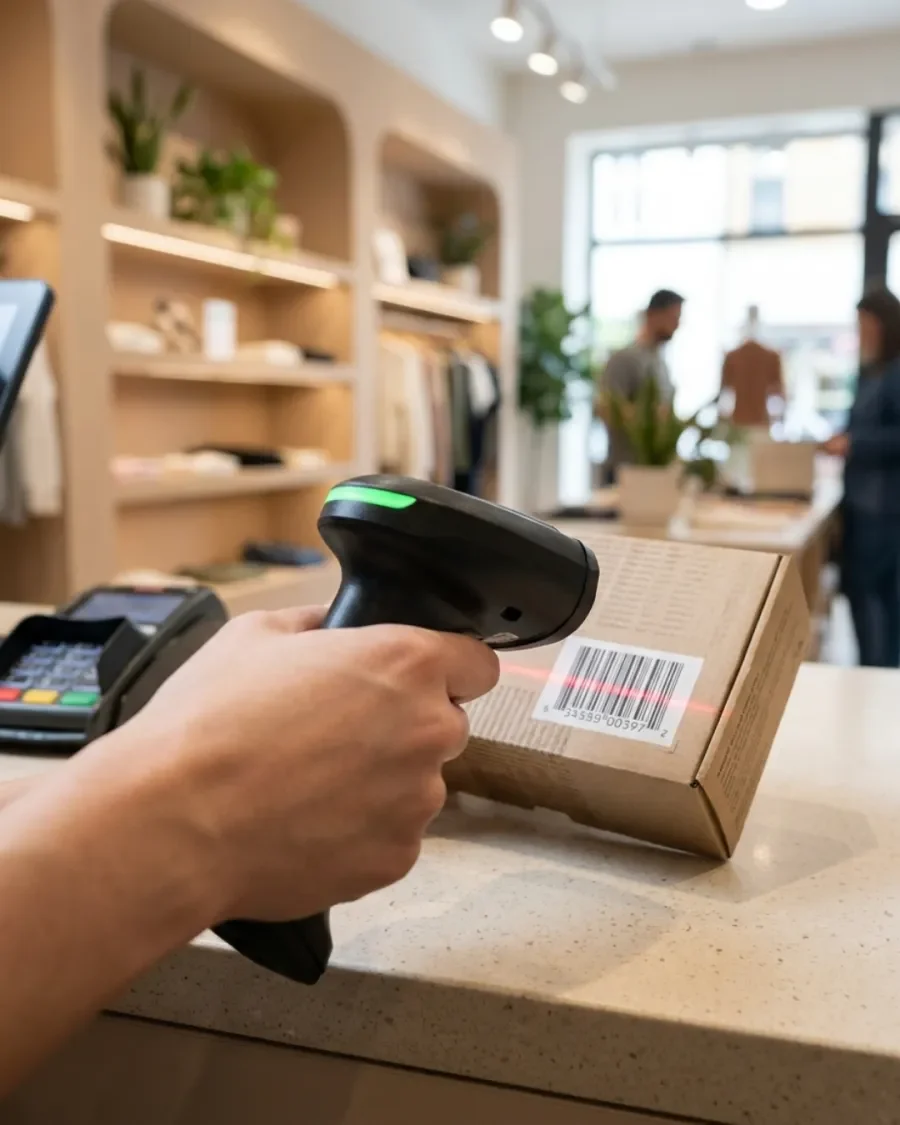
Built for retail
Shops, convenience stores and anywhere with many products to sell can scan instead of searching, and keep the till free for the customer.
- Shops and stores
- Many products
- Busy counters
Todo viene integrado desde el primer día.
Asistencia las 24 horas del día, los 7 días de la semana
Asistencia humana las 24 horas del día, incluida de serie.
Actualizaciones gratuitas
Las nuevas funciones se incorporan automáticamente, sin coste adicional.
Funciona sin conexión
Sigue vendiendo aunque se corte la conexión.
Un panel de control
Gestiona todos los canales y sitios web con un único inicio de sesión.
Seguridad de nivel bancario
Cumple con la norma PCI-DSS y cuenta con cifrado de extremo a extremo.
Se adapta a ti
De una ubicación a muchas, sin necesidad de cambiar de plataforma.
Integraciones abiertas
Conecta las herramientas de contabilidad, envíos y fidelización.
Precios transparentes
Una tarifa clara: sin comisiones ocultas, nunca.
En marcha en tres pasos.
Set up
We set the scanner up with your EPOS when we set up your system.
Scan
Scan an item at the till to add it to the sale.
Count
Scan items to check and count your stock.
Preparados para cada venta, en todo momento
Scan to sell
Faster checkout
Scan to count stock
Stock checks
Built for retail
Shops and stores
Software that fits what you do
Listo para cualquier hora punta
Una única aplicación conectada gestiona los pedidos, los pagos y las tareas administrativas en el mismo dispositivo, por lo que Barcode Scanner se adapta a tu forma habitual de trabajar, desde el mostrador hasta la cocina.
- ✓Acepta pedidos en el mostrador, en la mesa, en un quiosco o por Internet
- ✓Procesar cada pago y conciliarlo automáticamente
- ✓Realiza un seguimiento de las existencias, el personal y las ventas desde un único panel de control en tiempo real
Why choose Kayana Barcode Scanner
Most operators see it pay for itself within weeks.
Un control más riguroso de las existencias y el tiempo de gestión que se ahorra suelen amortizar el sistema en menos de dos meses.
Cifras orientativas: los resultados reales dependen de tu configuración, del volumen y de tu forma de operar.
Operators seeing results within weeks
Todas las historias de clientes →Connect with the tools your business already uses.
Browse integrations →El detalle, sin letra pequeña.
Barcode Scanner — conectividad, compatibilidad, seguridad y contenido de la caja.
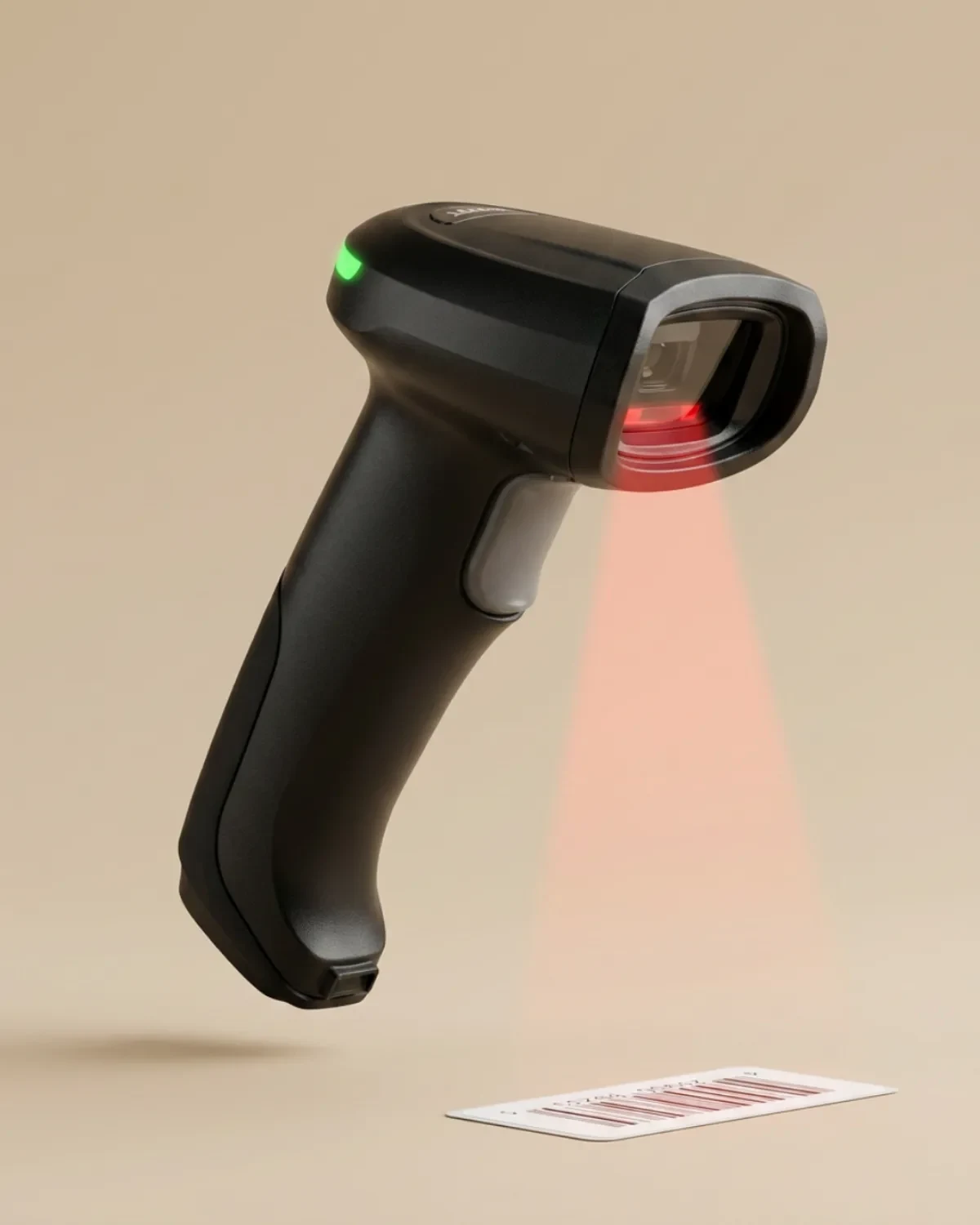
Kayana's Barcode Scanner is a handheld scanner you use with your EPOS. Scan a product to add it to the sale, or scan items to check and count your stock, instead of searching or typing.
Scan instead of searching
In a shop with many products, finding each item on the screen takes time and the queue grows. With a scanner, each barcode adds the right item to the sale in a moment, so the person at the till spends less time on the screen and more time with the customer.
Count stock by scanning
The same scanner can be used to check items and count stock, so the figures in your system are closer to what is on the shelf. Pair it with Inventory to keep track of what you have.
Made for shops and busy counters
Retail businesses, convenience stores and anywhere with many products to sell get the most from a scanner. It works with your Kayana EPOS, so sales and stock stay in one system.
What you need
The scanner is used with a Kayana EPOS. We set it up with your system, and our team is on hand around the clock if you need help.
Questions, answered
Todo lo que necesitas saber sobre Barcode Scanner. ¿No encuentras la respuesta que buscas?