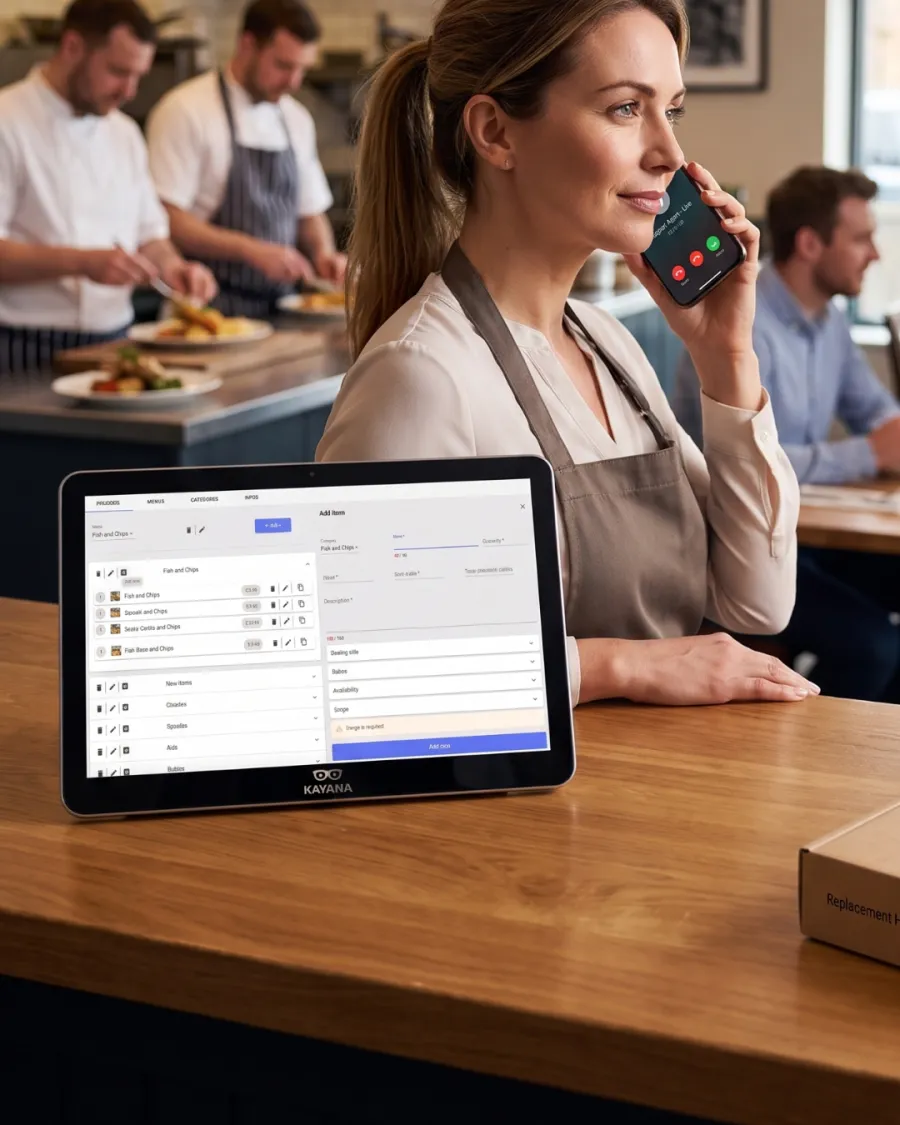
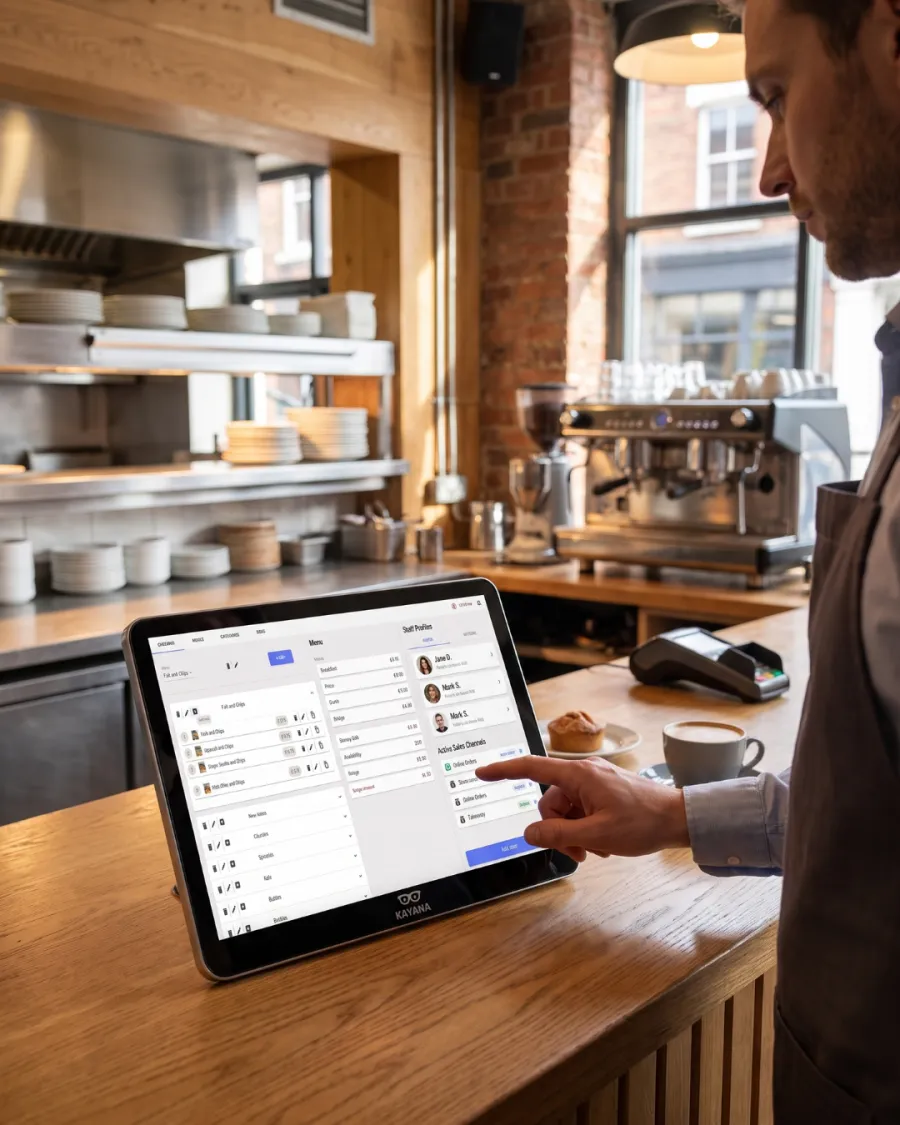
Orders where the kitchen is. Mark items out of stock. Works with your kiosk.
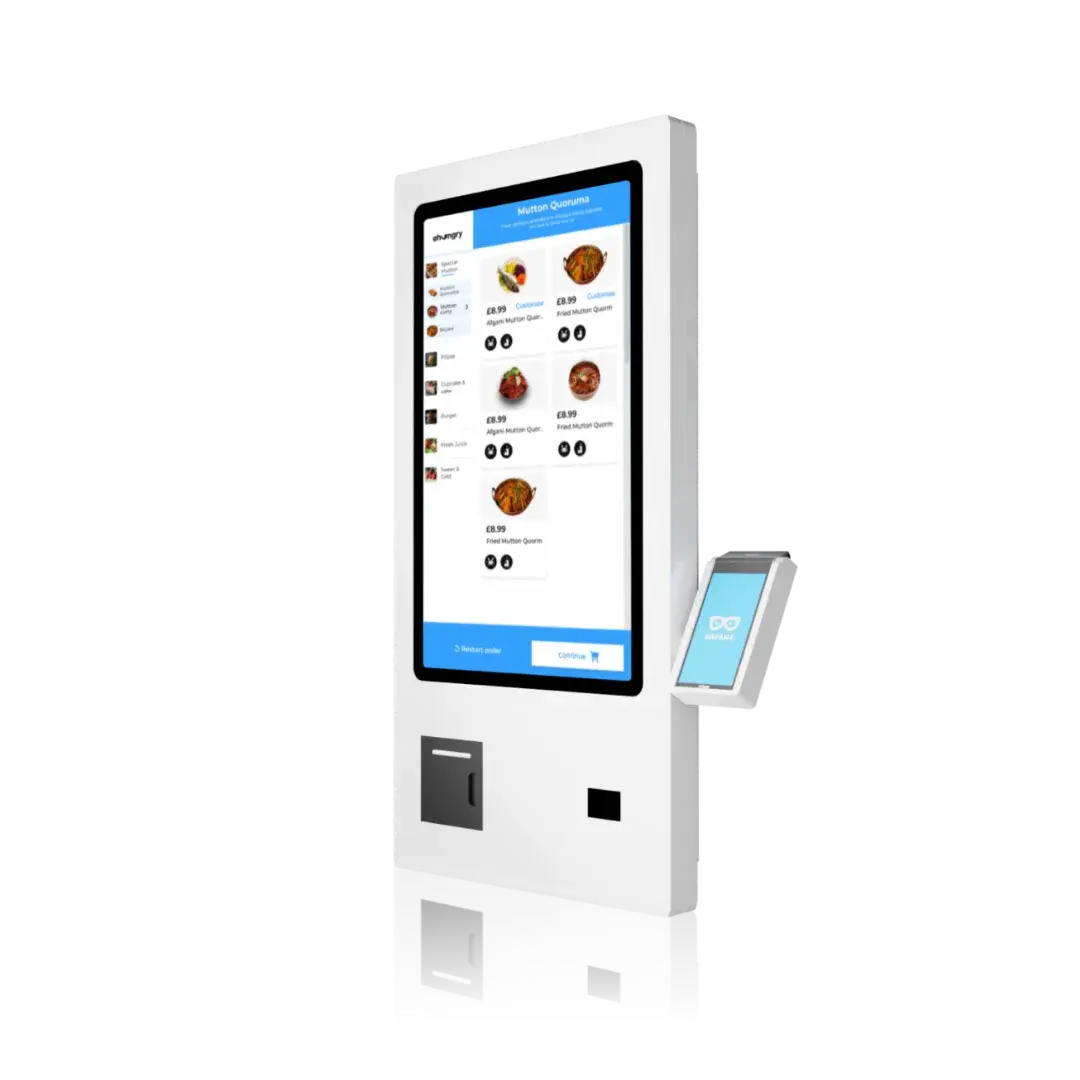
A kiosk takes the order at the screen, but the kitchen still has to find out about it. If nobody is watching a screen where the food is made, orders get passed on by hand, and that is where they go missing.
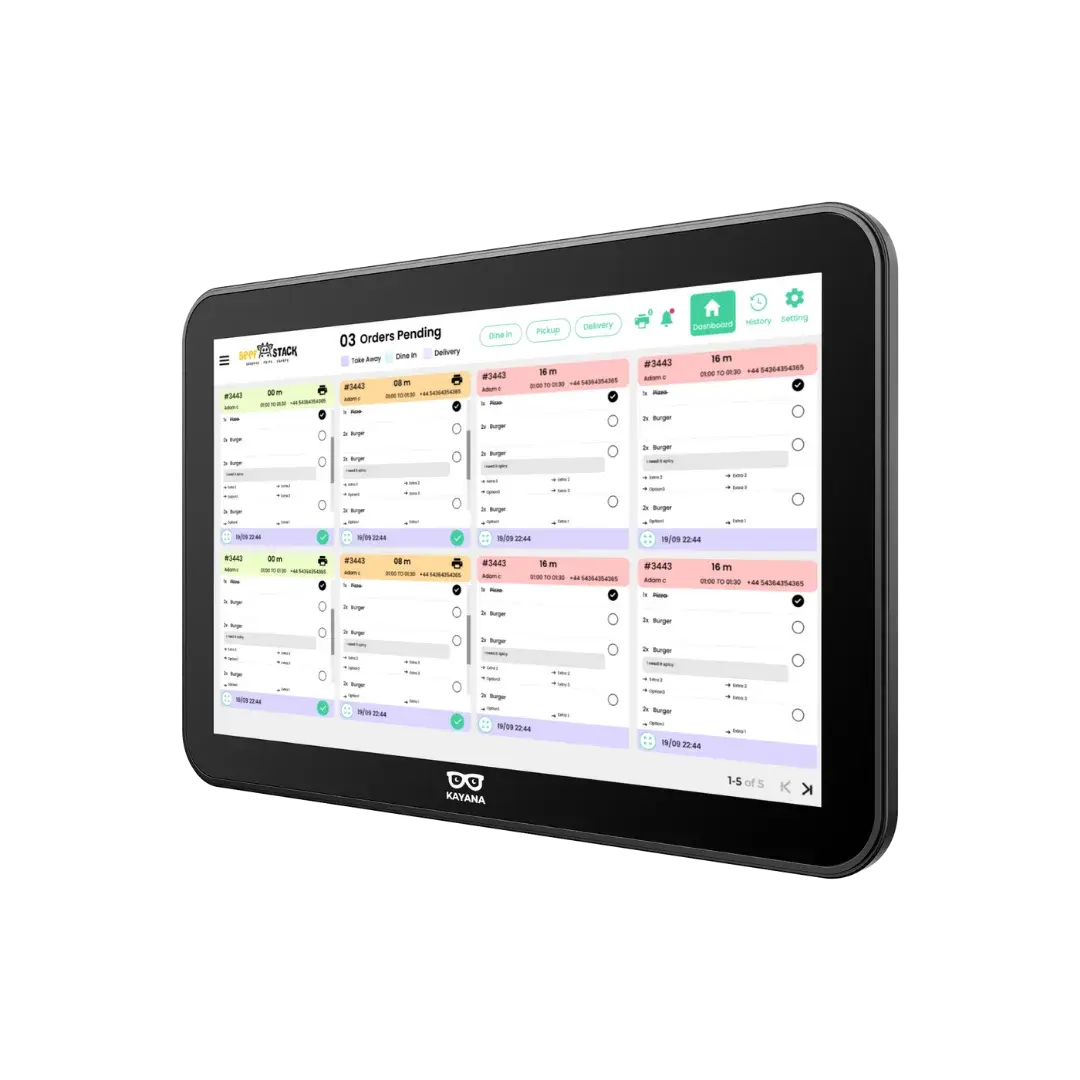
Each order appears on the tablet in the kitchen, so your team can start preparing without waiting to be told.
Ontworpen om de cijfers te beïnvloeden die ertoe doen.
Orders where the kitchen works
Each order from your kiosk appears on the tablet, and paid WhatsApp orders can arrive there too, so the team can see what to make at a glance.
- Kiosk orders
- WhatsApp orders
- 10-inch screen
Stock and menu from the same device
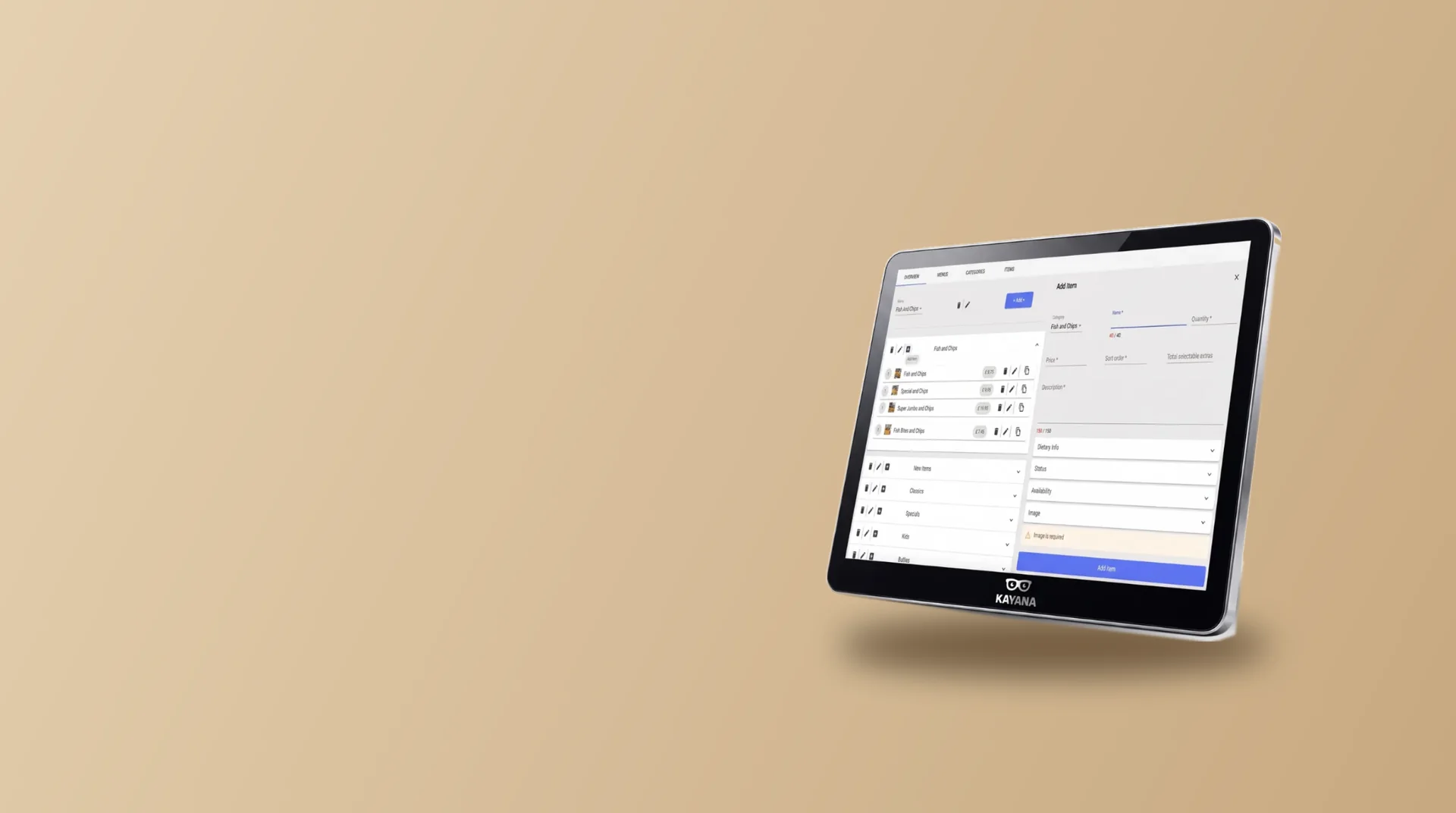
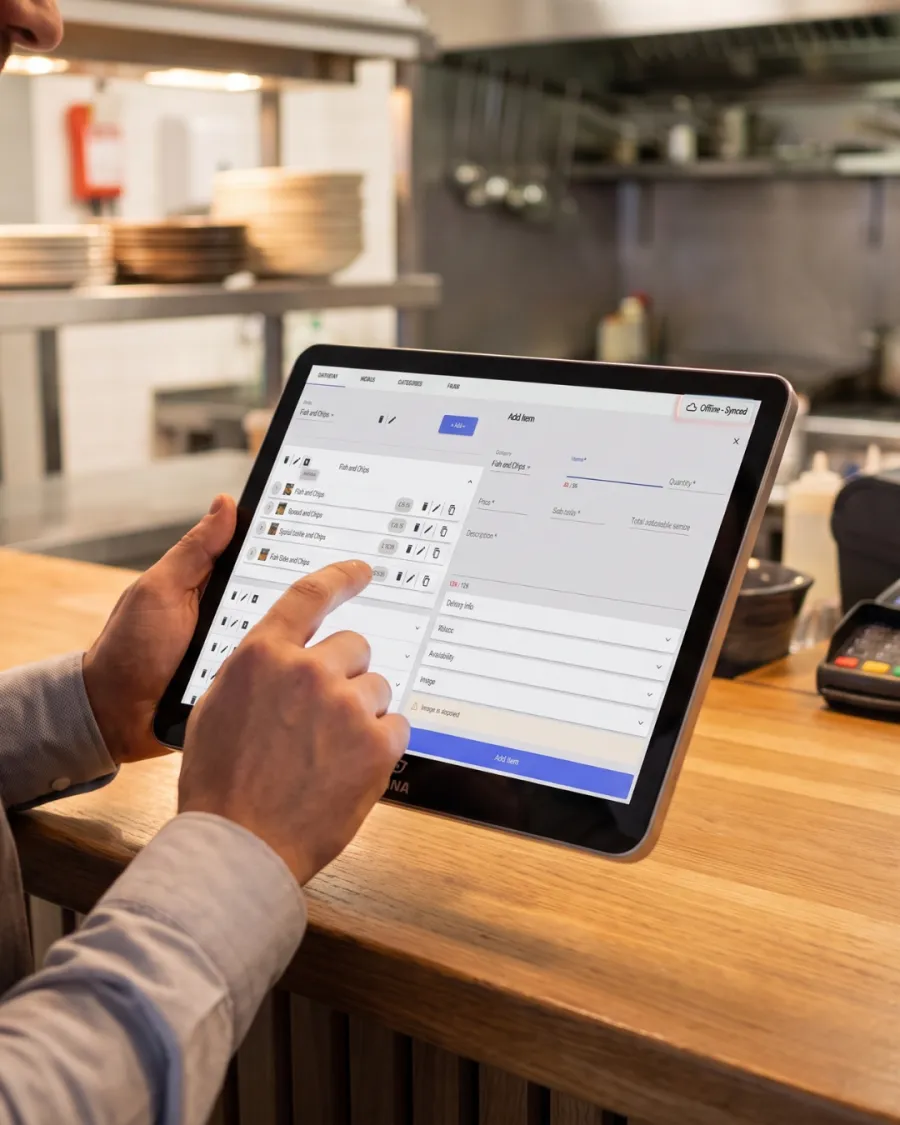
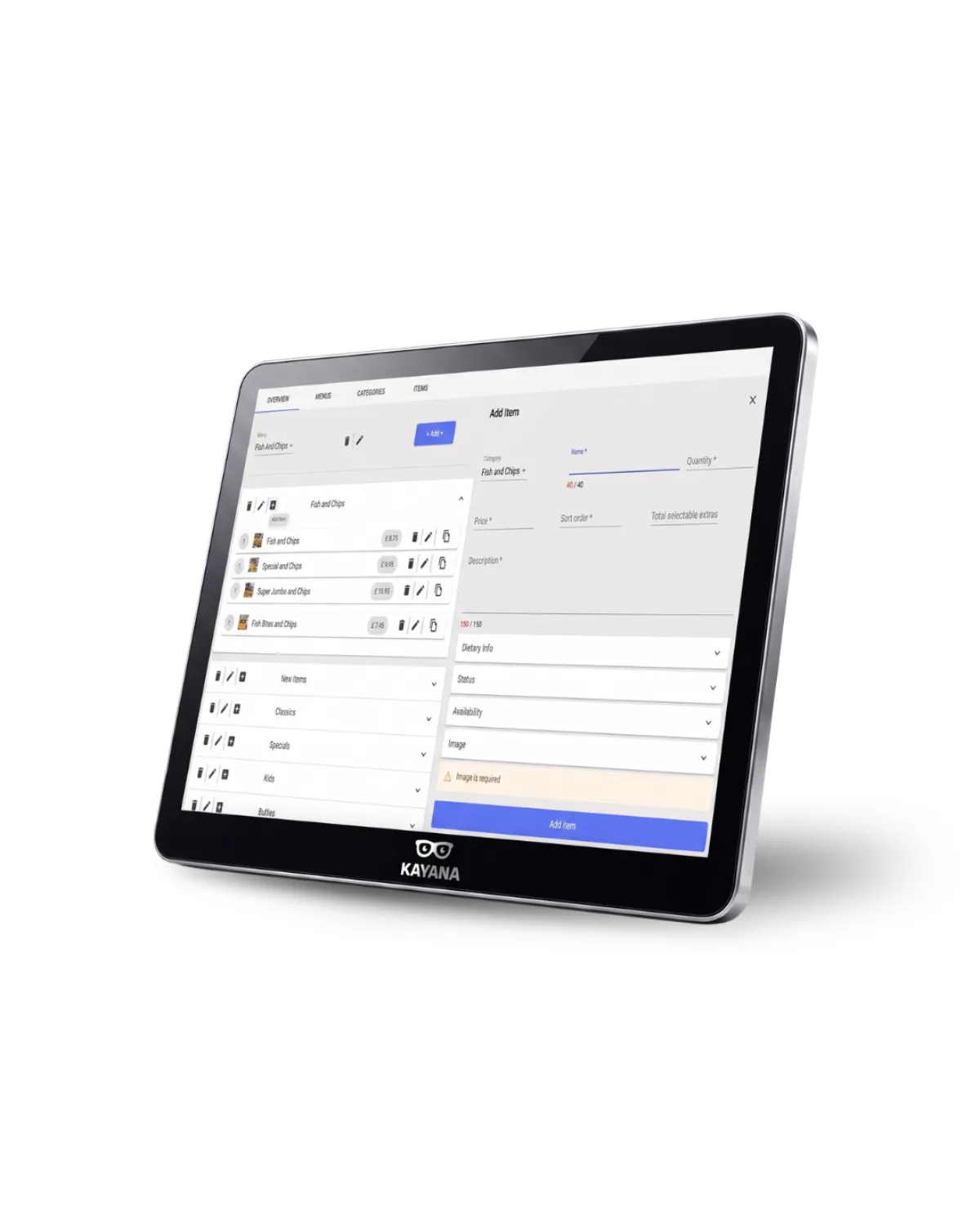
From the menu settings on the tablet you can mark an item as out of stock, or change its title, description and position, so the kiosk stops offering what you have run out of.
- Mark items out of stock
- Edit titles and descriptions
- Change the order of items
Refunds and printing
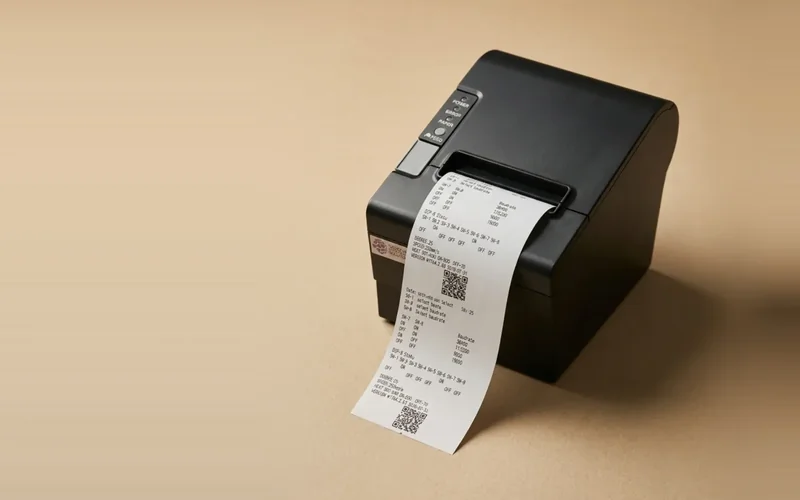
Process full or partial refunds from the order history with your refund PIN, and connect a printer over Bluetooth, USB or your network from the settings.
- Full or partial refunds
- Refund PIN
- Bluetooth, USB or network printer
Alles is vanaf dag één al ingebouwd.
24/7 ondersteuning
24 uur per dag hulp door een medewerker, standaard inbegrepen.
Gratis updates
Nieuwe functies worden automatisch geleverd, zonder extra kosten.
Werkt offline
Blijf verkopen, zelfs als de verbinding wegvalt.
Eén dashboard
Beheer alle kanalen en websites via één enkele aanmelding.
Beveiliging op bankniveau
Voldoet aan de PCI-DSS-normen en is van begin tot eind versleuteld.
Groeit met je mee
Van één locatie naar meerdere, zonder dat er een platformwisseling nodig is.
Open integraties
Koppel boekhoud-, bezorg- en loyaliteitssystemen aan elkaar.
Transparante prijsstelling
Eén duidelijk tarief — nooit verborgen kosten.
Live in drie stappen.
Set up
We set the tablet up with your kiosk when we set up your system.
Order
A guest orders at the kiosk, or a customer orders on WhatsApp, and pays.
Prepare
The order appears on the tablet and the kitchen starts on it.
Altijd klaar voor elke verkoop
Orders where the kitchen works
Kiosk orders
Stock and menu from the same device
Mark items out of stock
Refunds and printing
Full or partial refunds
Software that fits what you do
Klaar voor elke piek
Eén geïntegreerde app regelt bestellingen, betalingen en de backoffice op hetzelfde apparaat — zodat Order Receiver perfect aansluit bij de manier waarop je nu al werkt, van de toonbank tot in de keuken.
- ✓Bestellingen aannemen aan de balie, aan tafel, via een kiosk of online
- ✓Elke betaling verwerken en automatisch afstemmen
- ✓Houd voorraad, personeel en omzet bij via één realtime dashboard
Why choose Kayana Order Receiver
Most operators see it pay for itself within weeks.
De meeste exploitanten merken dat de aanschaf van de hardware zich binnen ongeveer zes maanden na de ingebruikname terugverdient — grotere winkelmandjes, rustigere wachtrijen, minder klanten die zonder aankoop vertrekken.
Representatieve cijfers — de daadwerkelijke resultaten zijn afhankelijk van uw instellingen, het handelsvolume en uw handelsstijl.
Operators seeing results within weeks
Alle klantverhalen →Connect with the tools your business already uses.
Browse integrations →Het detail, zwart op wit.
Order Receiver — connectiviteit, compatibiliteit, beveiliging en de inhoud van de verpakking.
Kayana's Order Receiver is a 10-inch tablet that shows your orders in the kitchen. Orders from your self-service kiosk appear on it as they are placed, and paid WhatsApp orders can arrive on it too.
A screen for the orders your kiosk takes
A kiosk takes the order at the screen, but the kitchen still needs to see it. The Order Receiver sits where the food is made and shows each order as it comes in, so your team does not wait to be told what to prepare.
Manage stock and the menu from the tablet
From the menu settings on the tablet you can mark an item as out of stock, so it stops being offered on the kiosk, and mark it available again when it is back. You can also change an item's title, description and position in the list.
Refunds and printing
Full and partial refunds can be processed from the order history using your refund PIN, and a printer can be connected over Bluetooth, USB or your network from the settings.
Do you need one?
If you use a Kayana EPOS, the EPOS receives your orders, so you may not need an Order Receiver. A kiosk on its own needs somewhere for its orders to be seen, and the Order Receiver is made for that. We set it up with the rest of your system, and our support team is available around the clock.
Questions, answered
Alles wat je moet weten over Order Receiver. Kunt u het antwoord niet vinden?