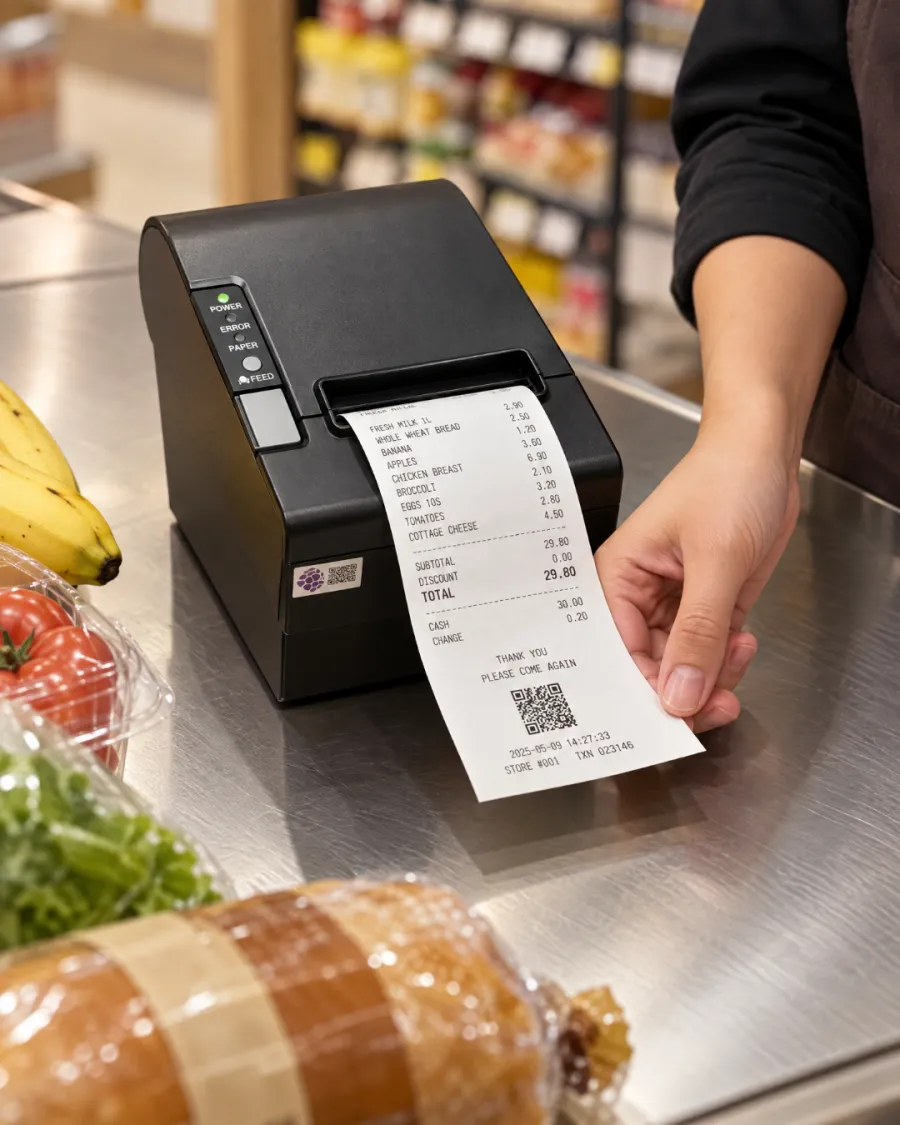
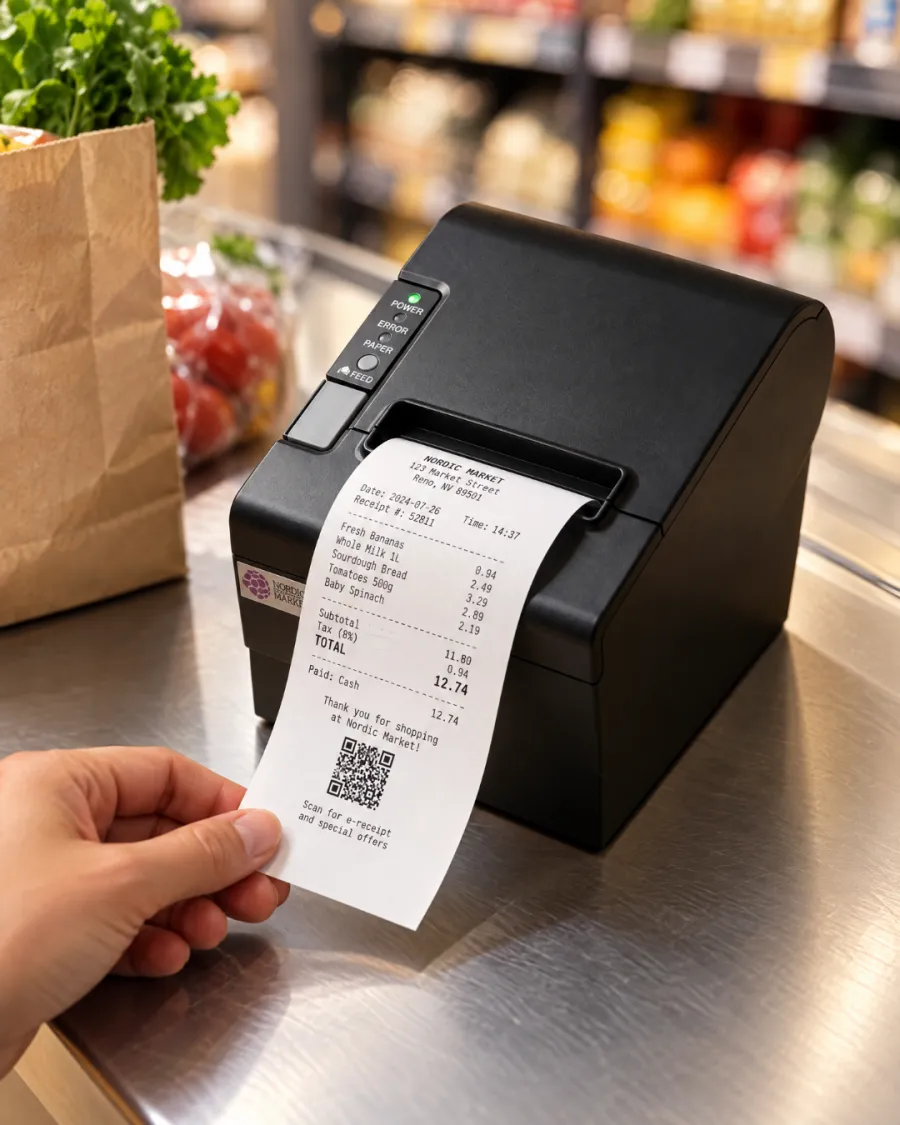
Print every receipt. Tickets in the kitchen. No ink to buy.
Without a printer, receipts go missing and the kitchen depends on shouted orders and handwritten notes. Mistakes follow, and so do refunds.
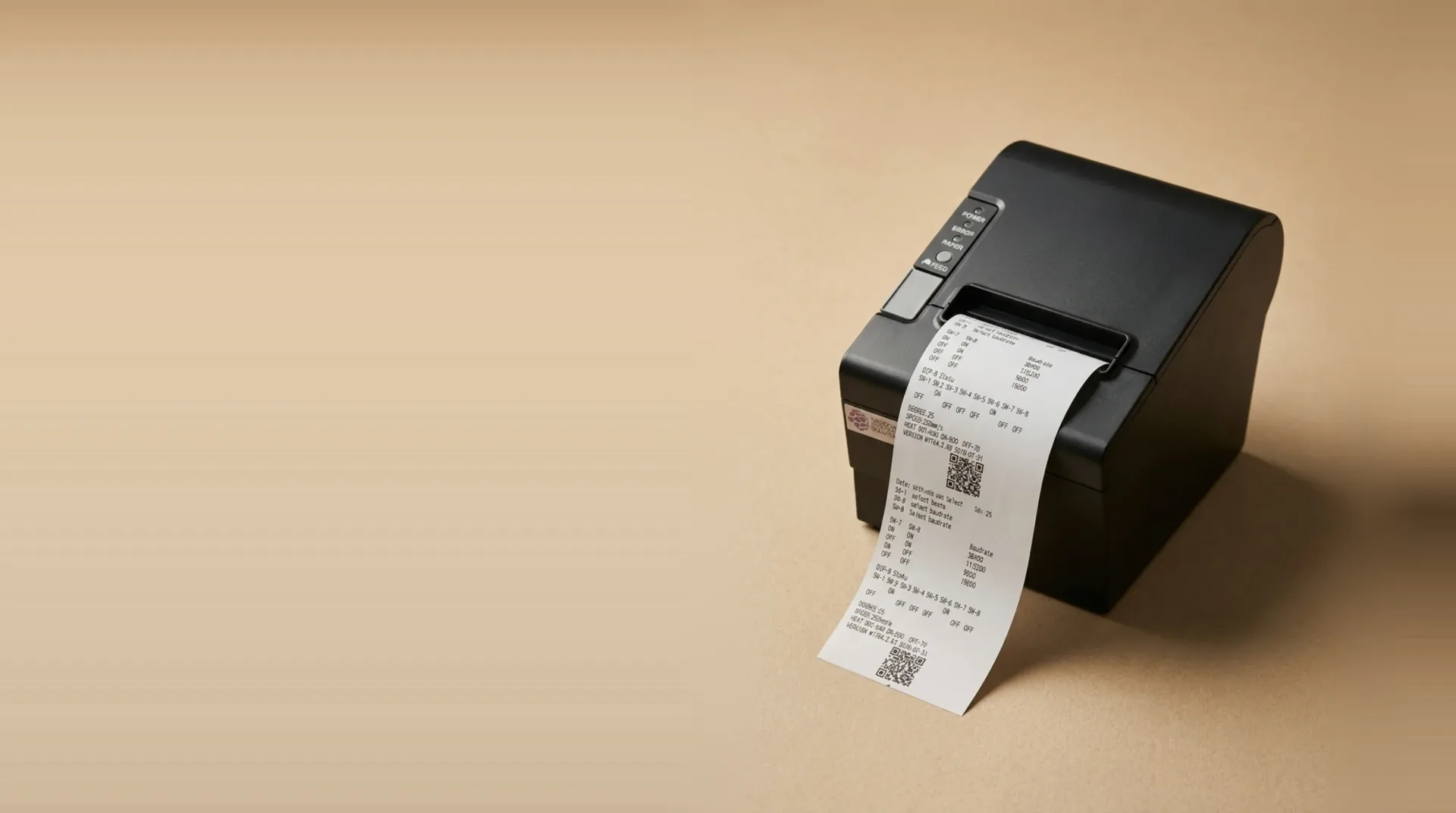
Every order prints straight from your EPOS or kiosk: a receipt at the counter, a ticket in the kitchen, nothing re-keyed.
Ontworpen om de cijfers te beïnvloeden die ertoe doen.
Receipts and kitchen tickets
One printer covers the customer's receipt at the till and the order ticket in the kitchen.
- Customer receipts
- Kitchen tickets
- Order numbers
Fast, cheap to run
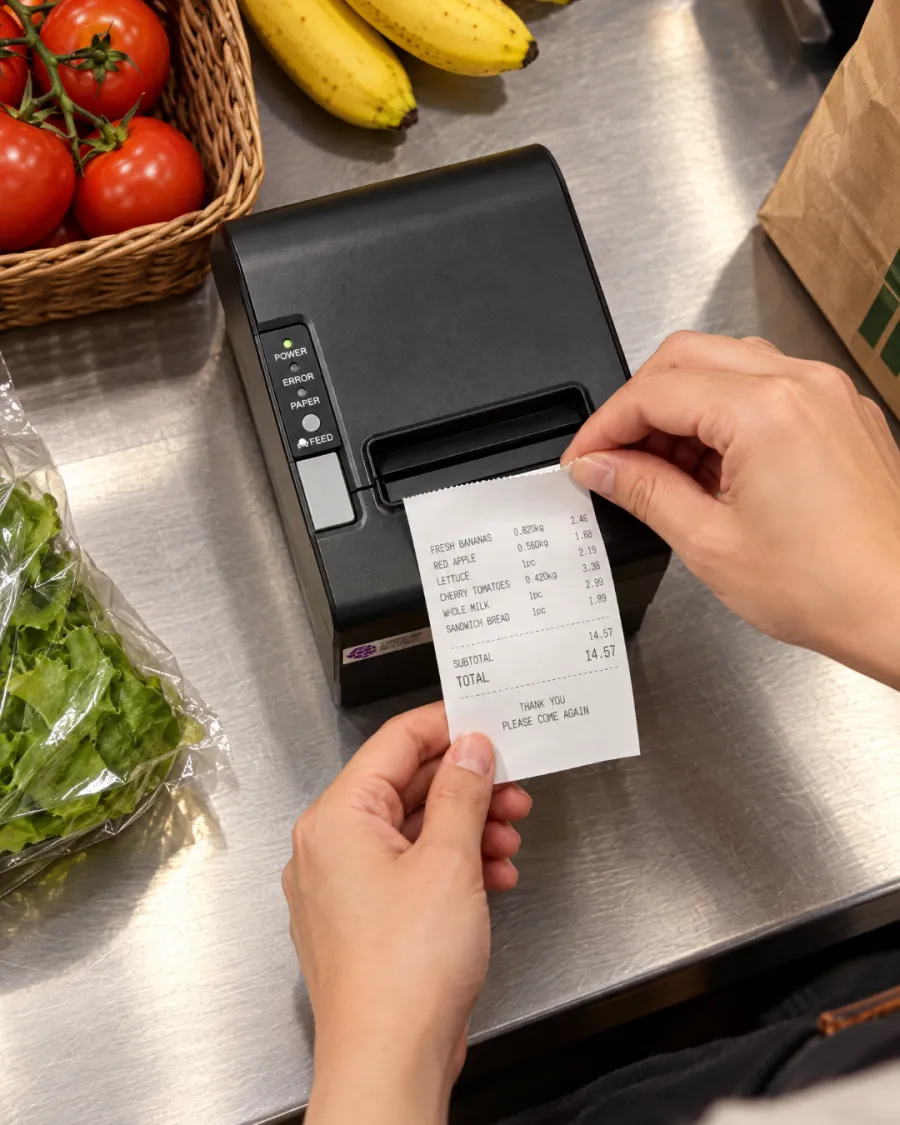
Thermal printing needs no ink, toner or ribbon, so receipts come out fast and the only running cost is paper.
- 80mm paper
- No ink or toner
- Low running cost
Works with your Kayana setup
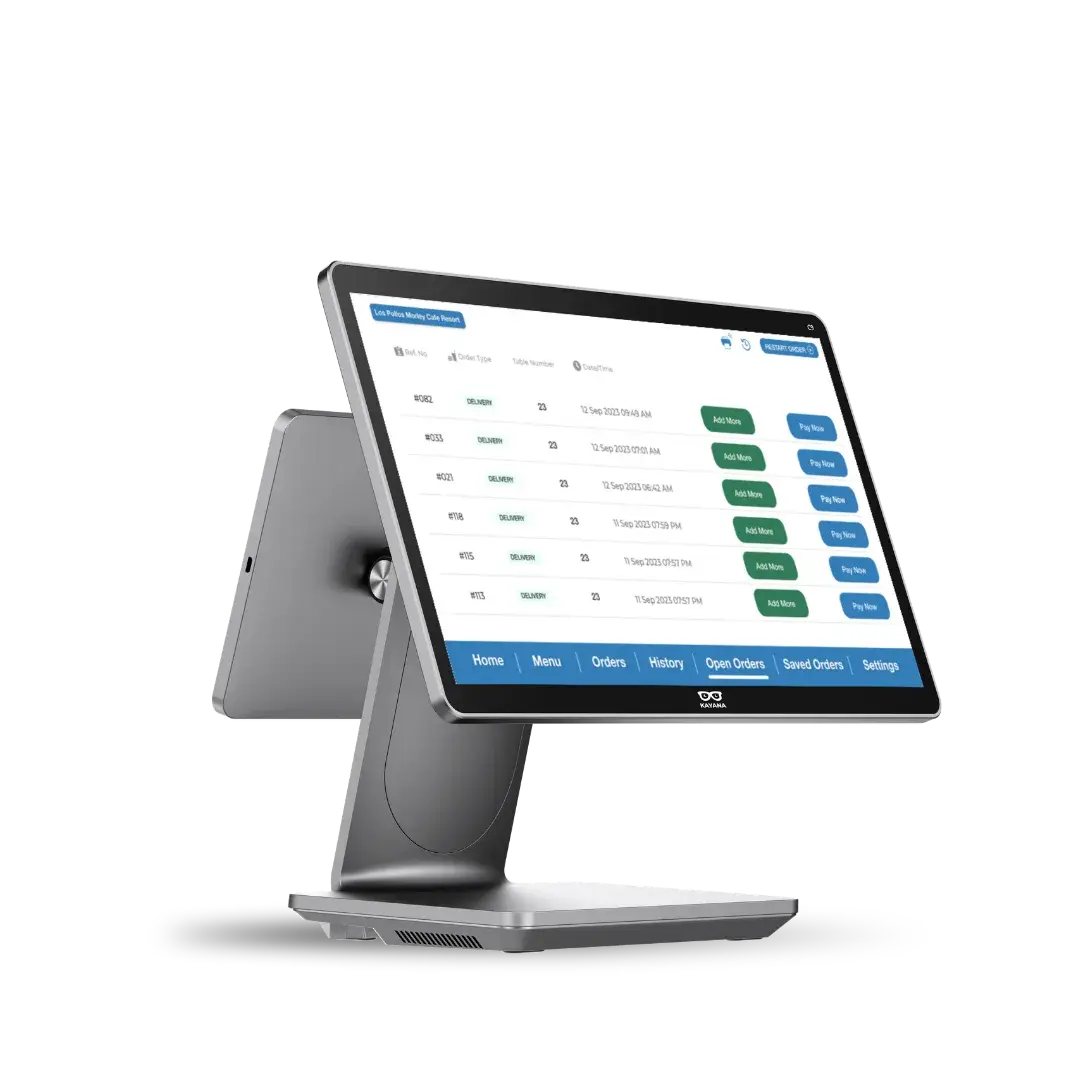
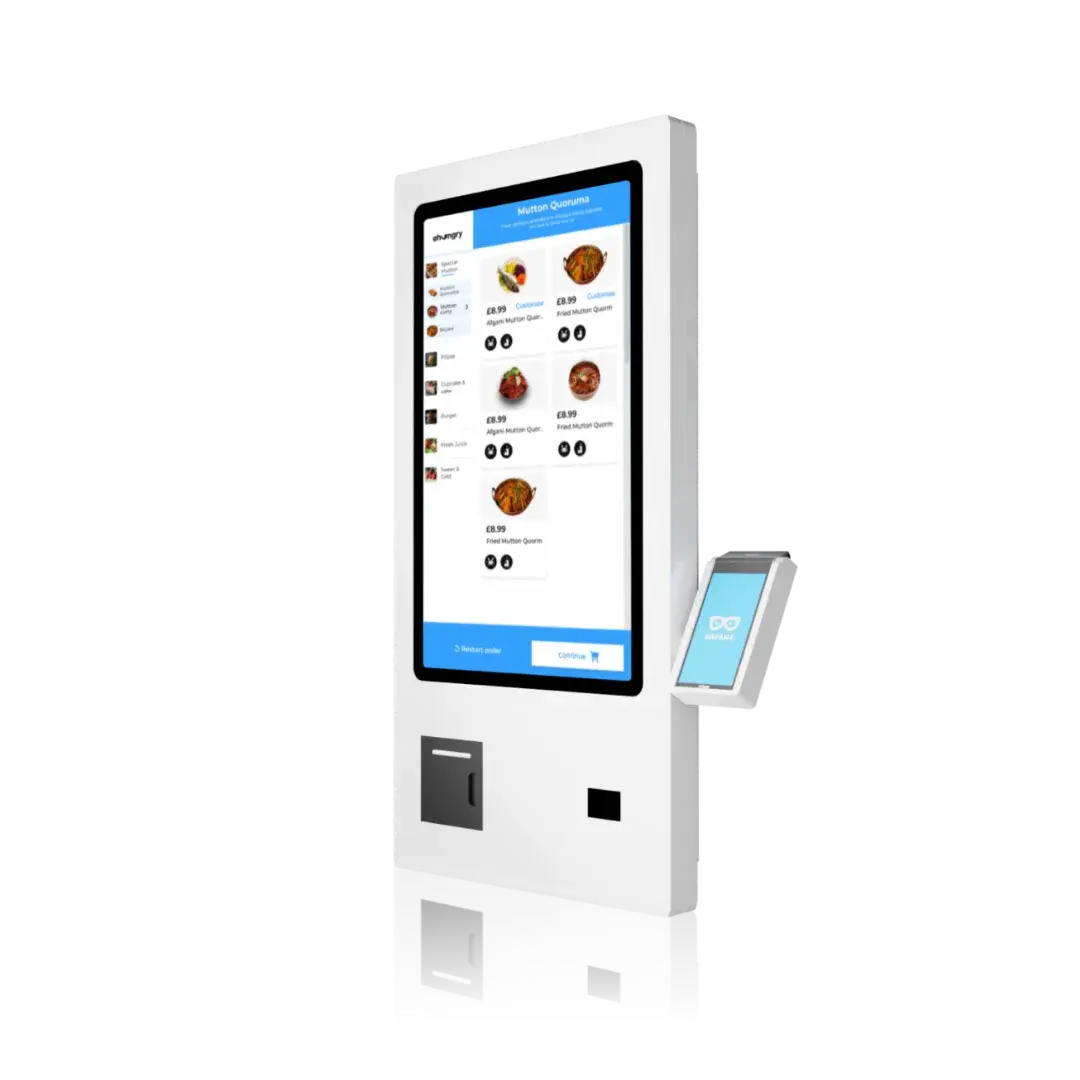
Prints from your EPOS, and a kiosk with no EPOS uses it to send its orders to the kitchen.
- EPOS
- Self-service kiosk
- Kitchen tickets
Alles is vanaf dag één al ingebouwd.
24/7 ondersteuning
24 uur per dag hulp door een medewerker, standaard inbegrepen.
Gratis updates
Nieuwe functies worden automatisch geleverd, zonder extra kosten.
Werkt offline
Blijf verkopen, zelfs als de verbinding wegvalt.
Eén dashboard
Beheer alle kanalen en websites via één enkele aanmelding.
Beveiliging op bankniveau
Voldoet aan de PCI-DSS-normen en is van begin tot eind versleuteld.
Groeit met je mee
Van één locatie naar meerdere, zonder dat er een platformwisseling nodig is.
Open integraties
Koppel boekhoud-, bezorg- en loyaliteitssystemen aan elkaar.
Transparante prijsstelling
Eén duidelijk tarief — nooit verborgen kosten.
Live in drie stappen.
Connect
Plug it in next to your EPOS or kiosk and we set it up with the rest of your system.
Receipts and kitchen tickets print automatically as orders come in.
Serve
The kitchen works from the ticket, and the customer leaves with the receipt.
Altijd klaar voor elke verkoop
Receipts and kitchen tickets
Customer receipts
Fast, cheap to run
80mm paper
Works with your Kayana setup
EPOS
Software that fits what you do
Klaar voor elke piek
Eén geïntegreerde app regelt bestellingen, betalingen en de backoffice op hetzelfde apparaat — zodat Thermal Printer perfect aansluit bij de manier waarop je nu al werkt, van de toonbank tot in de keuken.
- ✓Bestellingen aannemen aan de balie, aan tafel, via een kiosk of online
- ✓Elke betaling verwerken en automatisch afstemmen
- ✓Houd voorraad, personeel en omzet bij via één realtime dashboard
Why choose Kayana Thermal Printer
Most operators see it pay for itself within weeks.
Door een strakkere voorraadbeheersing en de administratieve tijd die u hierdoor bespaart, heeft u de aanschafkosten van het systeem doorgaans binnen twee maanden terugverdiend.
Representatieve cijfers — de daadwerkelijke resultaten zijn afhankelijk van uw instellingen, het handelsvolume en uw handelsstijl.
Operators seeing results within weeks
Alle klantverhalen →Connect with the tools your business already uses.
Browse integrations →Het detail, zwart op wit.
Thermal Printer — connectiviteit, compatibiliteit, beveiliging en de inhoud van de verpakking.
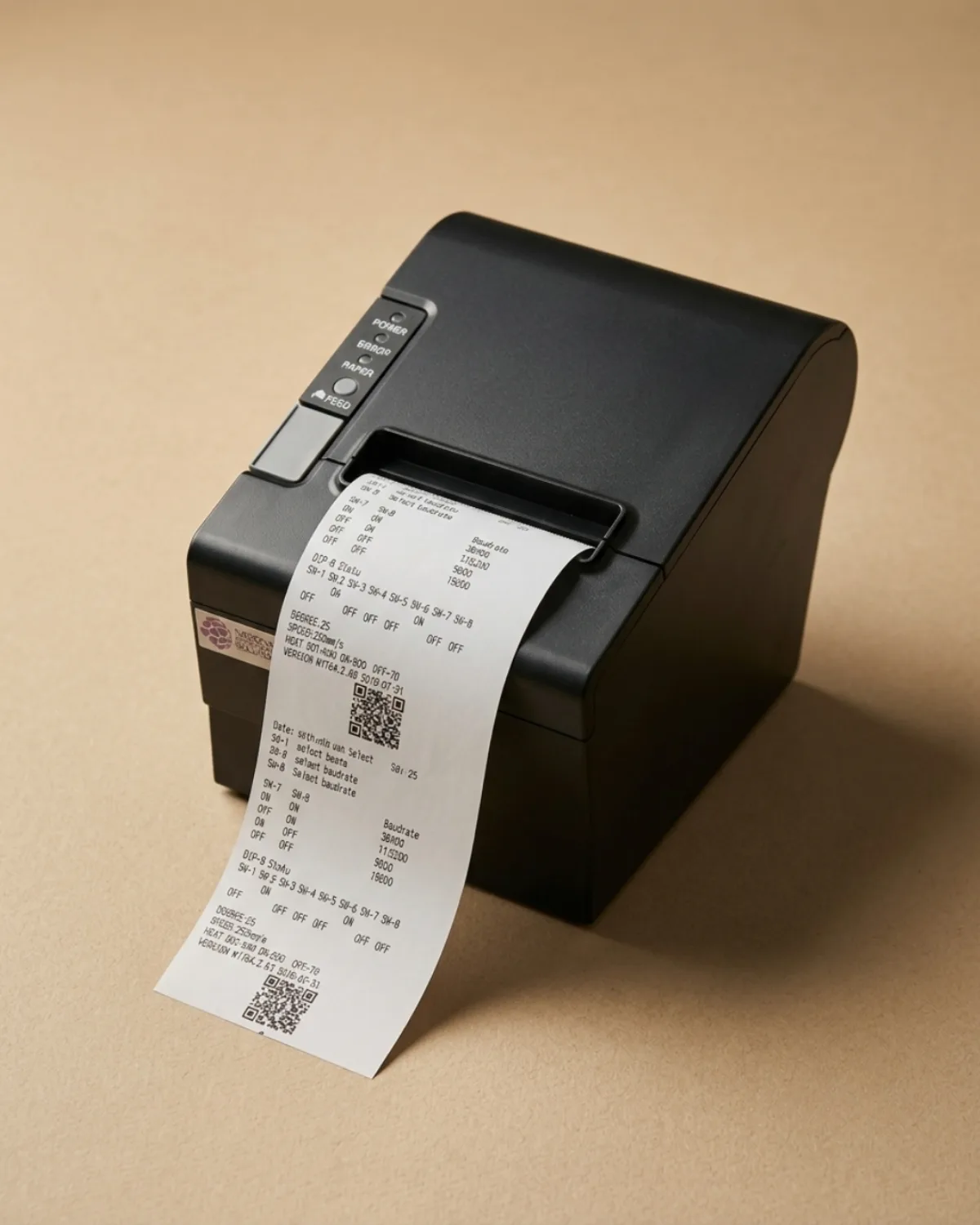
Kayana's 80mm thermal printer prints customer receipts and kitchen tickets the moment an order is placed, straight from your EPOS or self-service kiosk. It uses thermal paper, so there is no ink, toner or ribbon to buy or run out of mid-service.
Receipts and kitchen tickets from one printer
A receipt printer for a restaurant or shop has two jobs: giving the customer a record of the sale, and telling the kitchen what to make. Kayana's thermal printer does both from the same device, so each order produces a receipt at the counter and a ticket where the food is prepared, without anyone re-keying the order.
Works with your EPOS and your kiosk
Connected to an EPOS, the printer prints every sale as it is taken. A self-service kiosk with no EPOS beside it has nobody to take its orders, so the printer prints each kiosk order for your kitchen as it comes in. When a kiosk sits next to an EPOS, the EPOS printer covers both, so one printer is enough.
Why thermal printing keeps running costs low
Thermal printers heat the paper rather than apply ink, so the only thing you replace is the paper roll. That keeps the cost per receipt low and removes the cartridge and ribbon changes that slow down a busy counter. Kayana's printer uses standard 80mm thermal rolls.
Set up and supported with the rest of your system
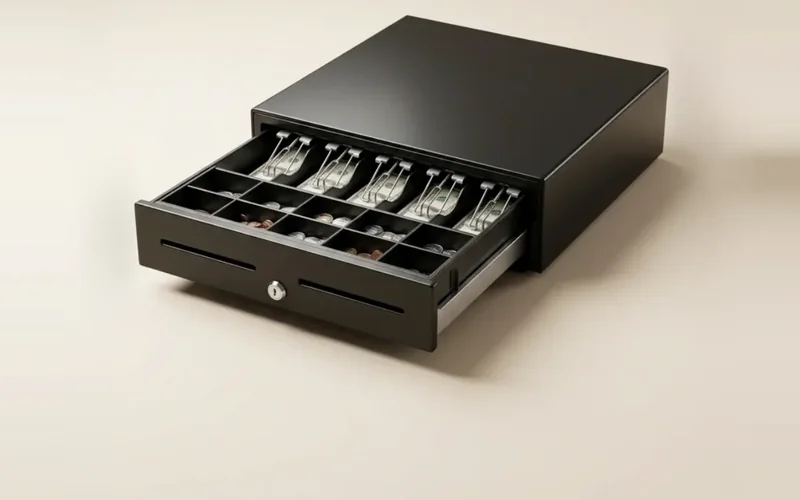
The printer is chosen to work with Kayana hardware and is connected when we set up your system, alongside your card terminal and cash drawer. If something goes wrong during service, Kayana support is available around the clock.
Questions, answered
Alles wat je moet weten over Thermal Printer. Kunt u het antwoord niet vinden?