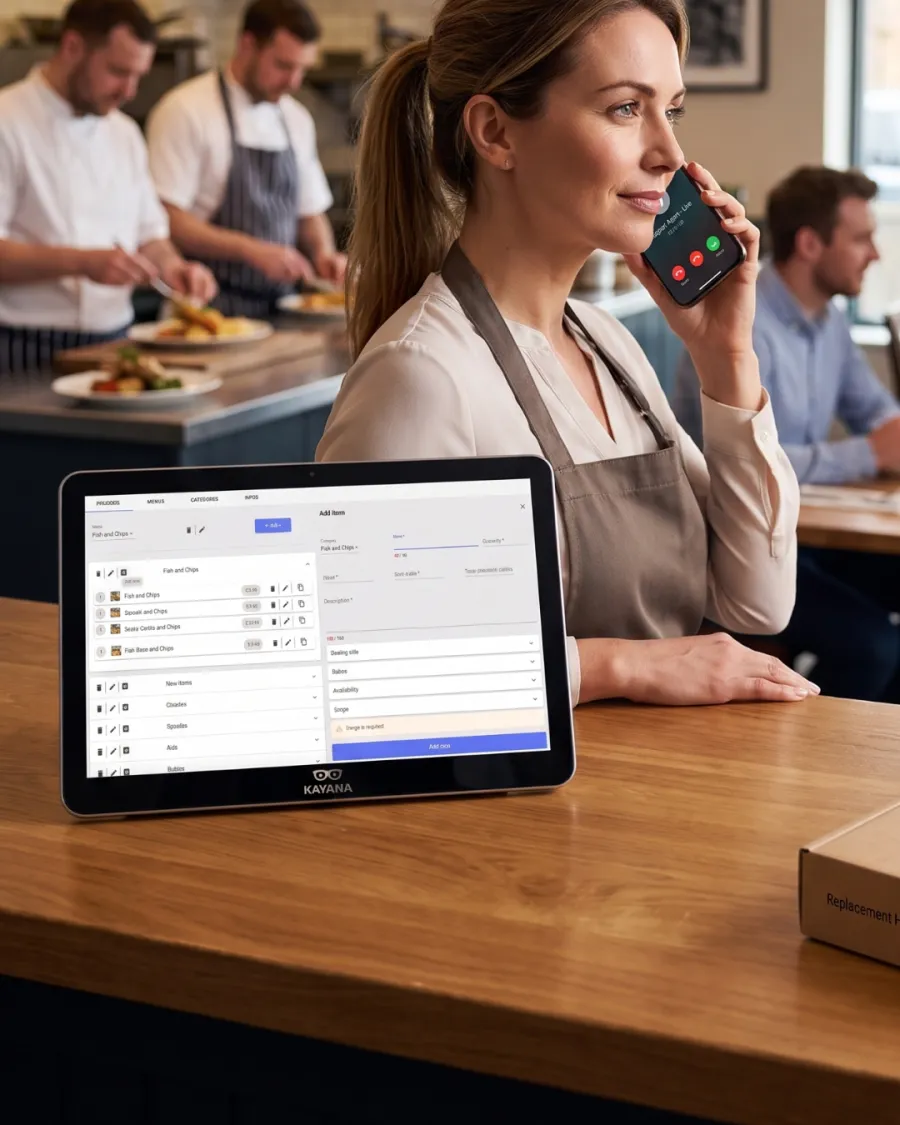
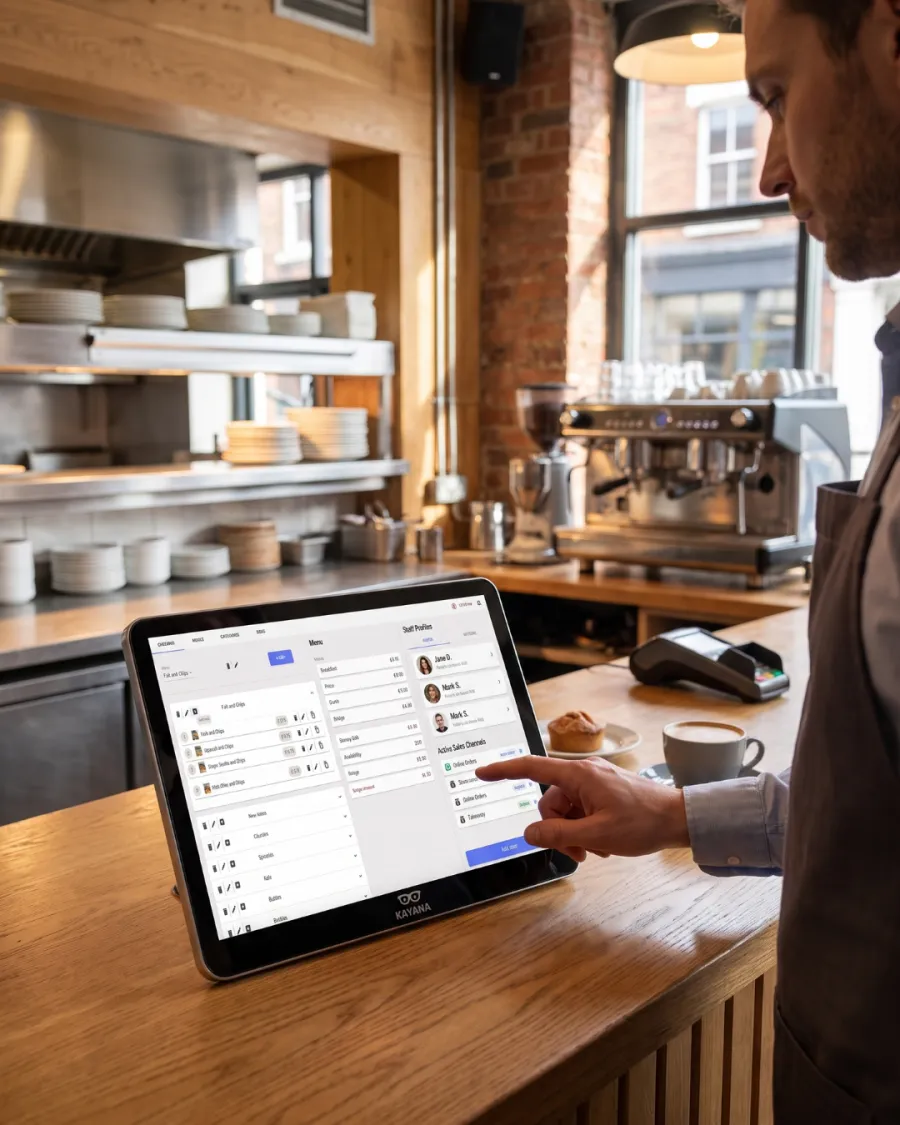
Orders where the kitchen is. Mark items out of stock. Works with your kiosk.
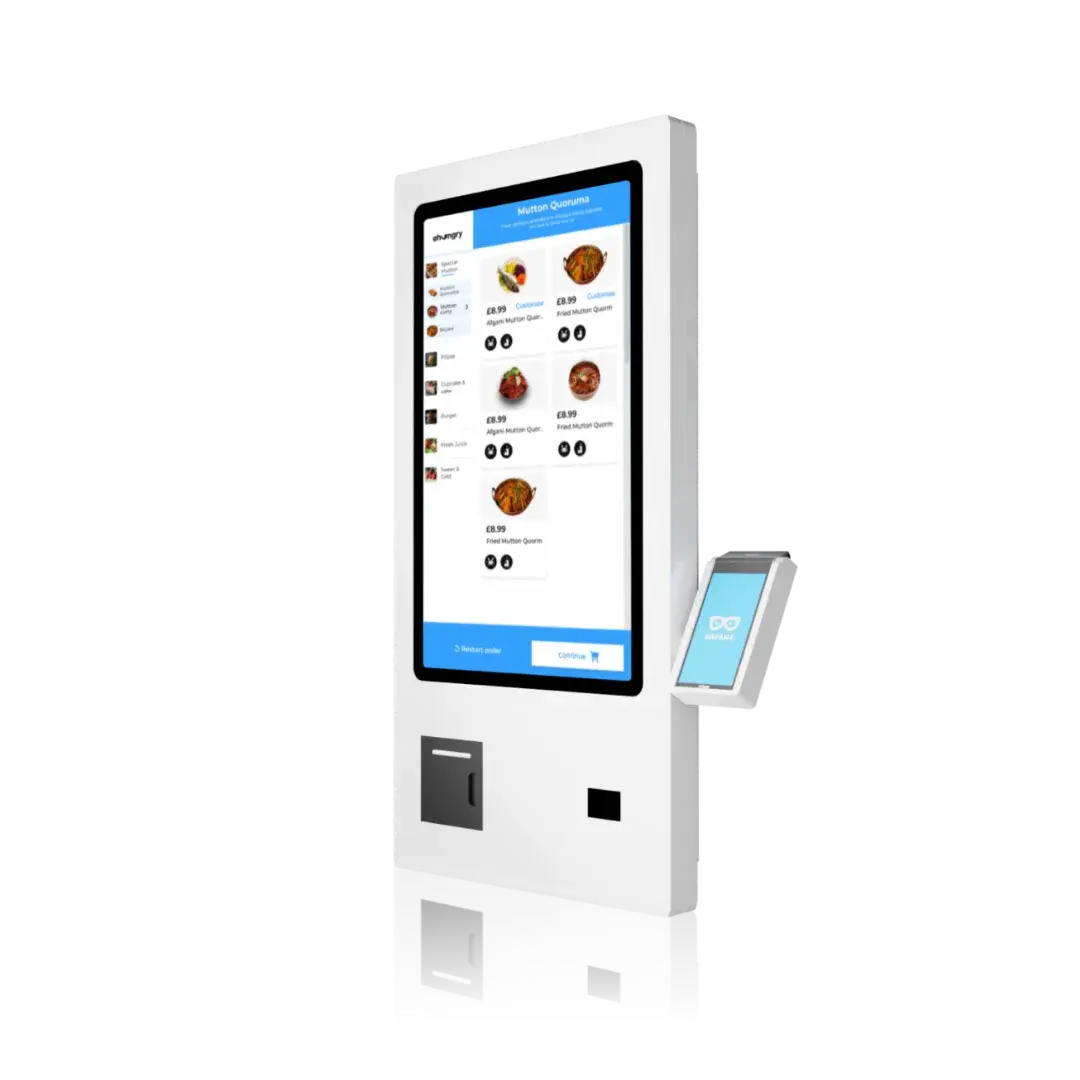
A kiosk takes the order at the screen, but the kitchen still has to find out about it. If nobody is watching a screen where the food is made, orders get passed on by hand, and that is where they go missing.
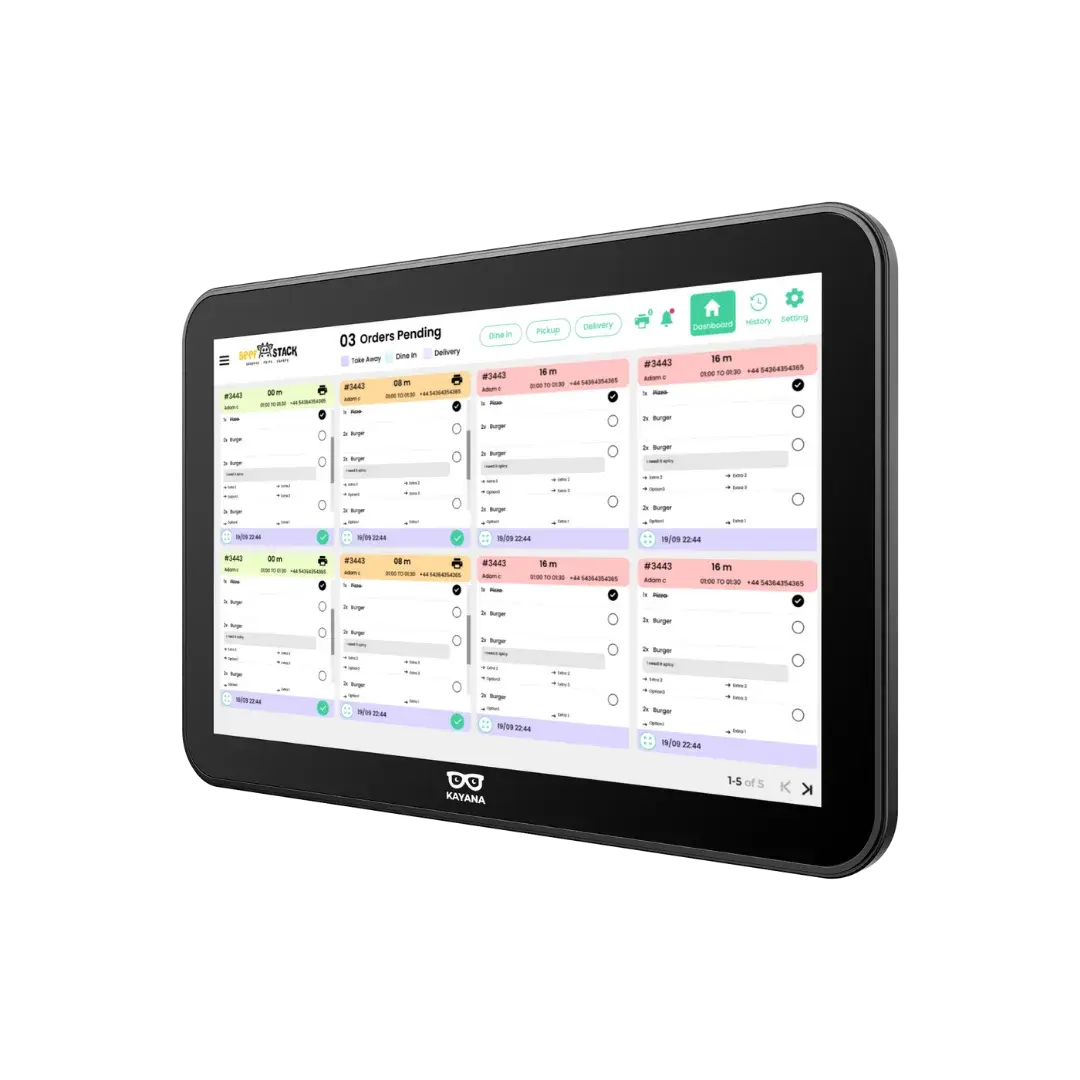
Each order appears on the tablet in the kitchen, so your team can start preparing without waiting to be told.
صُممت لتحقيق النتائج المهمة.
Orders where the kitchen works
Each order from your kiosk appears on the tablet, and paid WhatsApp orders can arrive there too, so the team can see what to make at a glance.
- Kiosk orders
- WhatsApp orders
- 10-inch screen
Stock and menu from the same device
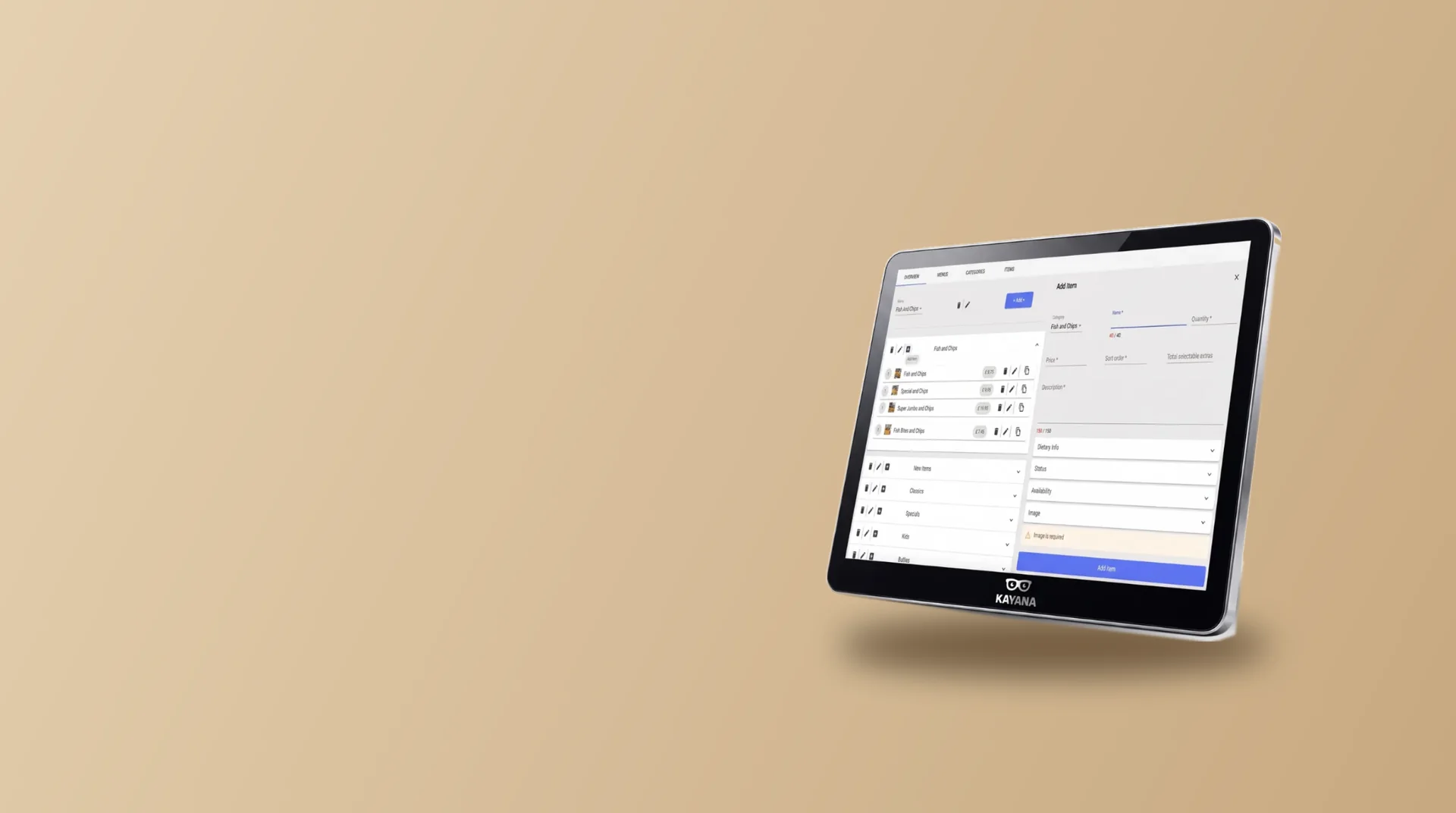
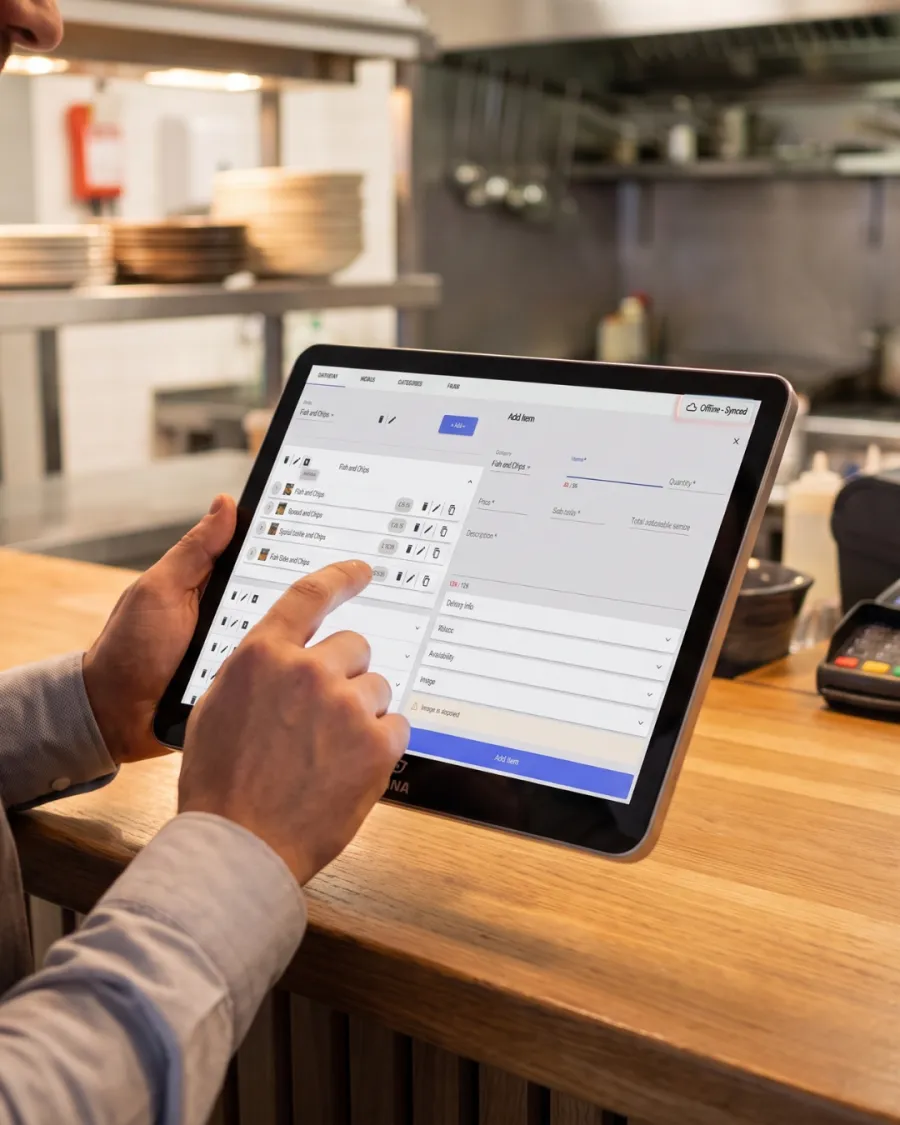
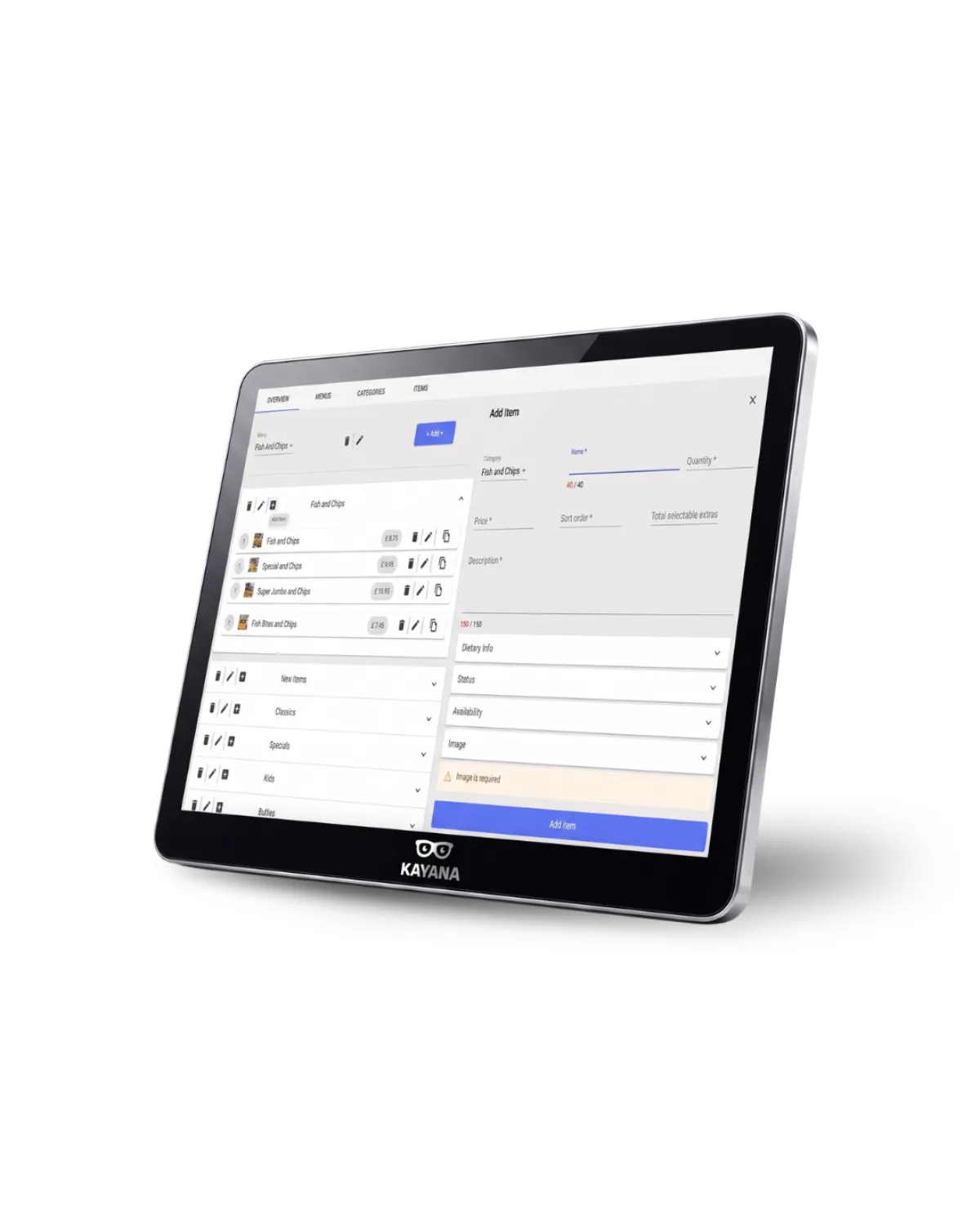
From the menu settings on the tablet you can mark an item as out of stock, or change its title, description and position, so the kiosk stops offering what you have run out of.
- Mark items out of stock
- Edit titles and descriptions
- Change the order of items
Refunds and printing
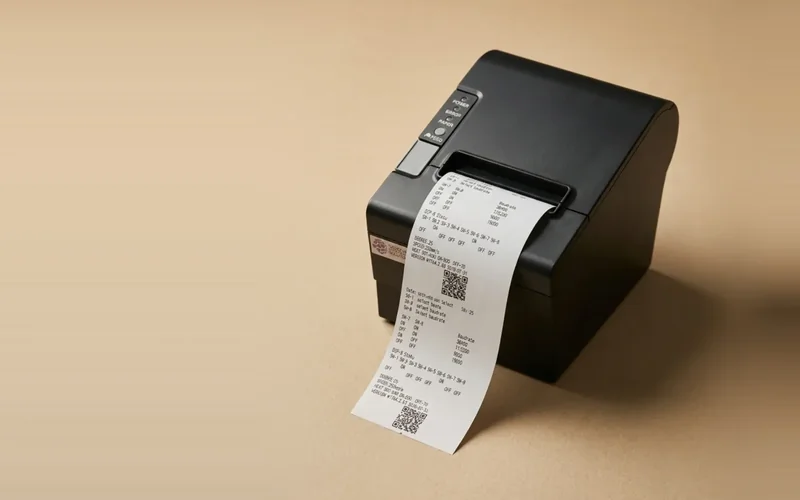
Process full or partial refunds from the order history with your refund PIN, and connect a printer over Bluetooth, USB or your network from the settings.
- Full or partial refunds
- Refund PIN
- Bluetooth, USB or network printer
كل شيء مدمج منذ اليوم الأول.
دعم على مدار الساعة طوال أيام الأسبوع
دعم بشري على مدار الساعة، متوفر بشكل قياسي.
تحديثات مجانية
يتم توفير الميزات الجديدة تلقائيًا، دون أي تكلفة إضافية.
يعمل دون اتصال بالإنترنت
استمر في البيع حتى لو انقطع الاتصال.
لوحة تحكم واحدة
قم بإدارة جميع القنوات والمواقع من خلال تسجيل دخول واحد.
أمان بمستوى البنوك
متوافق مع معيار PCI-DSS ومشفَّر من البداية إلى النهاية.
يتكيف مع احتياجاتك
من موقع واحد إلى عدة مواقع، دون الحاجة إلى تغيير المنصة.
التكاملات المفتوحة
اربط بين أدوات المحاسبة والتسليم وبرنامج الولاء.
الشفافية في التسعير
سعر واحد واضح — لا توجد رسوم خفية على الإطلاق.
جاهز للعمل في ثلاث خطوات.
Set up
We set the tablet up with your kiosk when we set up your system.
Order
A guest orders at the kiosk, or a customer orders on WhatsApp, and pays.
Prepare
The order appears on the tablet and the kitchen starts on it.
جاهزون لكل عملية بيع، في كل مرة
Orders where the kitchen works
Kiosk orders
Stock and menu from the same device
Mark items out of stock
Refunds and printing
Full or partial refunds
Software that fits what you do
جاهز لأي ازدحام
تقوم إحدى التطبيقات المتصلة بإدارة الطلبات والمدفوعات والعمليات الإدارية على الجهاز نفسه — لذا فإن Order Receiver يتناسب مع أسلوب عملك الحالي، بدءًا من المنضدة وصولاً إلى المطبخ.
- ✓يمكنك تلقي الطلبات من عند المنضدة، أو عند الطاولة، أو عبر جهاز الخدمة الذاتية، أو عبر الإنترنت
- ✓معالجة كل دفعة وتسويتها تلقائيًا
- ✓تتبع المخزون والموظفين والمبيعات من خلال لوحة تحكم واحدة تعمل في الوقت الفعلي
Why choose Kayana Order Receiver
Most operators see it pay for itself within weeks.
يرى معظم المشغلين أن تكلفة شراء الأجهزة تُسترد في غضون ستة أشهر تقريبًا من بدء التشغيل — حيث تزداد قيمة سلال التسوق، وتصبح طوابير الانتظار أكثر هدوءًا، ويقل عدد العملاء الذين يغادرون دون شراء.
أرقام تمثيلية — تعتمد النتائج الفعلية على إعداداتك وحجم التداول وطريقة تداولك.
Operators seeing results within weeks
جميع قصص العملاء →Connect with the tools your business already uses.
Browse integrations →التفاصيل، موثقة رسمياً.
Order Receiver — الاتصال، والتوافق، والأمان، ومحتويات العبوة.
Kayana's Order Receiver is a 10-inch tablet that shows your orders in the kitchen. Orders from your self-service kiosk appear on it as they are placed, and paid WhatsApp orders can arrive on it too.
A screen for the orders your kiosk takes
A kiosk takes the order at the screen, but the kitchen still needs to see it. The Order Receiver sits where the food is made and shows each order as it comes in, so your team does not wait to be told what to prepare.
Manage stock and the menu from the tablet
From the menu settings on the tablet you can mark an item as out of stock, so it stops being offered on the kiosk, and mark it available again when it is back. You can also change an item's title, description and position in the list.
Refunds and printing
Full and partial refunds can be processed from the order history using your refund PIN, and a printer can be connected over Bluetooth, USB or your network from the settings.
Do you need one?
If you use a Kayana EPOS, the EPOS receives your orders, so you may not need an Order Receiver. A kiosk on its own needs somewhere for its orders to be seen, and the Order Receiver is made for that. We set it up with the rest of your system, and our support team is available around the clock.
Questions, answered
كل ما تحتاج إلى معرفته عن موقع «Order Receiver». ألا تجد الإجابة التي تبحث عنها؟