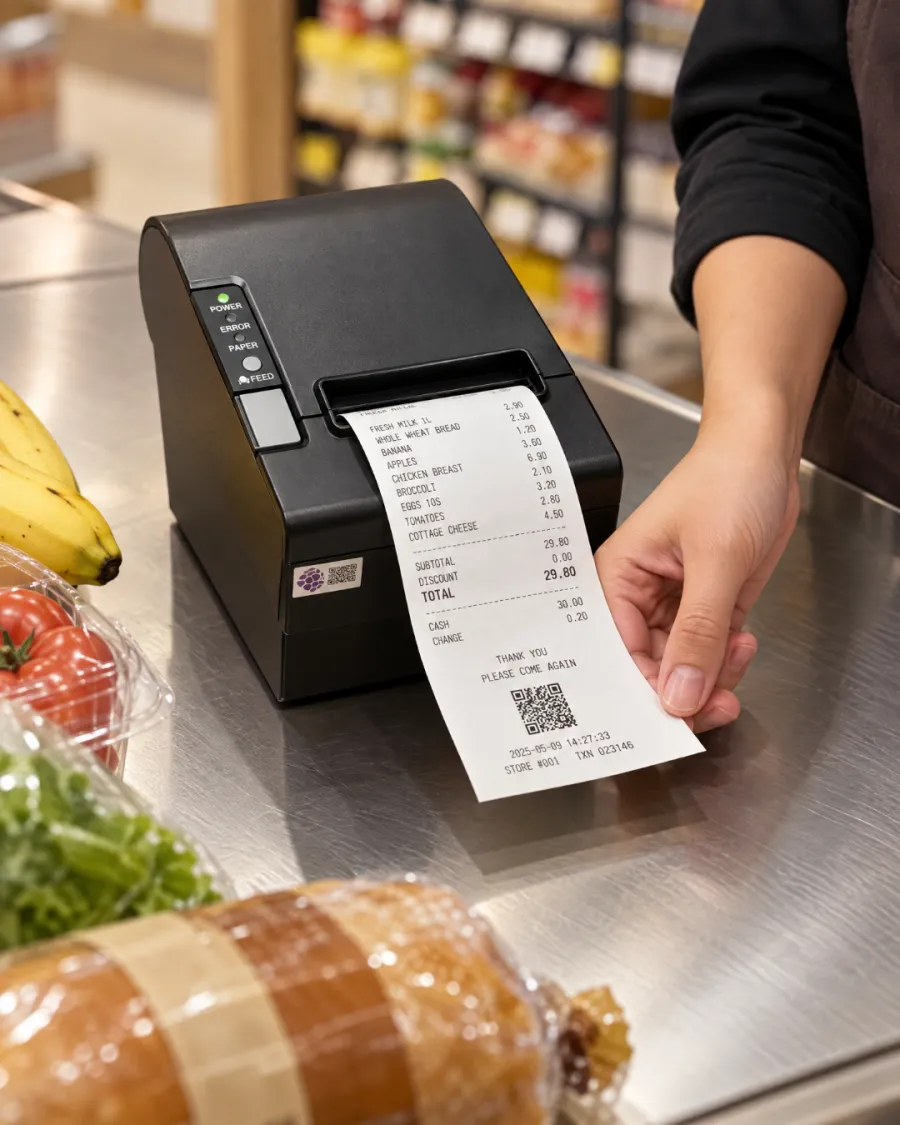
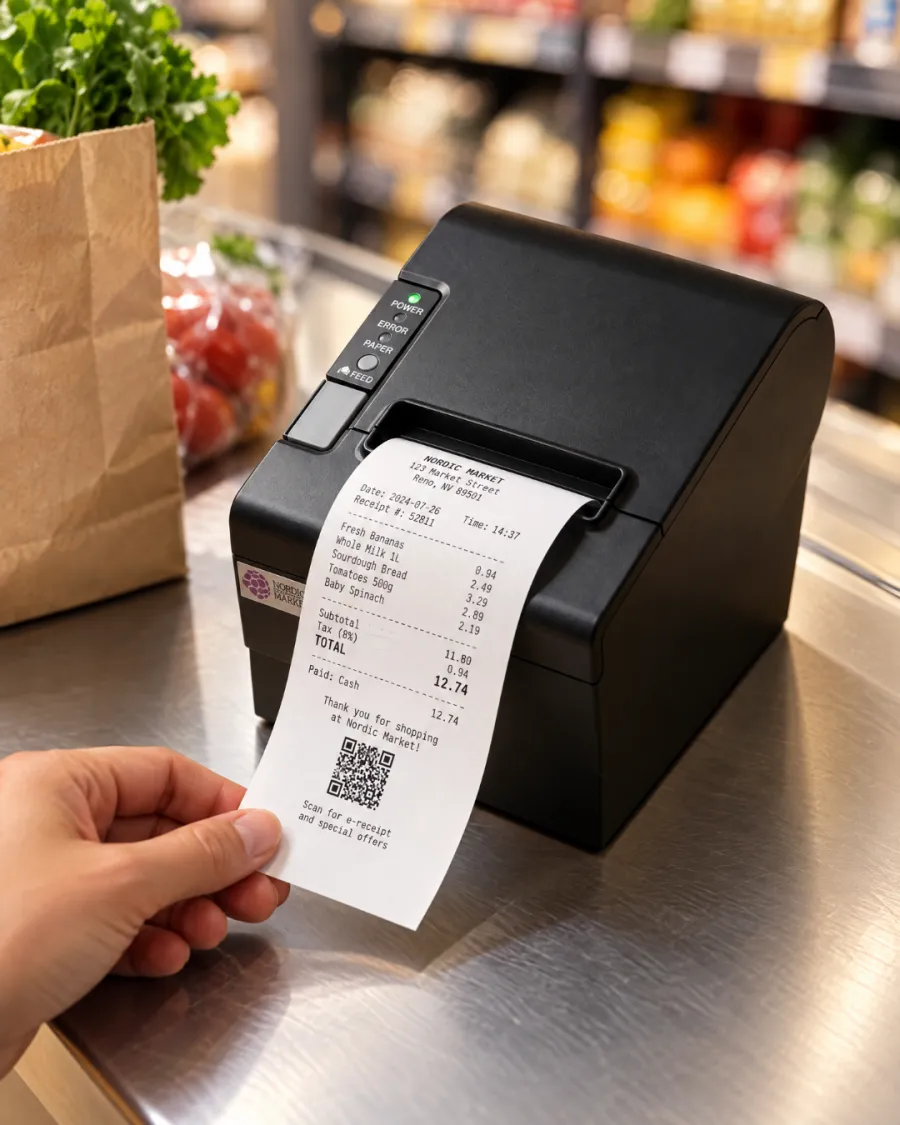
Print every receipt. Tickets in the kitchen. No ink to buy.
Without a printer, receipts go missing and the kitchen depends on shouted orders and handwritten notes. Mistakes follow, and so do refunds.
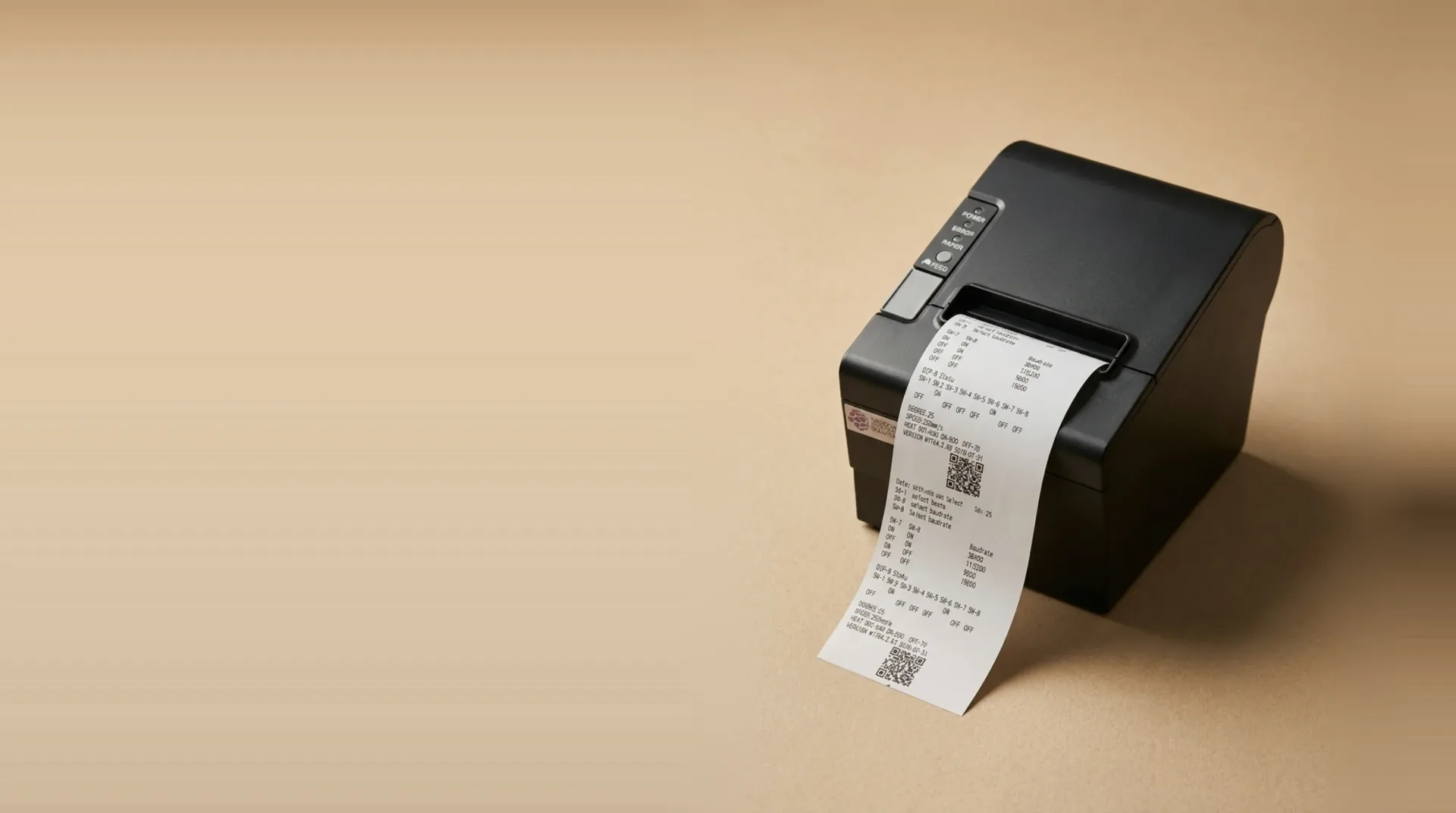
Every order prints straight from your EPOS or kiosk: a receipt at the counter, a ticket in the kitchen, nothing re-keyed.
صُممت لتحقيق النتائج المهمة.
Receipts and kitchen tickets
One printer covers the customer's receipt at the till and the order ticket in the kitchen.
- Customer receipts
- Kitchen tickets
- Order numbers
Fast, cheap to run
Thermal printing needs no ink, toner or ribbon, so receipts come out fast and the only running cost is paper.
- 80mm paper
- No ink or toner
- Low running cost
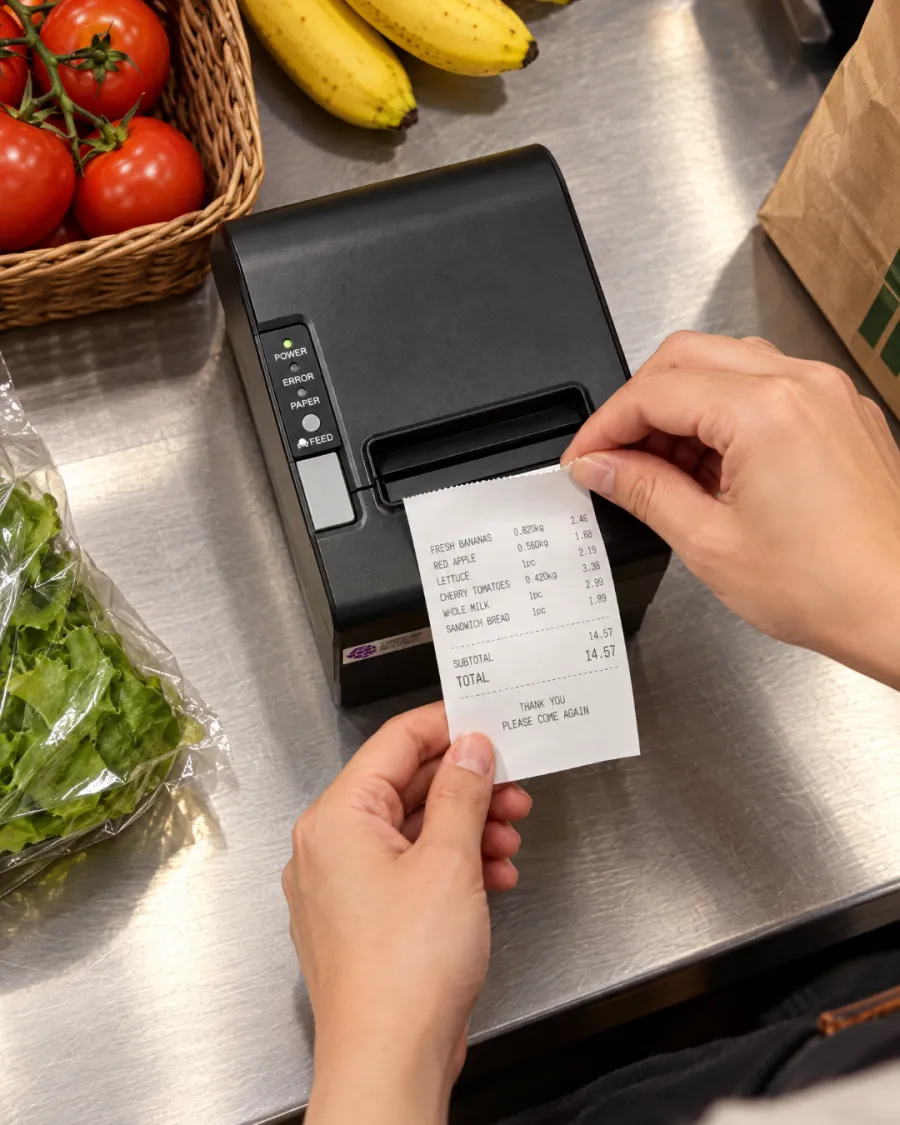
Works with your Kayana setup
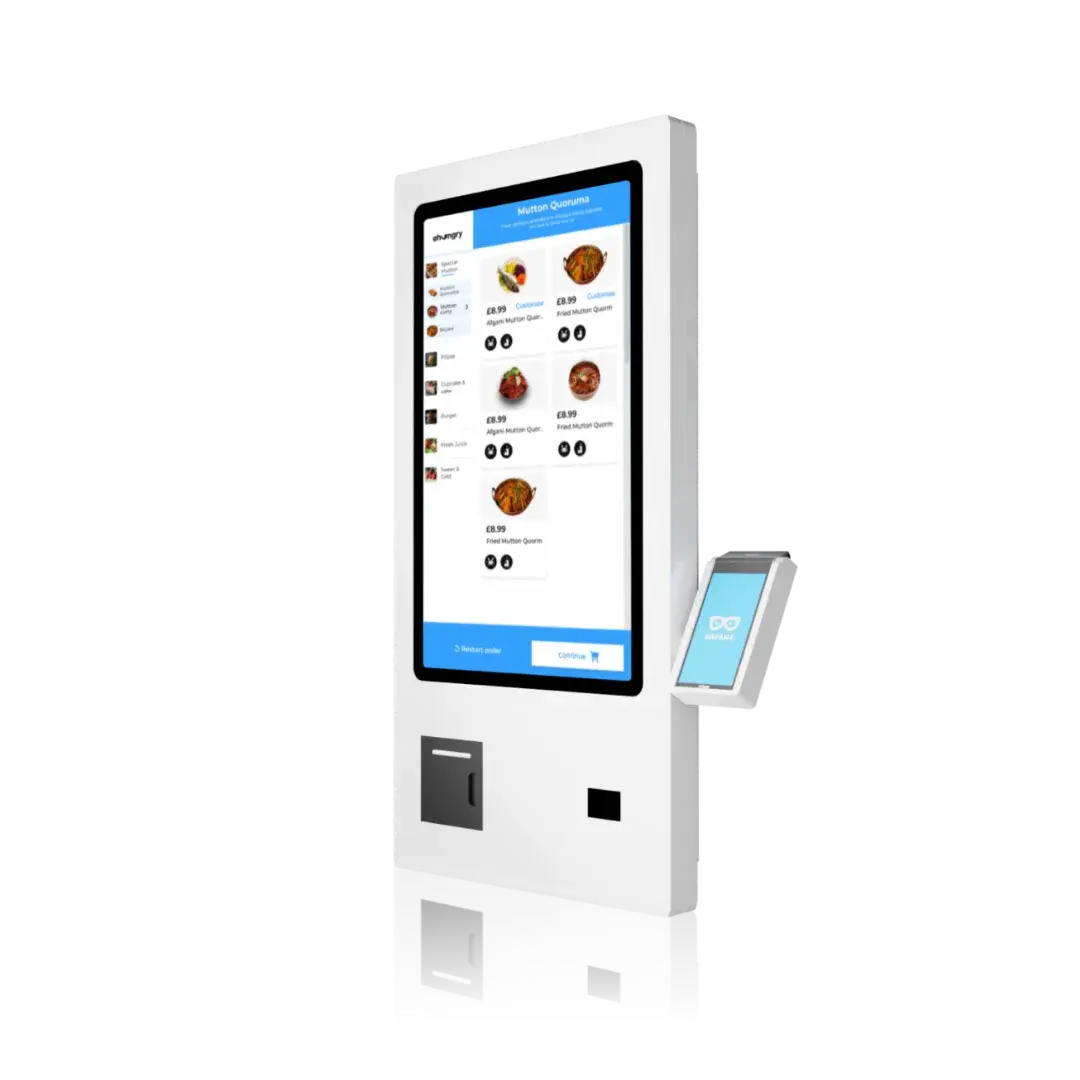
Prints from your EPOS, and a kiosk with no EPOS uses it to send its orders to the kitchen.
- EPOS
- Self-service kiosk
- Kitchen tickets
كل شيء مدمج منذ اليوم الأول.
دعم على مدار الساعة طوال أيام الأسبوع
دعم بشري على مدار الساعة، متوفر بشكل قياسي.
تحديثات مجانية
يتم توفير الميزات الجديدة تلقائيًا، دون أي تكلفة إضافية.
يعمل دون اتصال بالإنترنت
استمر في البيع حتى لو انقطع الاتصال.
لوحة تحكم واحدة
قم بإدارة جميع القنوات والمواقع من خلال تسجيل دخول واحد.
أمان بمستوى البنوك
متوافق مع معيار PCI-DSS ومشفَّر من البداية إلى النهاية.
يتكيف مع احتياجاتك
من موقع واحد إلى عدة مواقع، دون الحاجة إلى تغيير المنصة.
التكاملات المفتوحة
اربط بين أدوات المحاسبة والتسليم وبرنامج الولاء.
الشفافية في التسعير
سعر واحد واضح — لا توجد رسوم خفية على الإطلاق.
جاهز للعمل في ثلاث خطوات.
Connect
Plug it in next to your EPOS or kiosk and we set it up with the rest of your system.
Receipts and kitchen tickets print automatically as orders come in.
Serve
The kitchen works from the ticket, and the customer leaves with the receipt.
جاهزون لكل عملية بيع، في كل مرة
Receipts and kitchen tickets
Customer receipts
Fast, cheap to run
80mm paper
Works with your Kayana setup
EPOS
Software that fits what you do
جاهز لأي ازدحام
تقوم إحدى التطبيقات المتصلة بإدارة الطلبات والمدفوعات والعمليات الإدارية على الجهاز نفسه — لذا فإن Thermal Printer يتناسب مع أسلوب عملك الحالي، بدءًا من المنضدة وصولاً إلى المطبخ.
- ✓يمكنك تلقي الطلبات من عند المنضدة، أو عند الطاولة، أو عبر جهاز الخدمة الذاتية، أو عبر الإنترنت
- ✓معالجة كل دفعة وتسويتها تلقائيًا
- ✓تتبع المخزون والموظفين والمبيعات من خلال لوحة تحكم واحدة تعمل في الوقت الفعلي
Why choose Kayana Thermal Printer
Most operators see it pay for itself within weeks.
إن الرقابة الأكثر صرامة على المخزون والساعات الإدارية التي تستعيدها عادةً ما تؤدي إلى استرداد تكلفة النظام في غضون شهرين.
أرقام تمثيلية — تعتمد النتائج الفعلية على إعداداتك وحجم التداول وطريقة تداولك.
Operators seeing results within weeks
جميع قصص العملاء →Connect with the tools your business already uses.
Browse integrations →التفاصيل، موثقة رسمياً.
Thermal Printer — الاتصال، والتوافق، والأمان، ومحتويات العبوة.
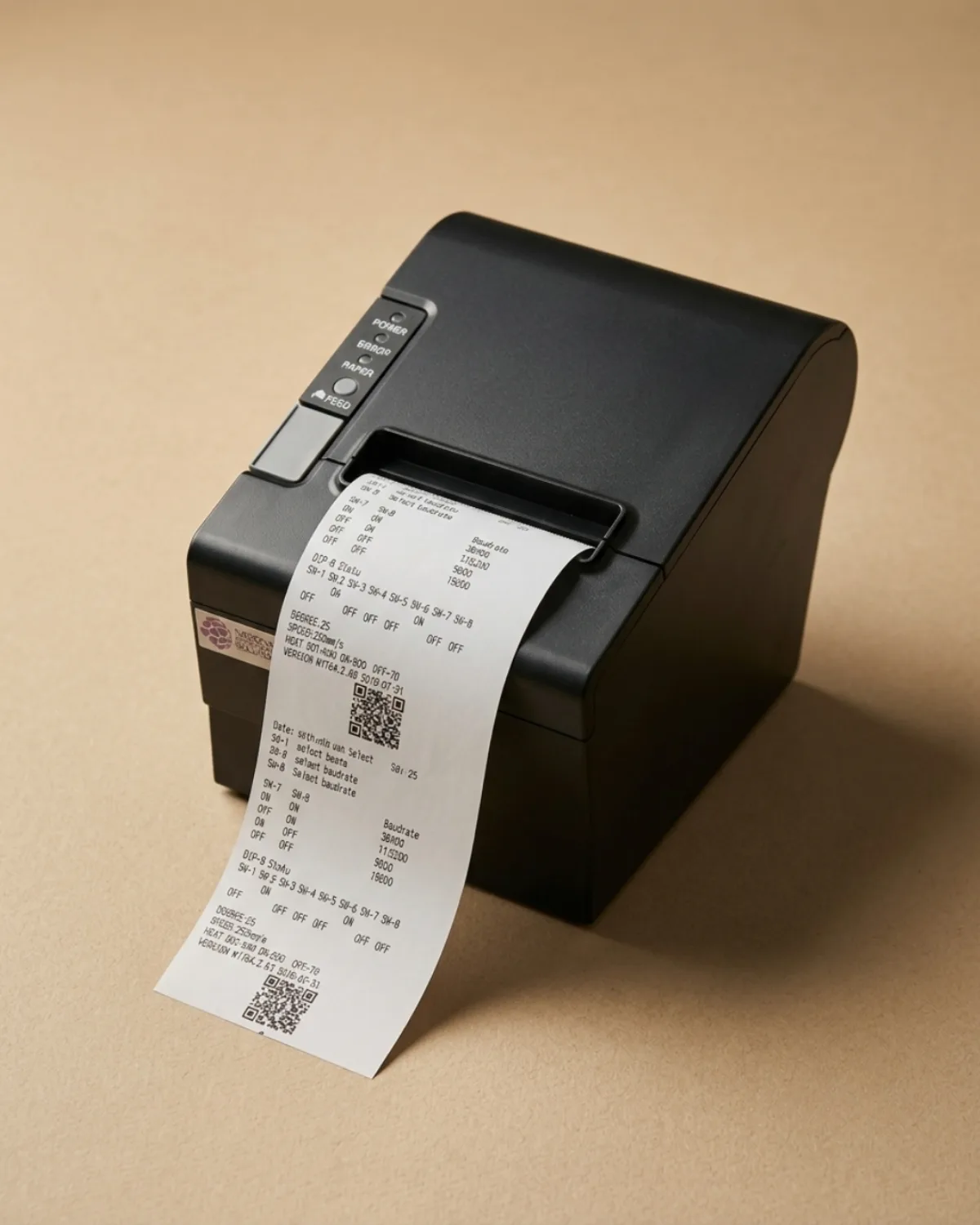
Kayana's 80mm thermal printer prints customer receipts and kitchen tickets the moment an order is placed, straight from your EPOS or self-service kiosk. It uses thermal paper, so there is no ink, toner or ribbon to buy or run out of mid-service.
Receipts and kitchen tickets from one printer
A receipt printer for a restaurant or shop has two jobs: giving the customer a record of the sale, and telling the kitchen what to make. Kayana's thermal printer does both from the same device, so each order produces a receipt at the counter and a ticket where the food is prepared, without anyone re-keying the order.
Works with your EPOS and your kiosk
Connected to an EPOS, the printer prints every sale as it is taken. A self-service kiosk with no EPOS beside it has nobody to take its orders, so the printer prints each kiosk order for your kitchen as it comes in. When a kiosk sits next to an EPOS, the EPOS printer covers both, so one printer is enough.
Why thermal printing keeps running costs low
Thermal printers heat the paper rather than apply ink, so the only thing you replace is the paper roll. That keeps the cost per receipt low and removes the cartridge and ribbon changes that slow down a busy counter. Kayana's printer uses standard 80mm thermal rolls.
Set up and supported with the rest of your system
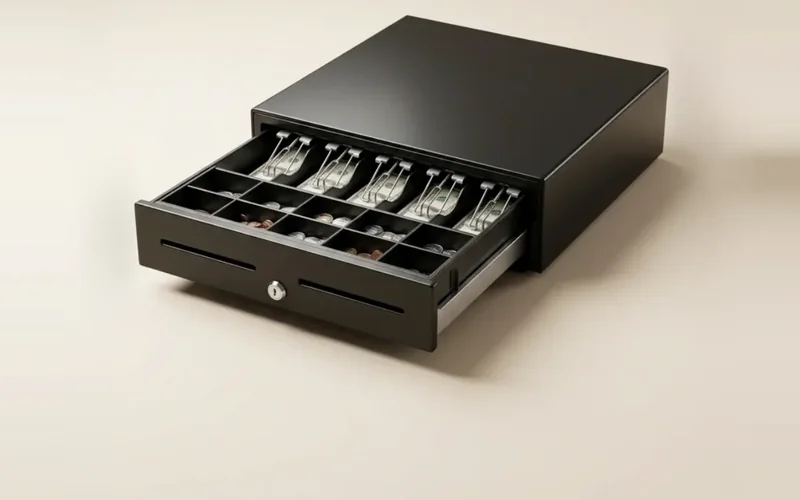
The printer is chosen to work with Kayana hardware and is connected when we set up your system, alongside your card terminal and cash drawer. If something goes wrong during service, Kayana support is available around the clock.
Questions, answered
كل ما تحتاج إلى معرفته عن موقع «Thermal Printer». ألا تجد الإجابة التي تبحث عنها؟