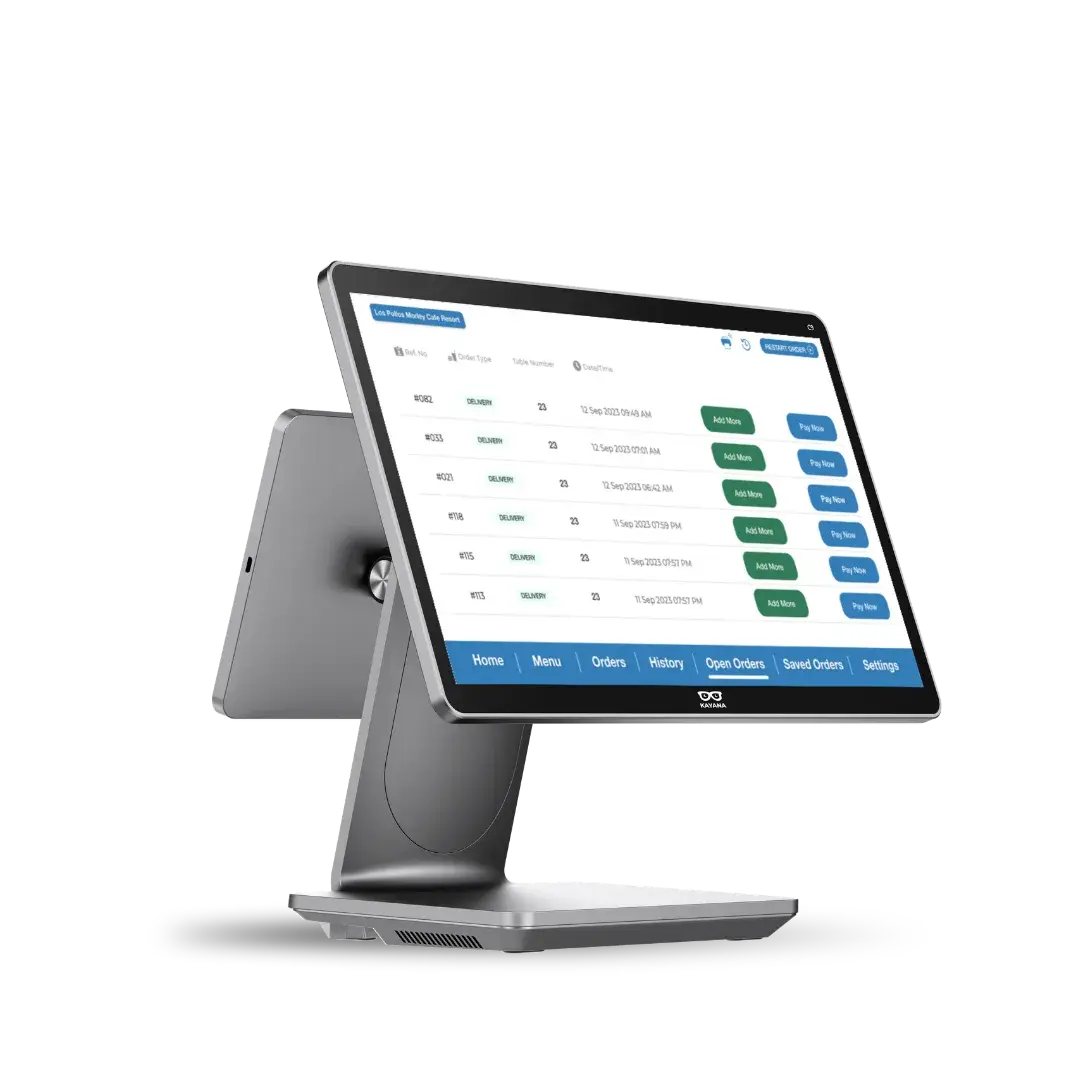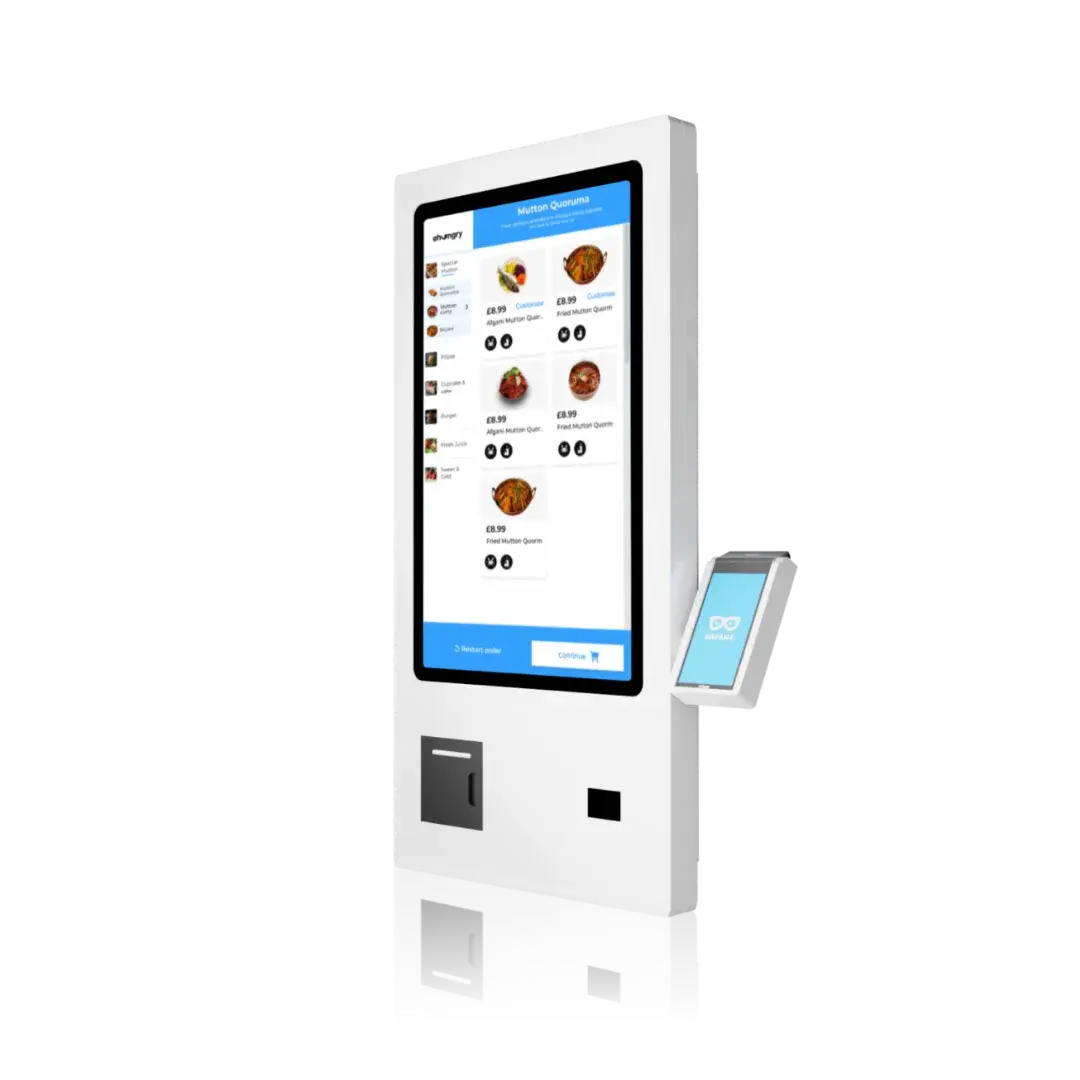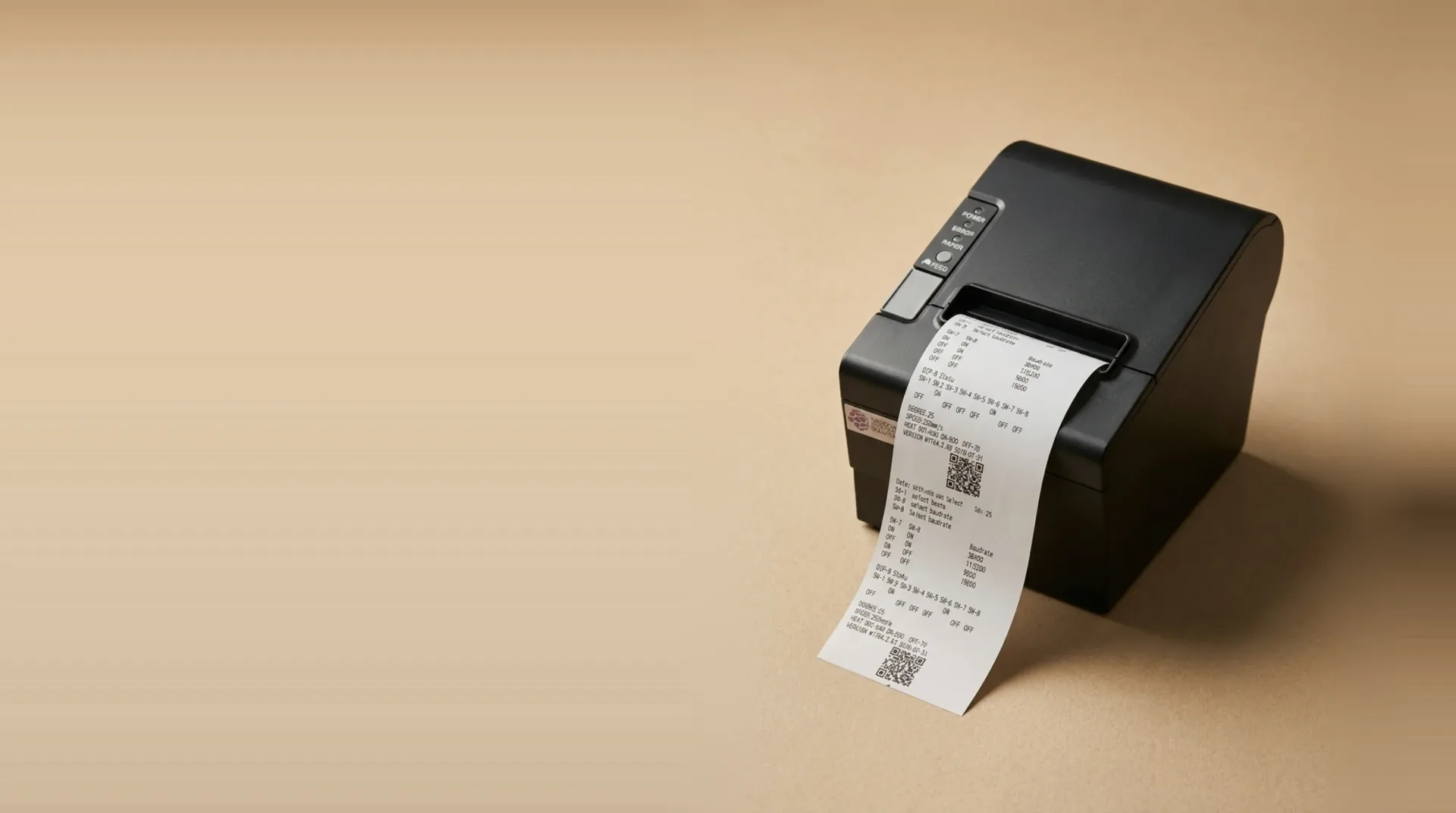
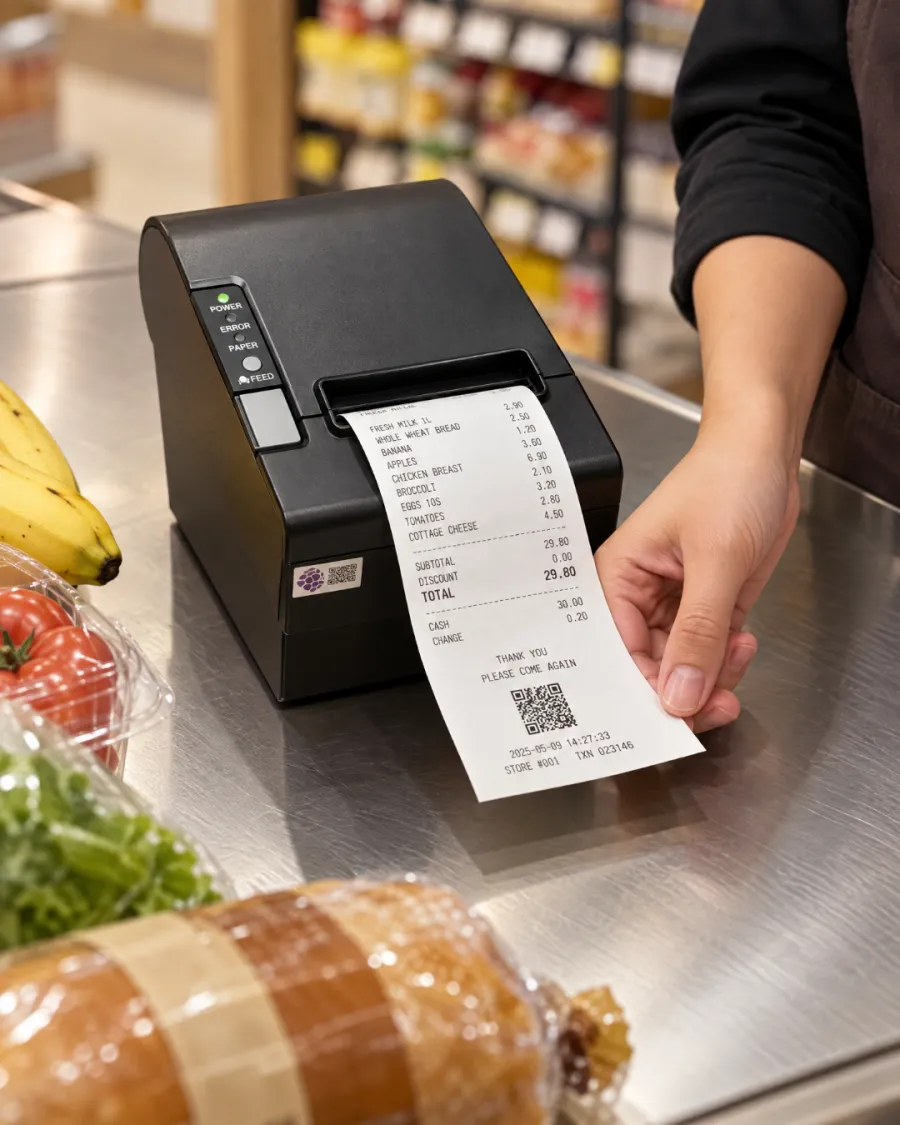
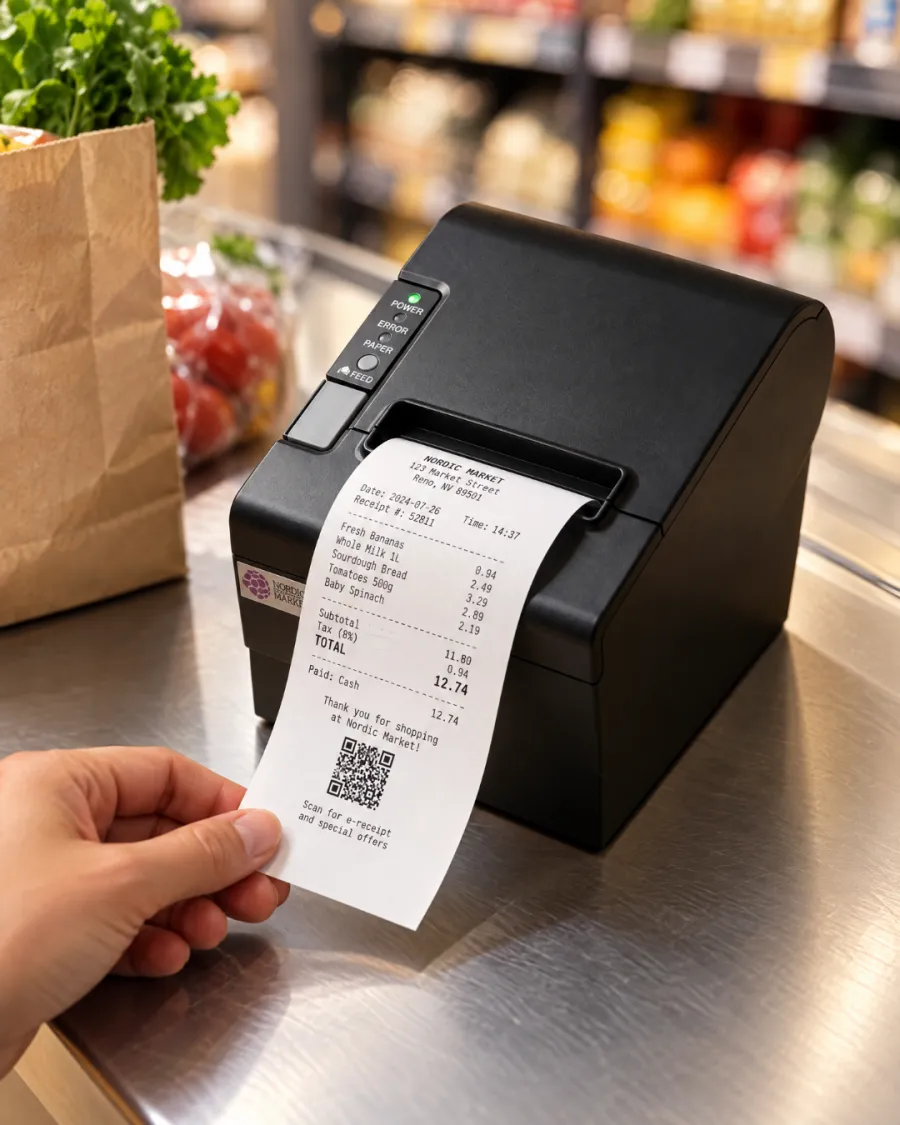
Print every receipt. Tickets in the kitchen. No ink to buy.
Without a printer, receipts go missing and the kitchen depends on shouted orders and handwritten notes. Mistakes follow, and so do refunds.
Every order prints straight from your EPOS or kiosk: a receipt at the counter, a ticket in the kitchen, nothing re-keyed.
Built to move the numbers that matter.
Receipts and kitchen tickets
One printer covers the customer's receipt at the till and the order ticket in the kitchen.
- Customer receipts
- Kitchen tickets
- Order numbers
Fast, cheap to run
Thermal printing needs no ink, toner or ribbon, so receipts come out fast and the only running cost is paper.
- 80mm paper
- No ink or toner
- Low running cost
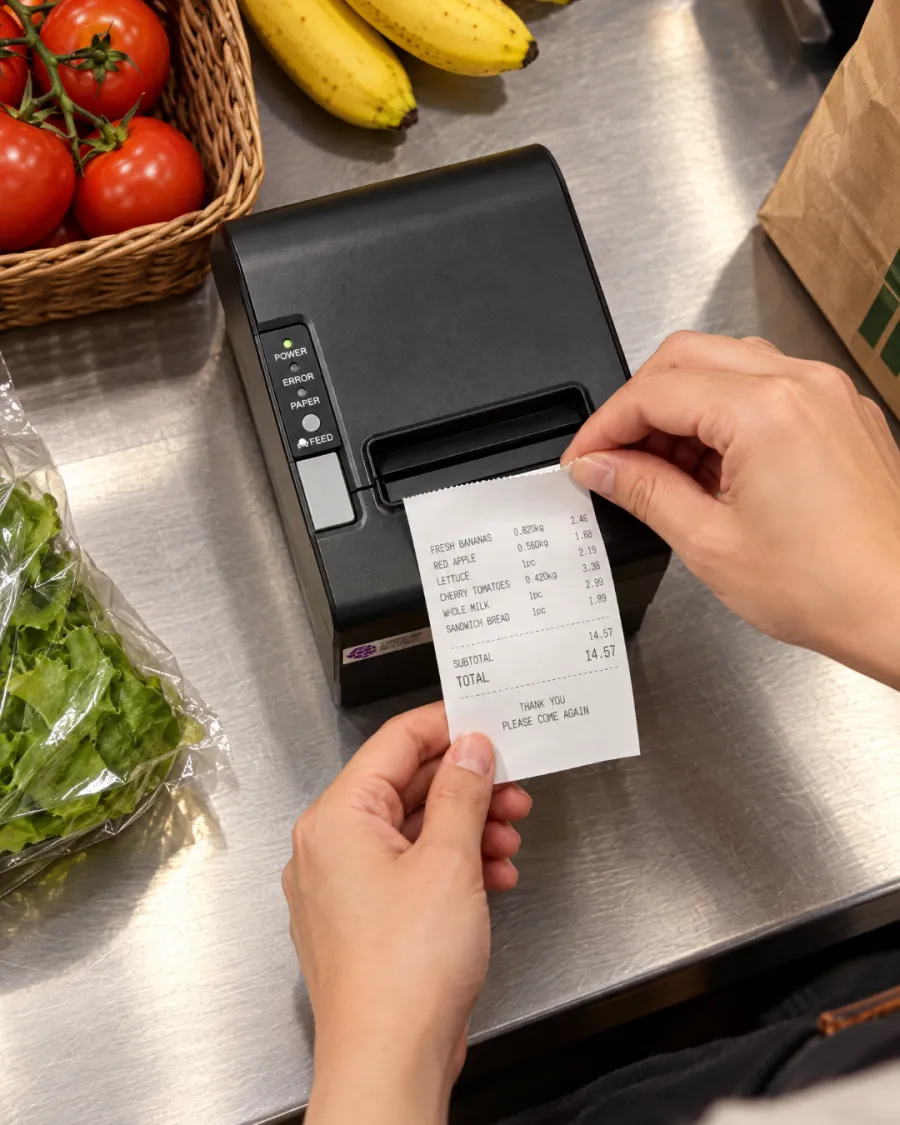
Works with your Kayana setup
Prints from your EPOS, and a kiosk with no EPOS uses it to send its orders to the kitchen.
- EPOS
- Self-service kiosk
- Kitchen tickets
Everything's built in, from day one.
24/7 support
Round-the-clock human help, included as standard.
Free updates
New features ship automatically, at no extra cost.
Works offline
Keep selling even if the connection drops.
One dashboard
Run every channel and site from a single login.
Bank-grade security
PCI-DSS compliant and end-to-end encrypted.
Scales with you
From one location to many, no re-platforming.
Open integrations
Connect accounting, delivery and loyalty tools.
Transparent pricing
One clear rate — no hidden fees, ever.
Live in three steps.
Connect
Plug it in next to your EPOS or kiosk and we set it up with the rest of your system.
Receipts and kitchen tickets print automatically as orders come in.
Serve
The kitchen works from the ticket, and the customer leaves with the receipt.
Ready for every sale, every time
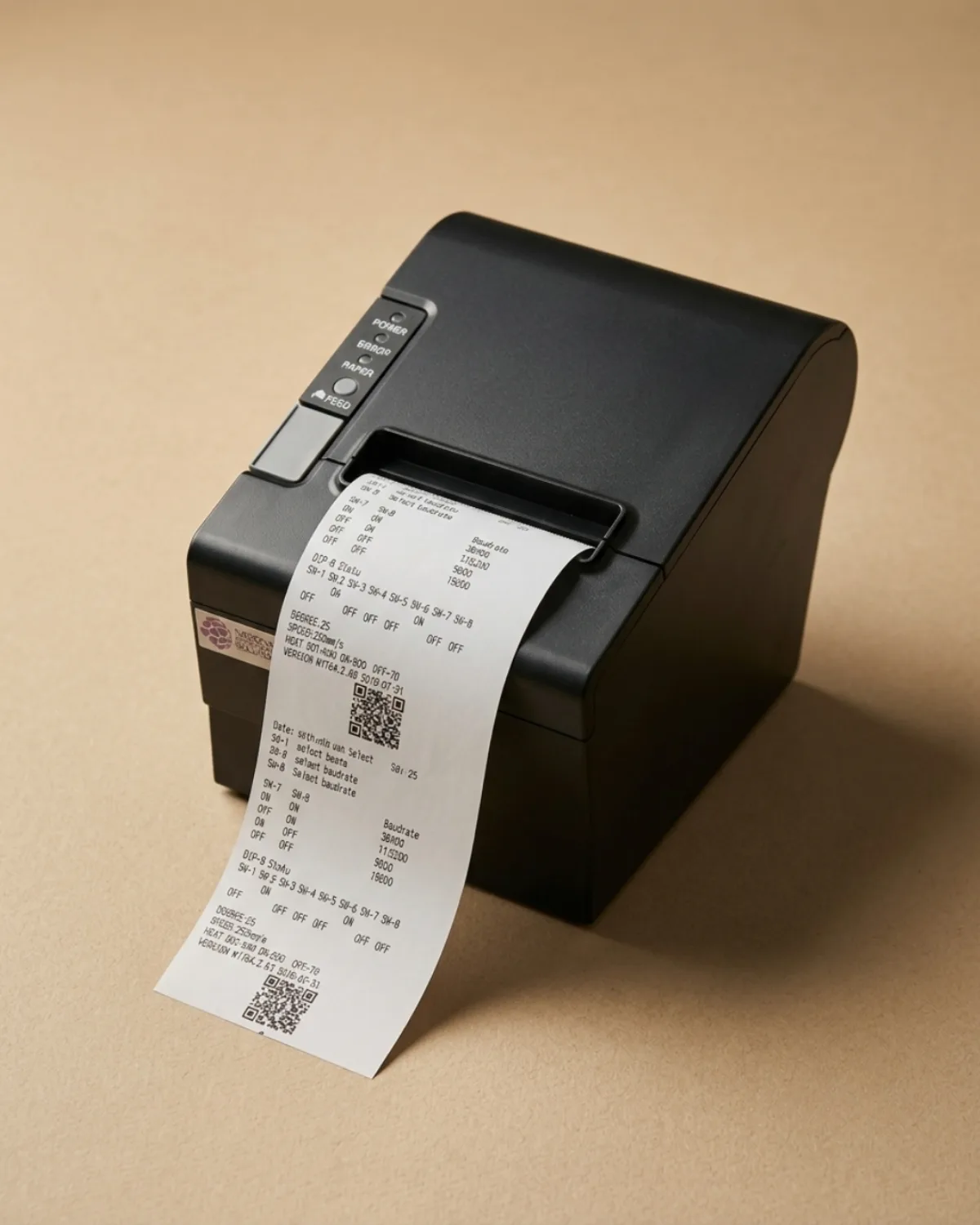
Receipts and kitchen tickets
Customer receipts
Fast, cheap to run
80mm paper
Works with your Kayana setup
EPOS
Software that fits what you do
Ready for any rush
One connected app runs orders, payments and the back office on the same device — so Thermal Printer fits the way you already work, from the counter to the kitchen.
- ✓Take orders at the counter, at the table, on a kiosk or online
- ✓Process every payment and reconcile it automatically
- ✓Track stock, staff and sales from one live dashboard
Why choose Kayana Thermal Printer
Most operators see it pay for itself within weeks.
Tighter stock control and the admin hours you win back usually pay the system back inside two months.
Representative figures — real results depend on your setup, volume and how you trade.
Operators seeing results within weeks
All customer stories →Connect with the tools your business already uses.
Browse integrations →The detail, on the record.
Thermal Printer — connectivity, compatibility, security and what's in the box.
Kayana's 80mm thermal printer prints customer receipts and kitchen tickets the moment an order is placed, straight from your EPOS or self-service kiosk. It uses thermal paper, so there is no ink, toner or ribbon to buy or run out of mid-service.
Receipts and kitchen tickets from one printer
A receipt printer for a restaurant or shop has two jobs: giving the customer a record of the sale, and telling the kitchen what to make. Kayana's thermal printer does both from the same device, so each order produces a receipt at the counter and a ticket where the food is prepared, without anyone re-keying the order.
Works with your EPOS and your kiosk
Connected to an EPOS, the printer prints every sale as it is taken. A self-service kiosk with no EPOS beside it has nobody to take its orders, so the printer prints each kiosk order for your kitchen as it comes in. When a kiosk sits next to an EPOS, the EPOS printer covers both, so one printer is enough.
Why thermal printing keeps running costs low
Thermal printers heat the paper rather than apply ink, so the only thing you replace is the paper roll. That keeps the cost per receipt low and removes the cartridge and ribbon changes that slow down a busy counter. Kayana's printer uses standard 80mm thermal rolls.
Set up and supported with the rest of your system
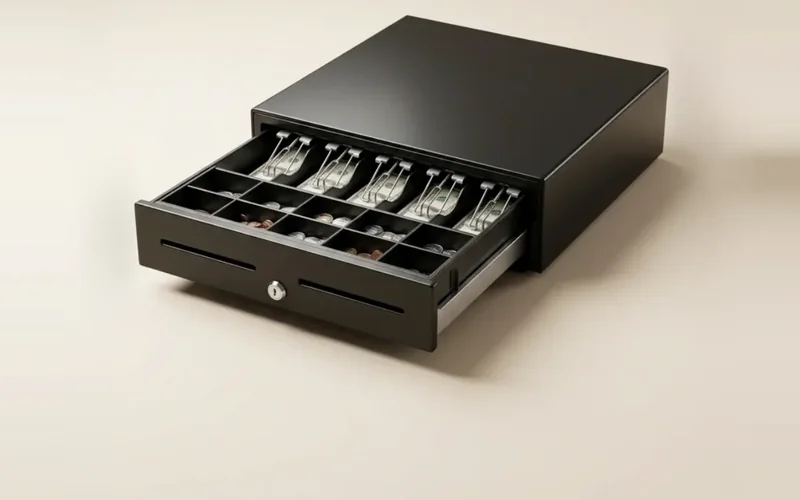
The printer is chosen to work with Kayana hardware and is connected when we set up your system, alongside your card terminal and cash drawer. If something goes wrong during service, Kayana support is available around the clock.
Questions, answered
Everything you need to know about Thermal Printer. Can't find your answer?