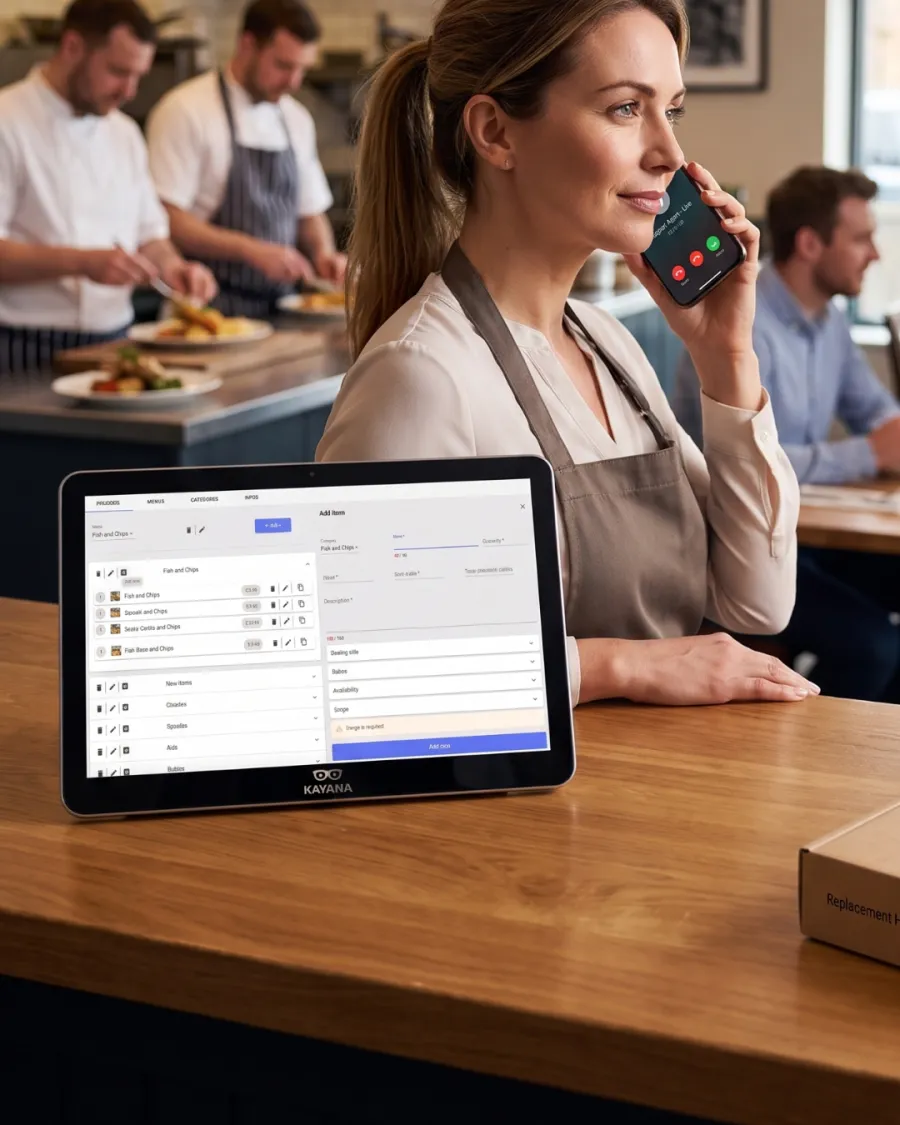
Orders where the kitchen is. Mark items out of stock. Works with your kiosk.
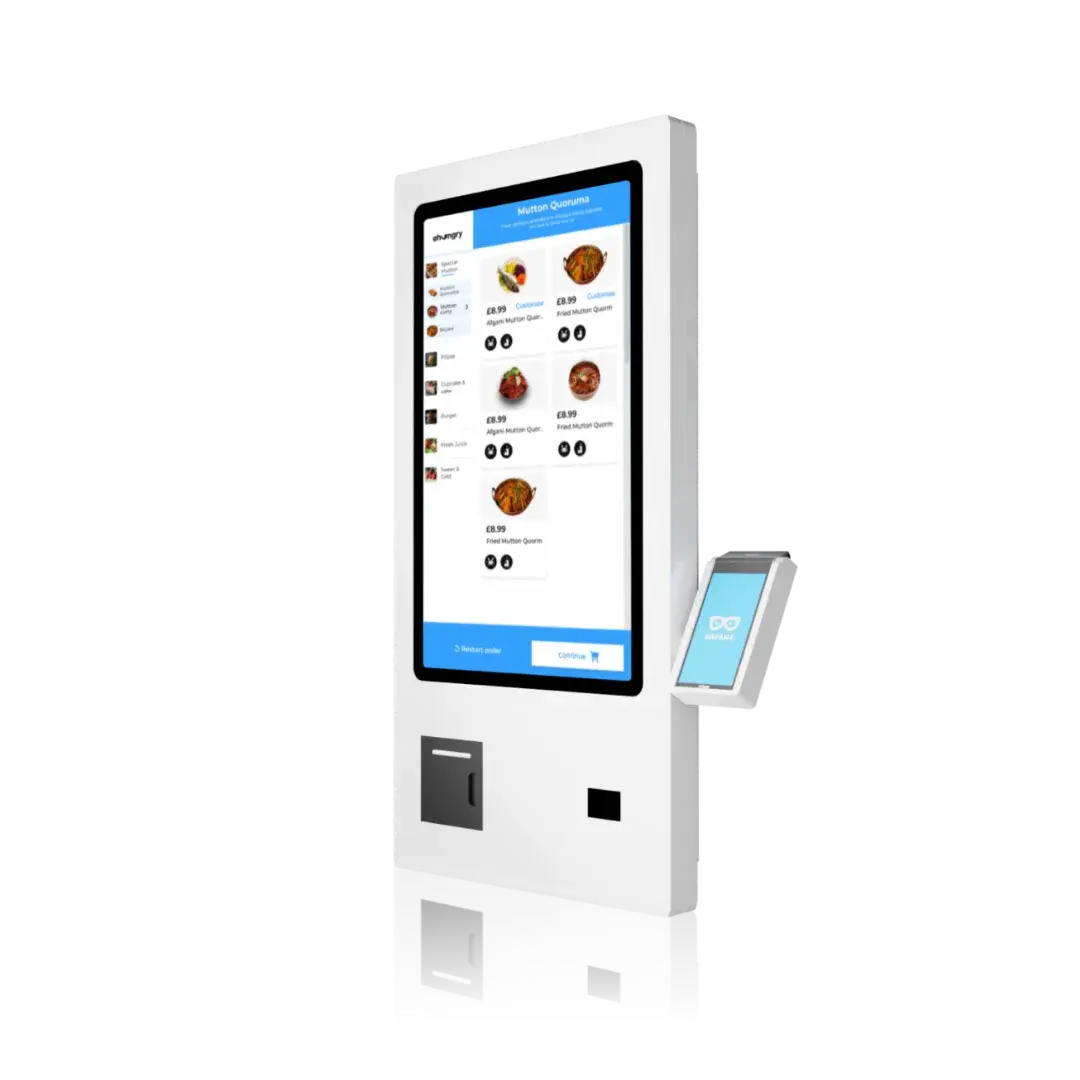
A kiosk takes the order at the screen, but the kitchen still has to find out about it. If nobody is watching a screen where the food is made, orders get passed on by hand, and that is where they go missing.
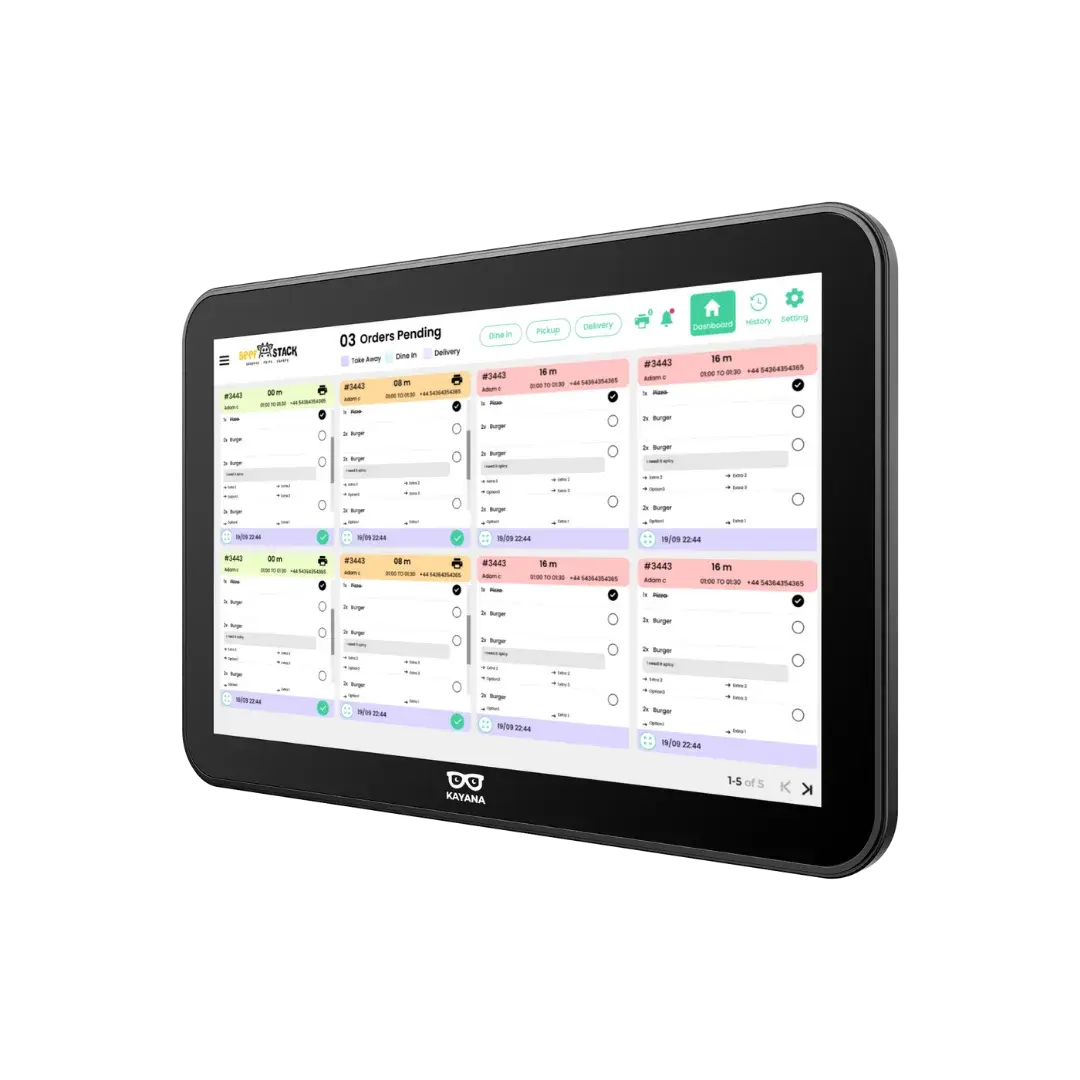
Each order appears on the tablet in the kitchen, so your team can start preparing without waiting to be told.
Built to move the numbers that matter.
Orders where the kitchen works
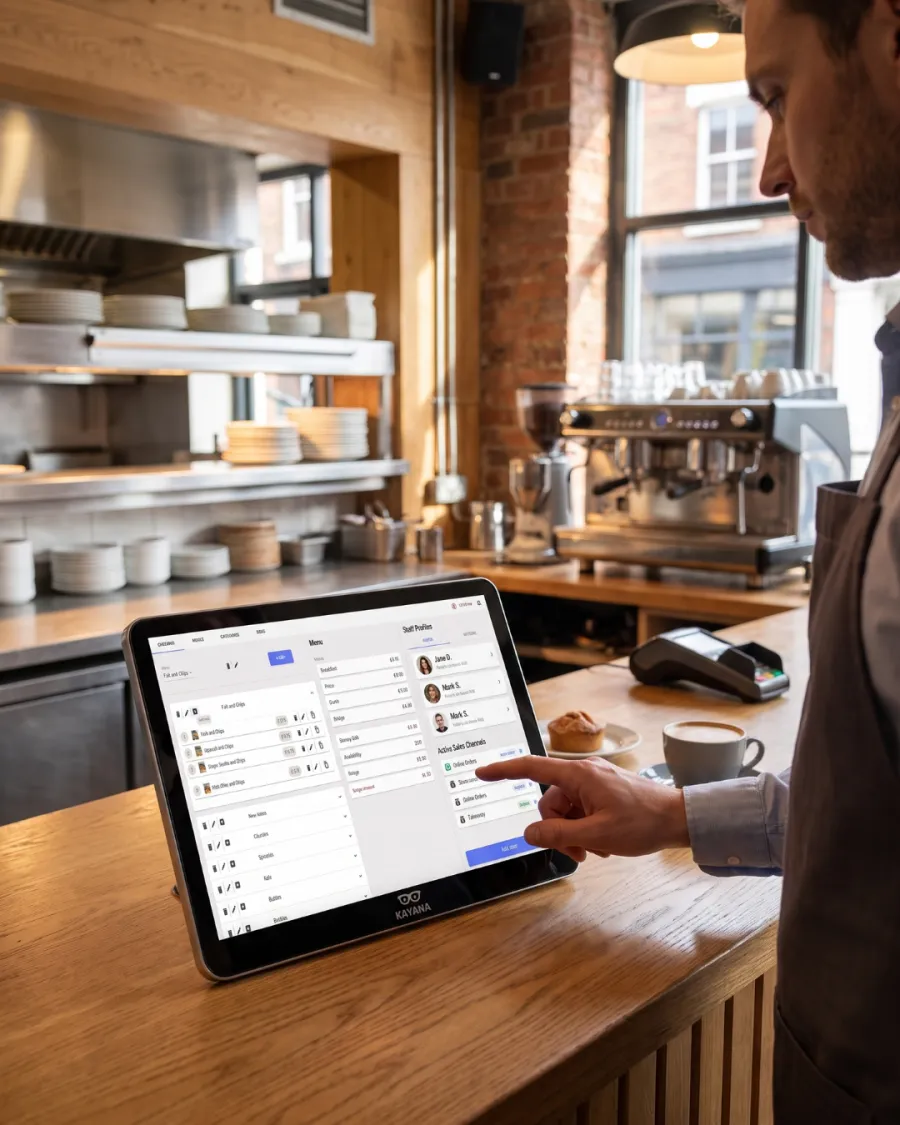
Each order from your kiosk appears on the tablet, and paid WhatsApp orders can arrive there too, so the team can see what to make at a glance.
- Kiosk orders
- WhatsApp orders
- 10-inch screen
Stock and menu from the same device
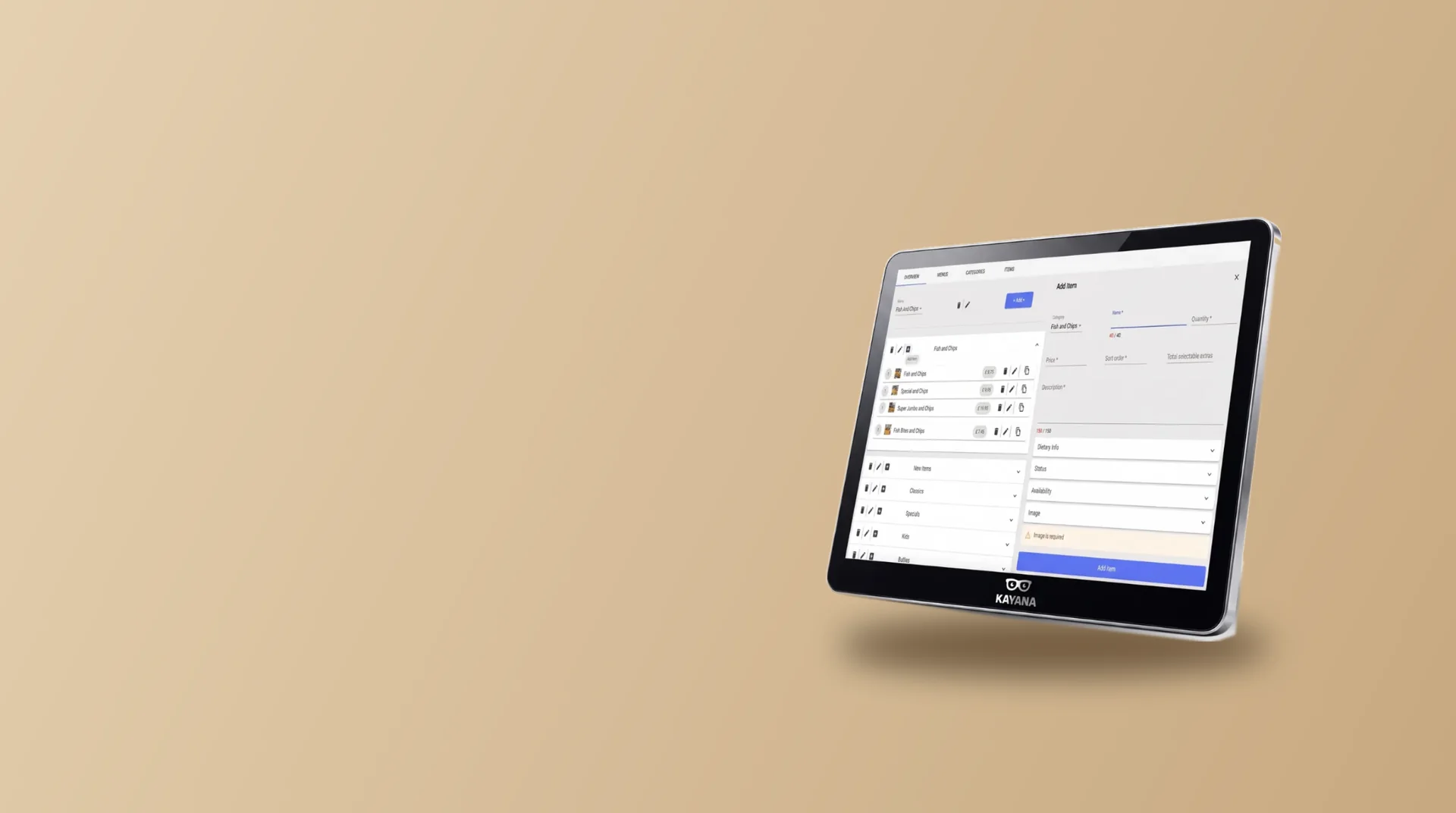
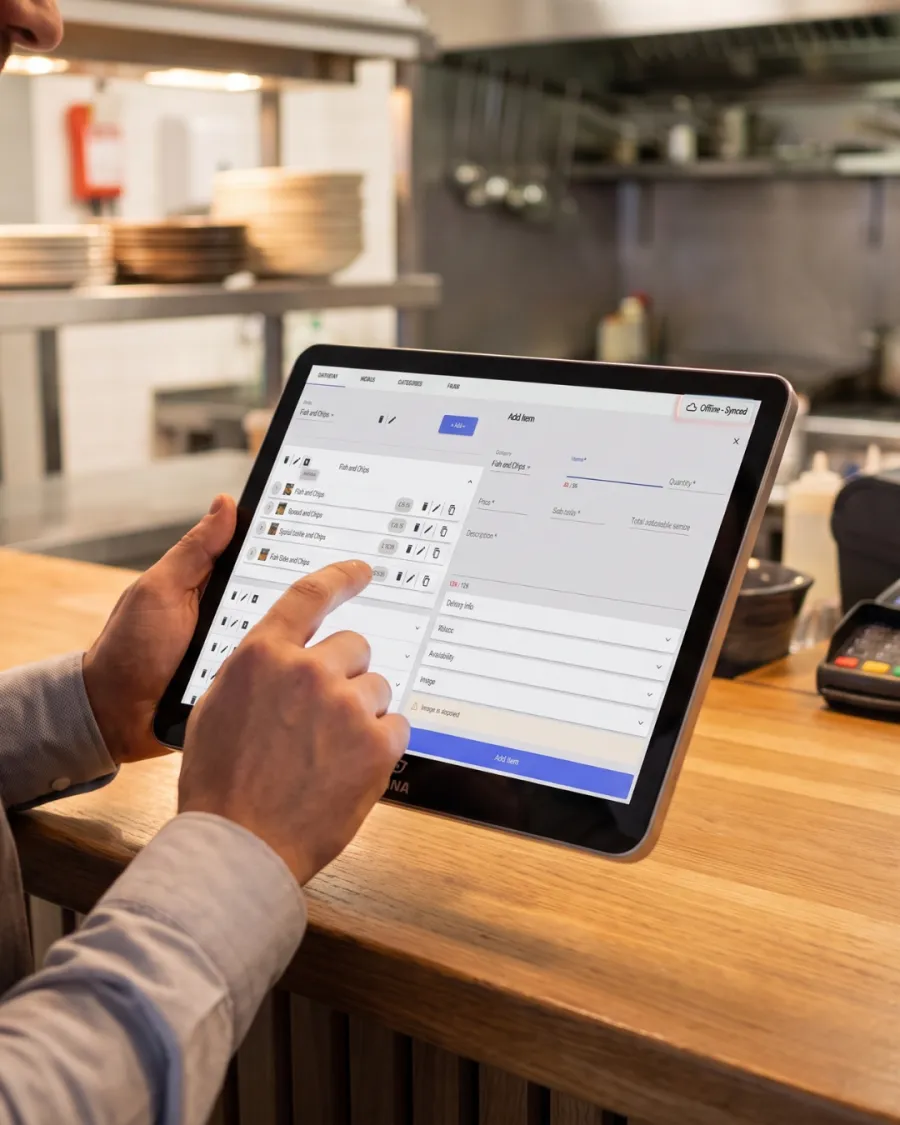
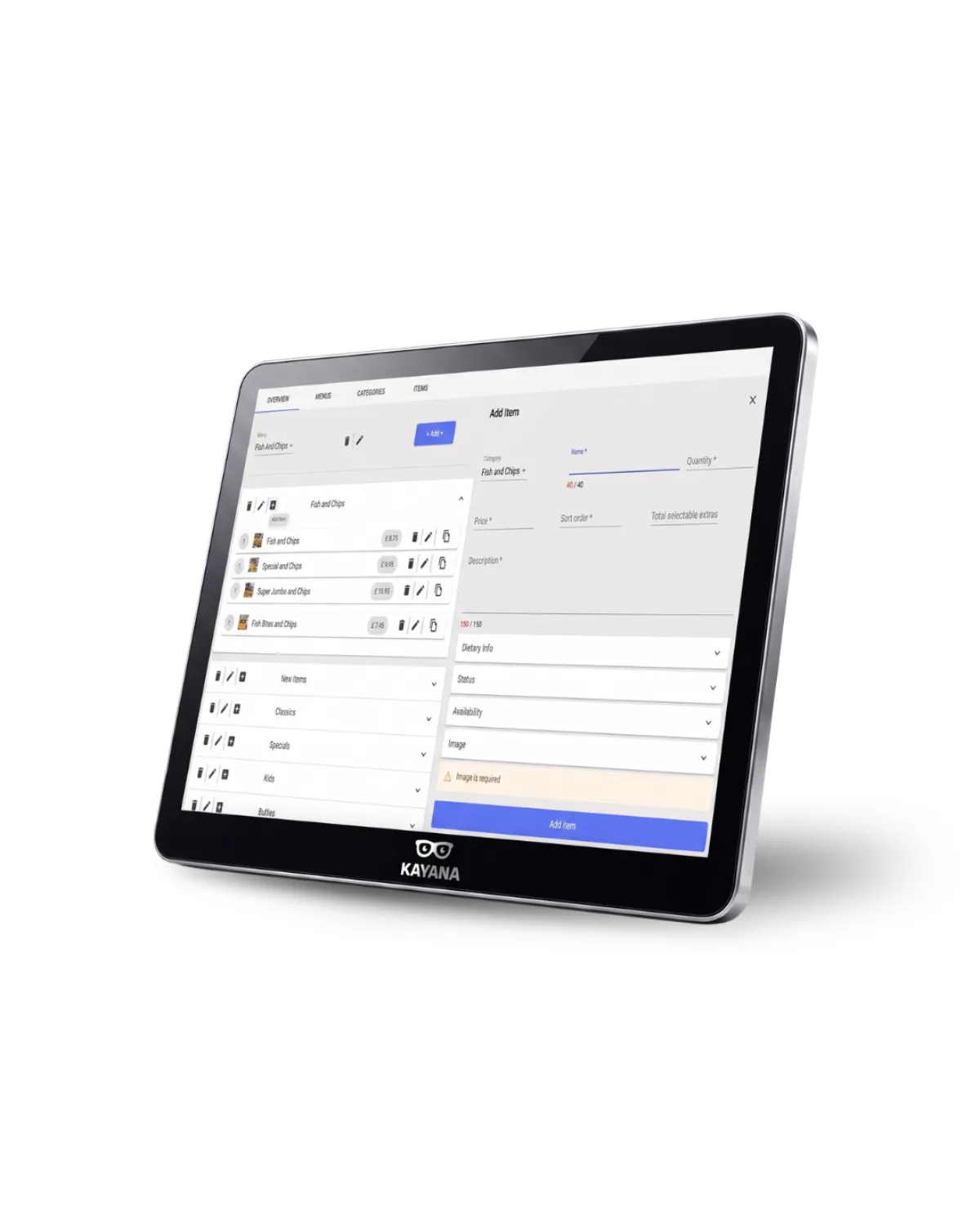
From the menu settings on the tablet you can mark an item as out of stock, or change its title, description and position, so the kiosk stops offering what you have run out of.
- Mark items out of stock
- Edit titles and descriptions
- Change the order of items
Refunds and printing
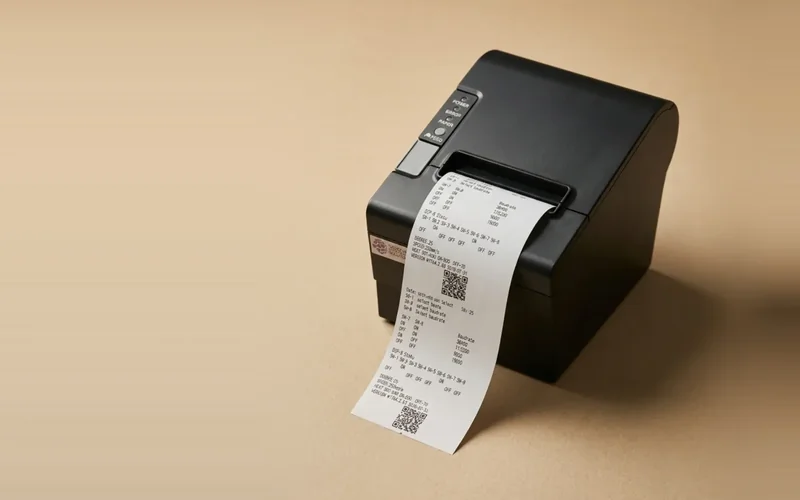
Process full or partial refunds from the order history with your refund PIN, and connect a printer over Bluetooth, USB or your network from the settings.
- Full or partial refunds
- Refund PIN
- Bluetooth, USB or network printer
Everything's built in, from day one.
24/7 support
Round-the-clock human help, included as standard.
Free updates
New features ship automatically, at no extra cost.
Works offline
Keep selling even if the connection drops.
One dashboard
Run every channel and site from a single login.
Bank-grade security
PCI-DSS compliant and end-to-end encrypted.
Scales with you
From one location to many, no re-platforming.
Open integrations
Connect accounting, delivery and loyalty tools.
Transparent pricing
One clear rate — no hidden fees, ever.
Live in three steps.
Set up
We set the tablet up with your kiosk when we set up your system.
Order
A guest orders at the kiosk, or a customer orders on WhatsApp, and pays.
Prepare
The order appears on the tablet and the kitchen starts on it.
Ready for every sale, every time
Orders where the kitchen works
Kiosk orders
Stock and menu from the same device
Mark items out of stock
Refunds and printing
Full or partial refunds
Software that fits what you do
Ready for any rush
One connected app runs orders, payments and the back office on the same device — so Order Receiver fits the way you already work, from the counter to the kitchen.
- ✓Take orders at the counter, at the table, on a kiosk or online
- ✓Process every payment and reconcile it automatically
- ✓Track stock, staff and sales from one live dashboard
Why choose Kayana Order Receiver
Most operators see it pay for itself within weeks.
Most operators see ordering hardware pay for itself within about six months of going live — bigger baskets, calmer queues, fewer walkouts.
Representative figures — real results depend on your setup, volume and how you trade.
Operators seeing results within weeks
All customer stories →Connect with the tools your business already uses.
Browse integrations →The detail, on the record.
Order Receiver — connectivity, compatibility, security and what's in the box.
Kayana's Order Receiver is a 10-inch tablet that shows your orders in the kitchen. Orders from your self-service kiosk appear on it as they are placed, and paid WhatsApp orders can arrive on it too.
A screen for the orders your kiosk takes
A kiosk takes the order at the screen, but the kitchen still needs to see it. The Order Receiver sits where the food is made and shows each order as it comes in, so your team does not wait to be told what to prepare.
Manage stock and the menu from the tablet
From the menu settings on the tablet you can mark an item as out of stock, so it stops being offered on the kiosk, and mark it available again when it is back. You can also change an item's title, description and position in the list.
Refunds and printing
Full and partial refunds can be processed from the order history using your refund PIN, and a printer can be connected over Bluetooth, USB or your network from the settings.
Do you need one?
If you use a Kayana EPOS, the EPOS receives your orders, so you may not need an Order Receiver. A kiosk on its own needs somewhere for its orders to be seen, and the Order Receiver is made for that. We set it up with the rest of your system, and our support team is available around the clock.
Questions, answered
Everything you need to know about Order Receiver. Can't find your answer?